
Productivity
Yam Air
Use a compatible iPhone or iPad as a wireless Mac display with mirroring, extension and touch interaction.
Choose after testing the exact Mac and local wireless setup.
A peer-to-peer option can avoid needing an internet connection between supported devices.
Keep in mind: Performance depends on hardware and local interference; optional 60fps and Plus functions should be checked separately.
Inside the app
Official product images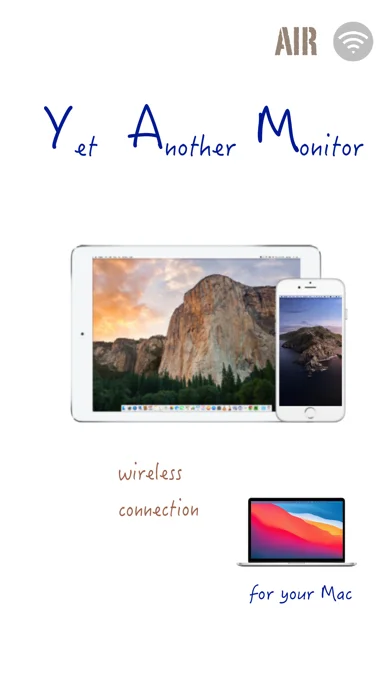
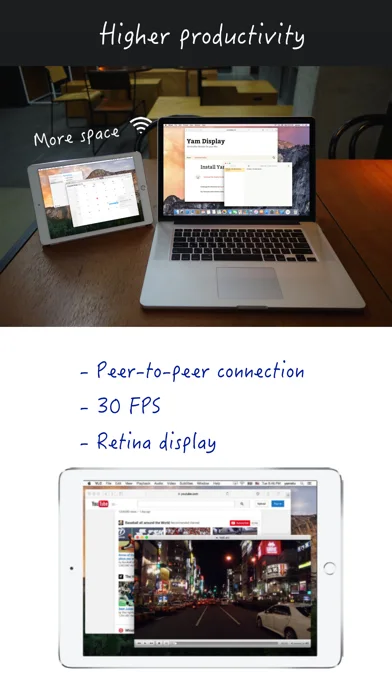
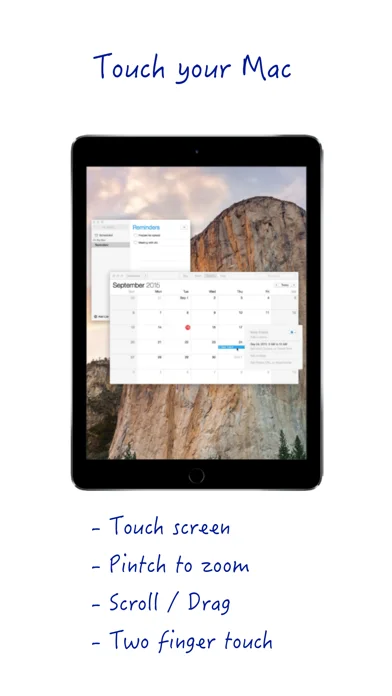
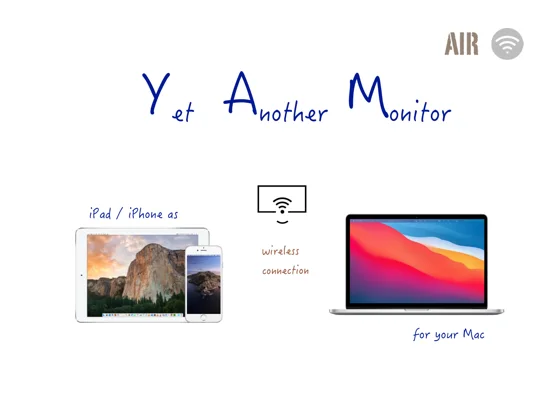
What you can do
- Wireless display extension or mirror
- Touch and keyboard interaction
- Optional drag-and-drop and teleprompter mode
Good for
- Mac users reusing a compatible mobile screen.
Consider alternatives for
- People requiring a guaranteed latency-free or USB-only display.
Limitations & considerations
- Captured minimum: iOS 8.0.
- Performance depends on hardware and local interference; optional 60fps and Plus functions should be checked separately.
Privacy & permissions
The second screen can reveal confidential Mac material; connect only intended devices and protect local access.
Sources & review notes Updated Nov 11, 2026
Reviewed by iApp4Me Editorial Team. Recommendations use the linked documentation and attributed accounts; device observations are identified separately.
- US App Store developer description
Complete description, download price and compatibility metadata captured 2026-11-02.
No comments yet. Be the first to share your experience.