YamaCast - MusicCast Remote
Control Yamaha MusicCast devices from a Mac and send compatible local music to them.
A MusicCast owner checking Mac controls for the exact supported device.
Control Yamaha MusicCast devices from a Mac and send compatible local music to them.
Keep in mind: The description explicitly excludes Apple Music streaming and officially supports purchased iTunes music for local streaming. Sound settings vary by device; current compatibility was not tested.
Inside the app
Official product images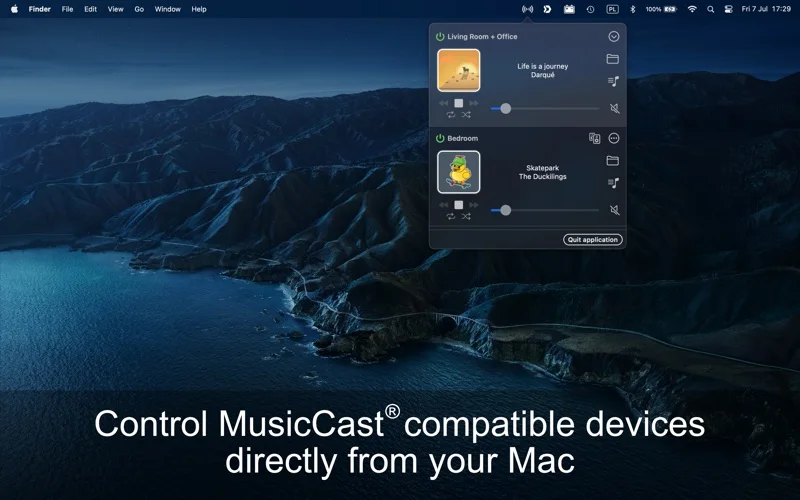
What you can do
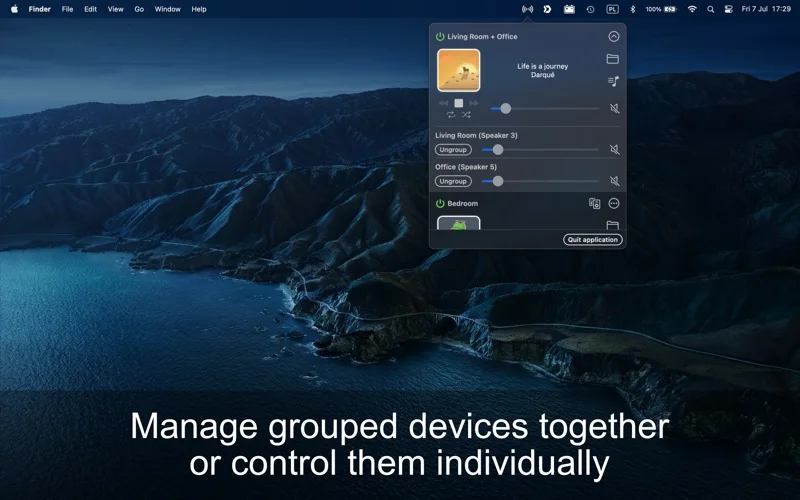
- Control playback, power, presets and speaker grouping.
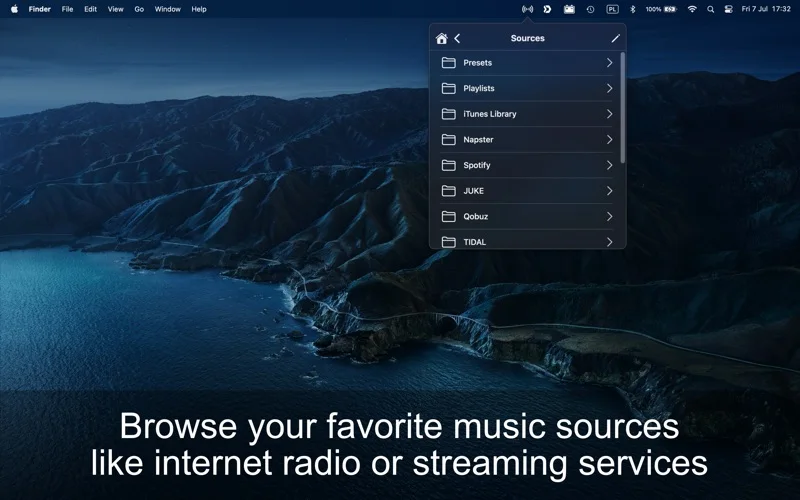
- Use device-dependent equalizer settings and available network/DLNA sources.
- Stream supported downloaded DRM-free iTunes-library music and use AppleScript integration.
Good for
- A MusicCast owner checking Mac controls for the exact supported device.
Consider alternatives for
- Streaming Apple Music subscription files or unlocking DRM-protected tracks.
Limitations & considerations
- The description explicitly excludes Apple Music streaming and officially supports purchased iTunes music for local streaming. Sound settings vary by device; current compatibility was not tested.
Privacy & permissions
Speaker discovery and playback communicate over the network. Review destination, file and automation permissions before streaming private audio or running scripts; no cloud-free guarantee is established.
Sources & review notes Updated Nov 17, 2026
Reviewed by iApp4Me Editorial Team. Recommendations use the linked documentation and attributed accounts; device observations are identified separately.
- US App Store listing
Publisher description and US download price captured 2026-11-02; source-based coverage, not a device test.
No comments yet. Be the first to share your experience.