
Zella: Recorder & Video Editor
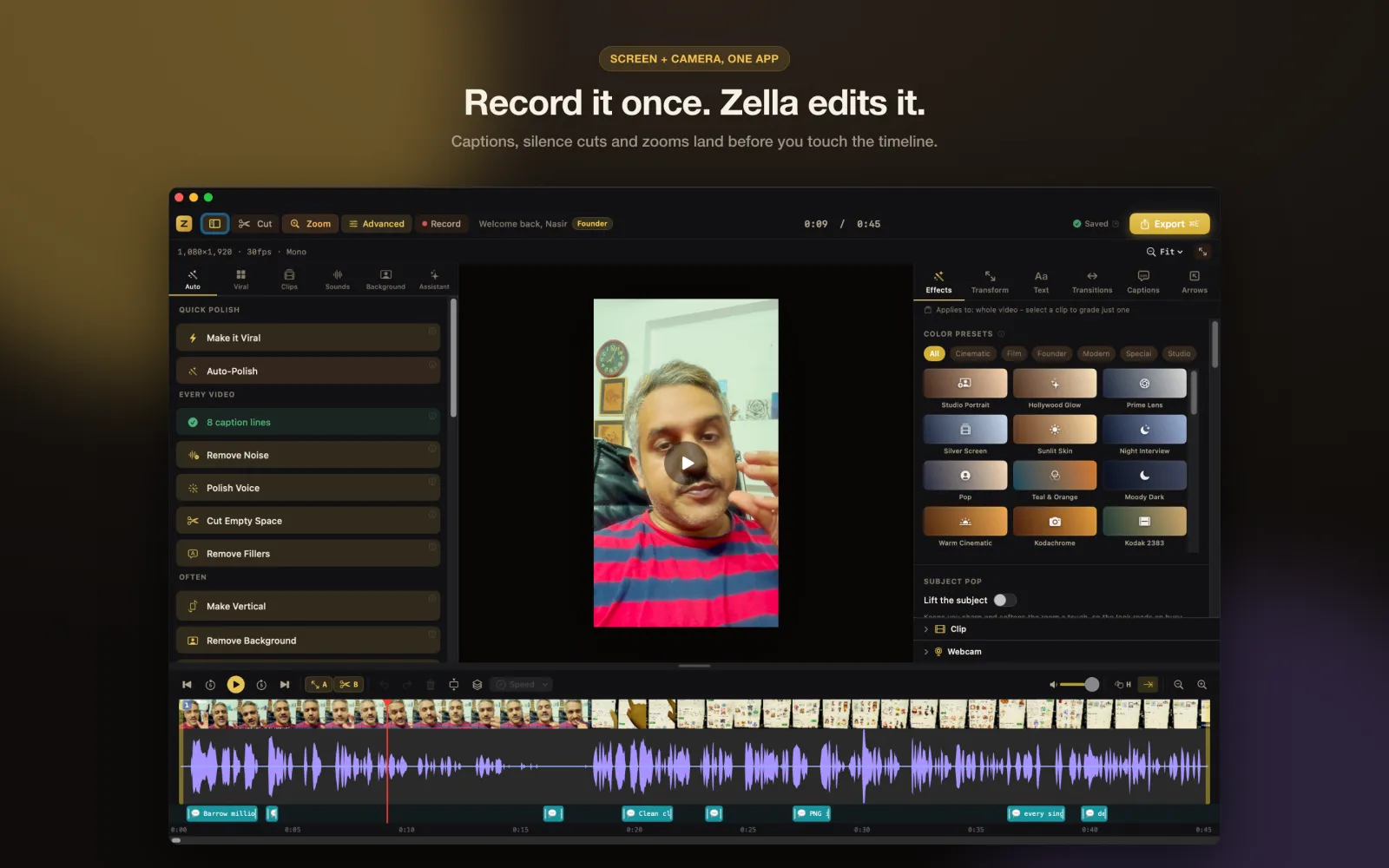
Record a screen or camera clip, edit captions and pauses, and export a short video using the same editor.
Short tutorials, demos and walkthroughs that need captions and quick editing
Start with one short screen recording. Check the automatic edit for clipped words or skipped steps, correct the captions, then choose the framing for the destination platform.
Keep in mind: The publisher lists free exports up to two minutes and 1080p. Some on-device models may need an initial download. Export and device compatibility have not been tested here.
Inside the app
Official product images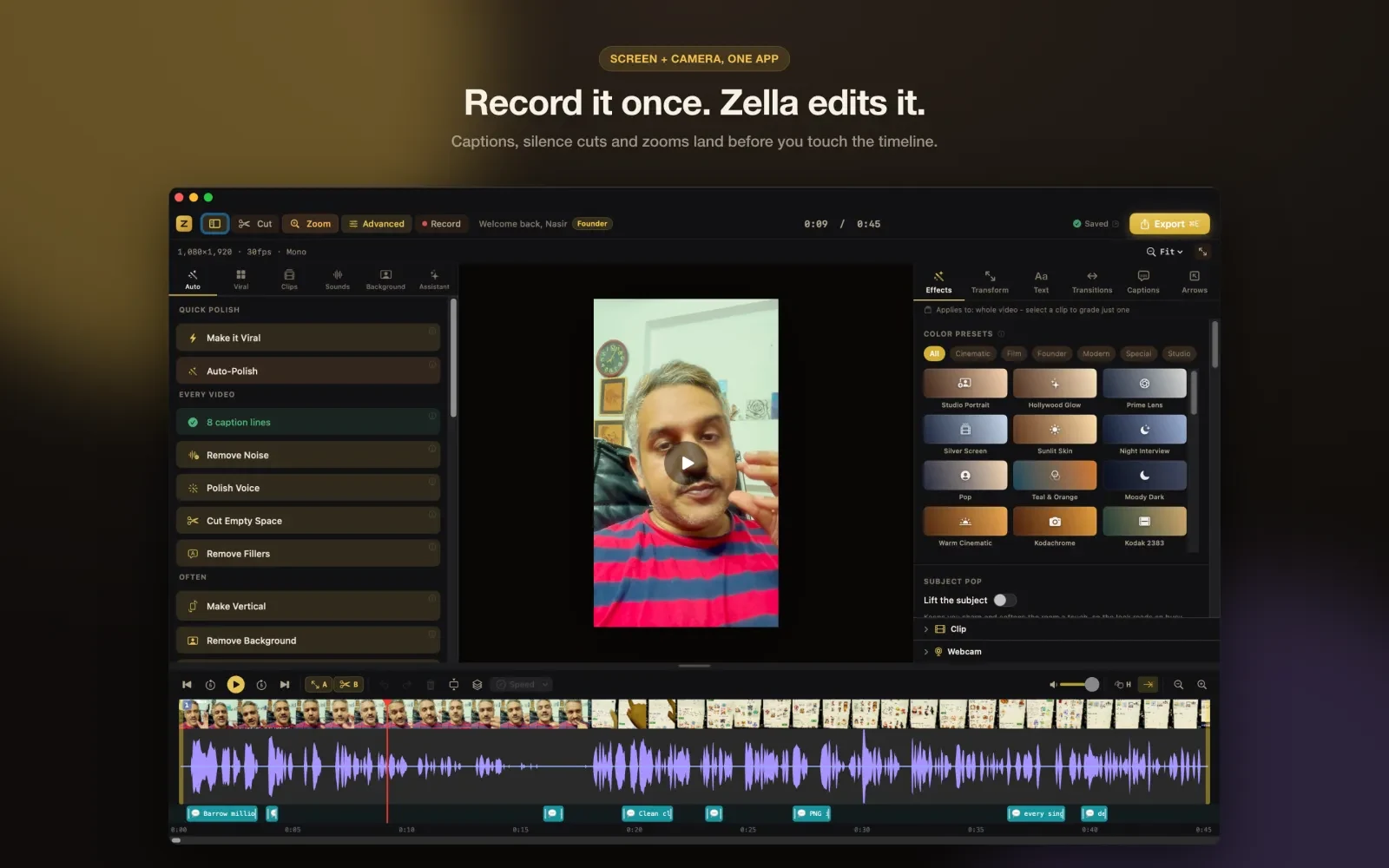
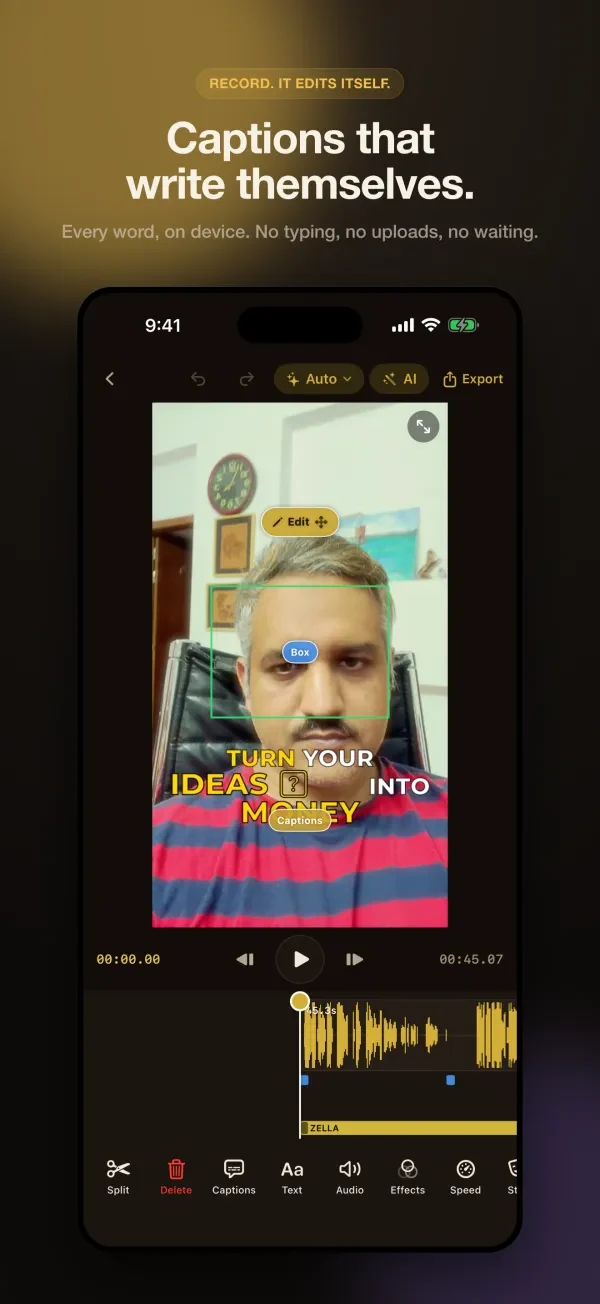
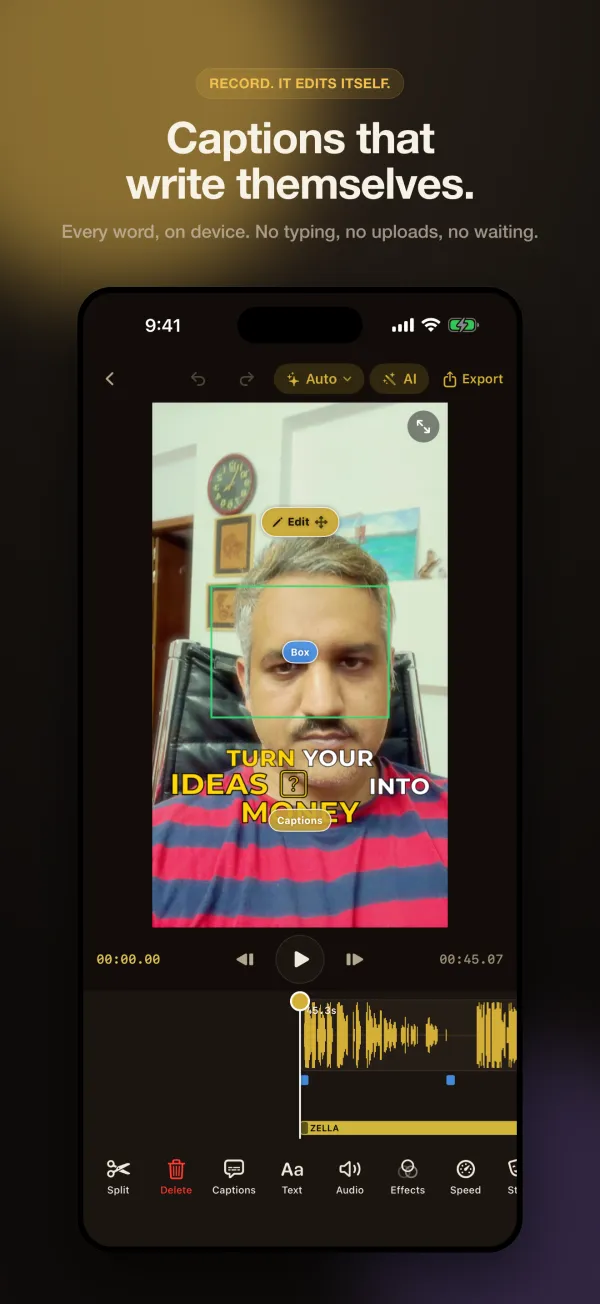
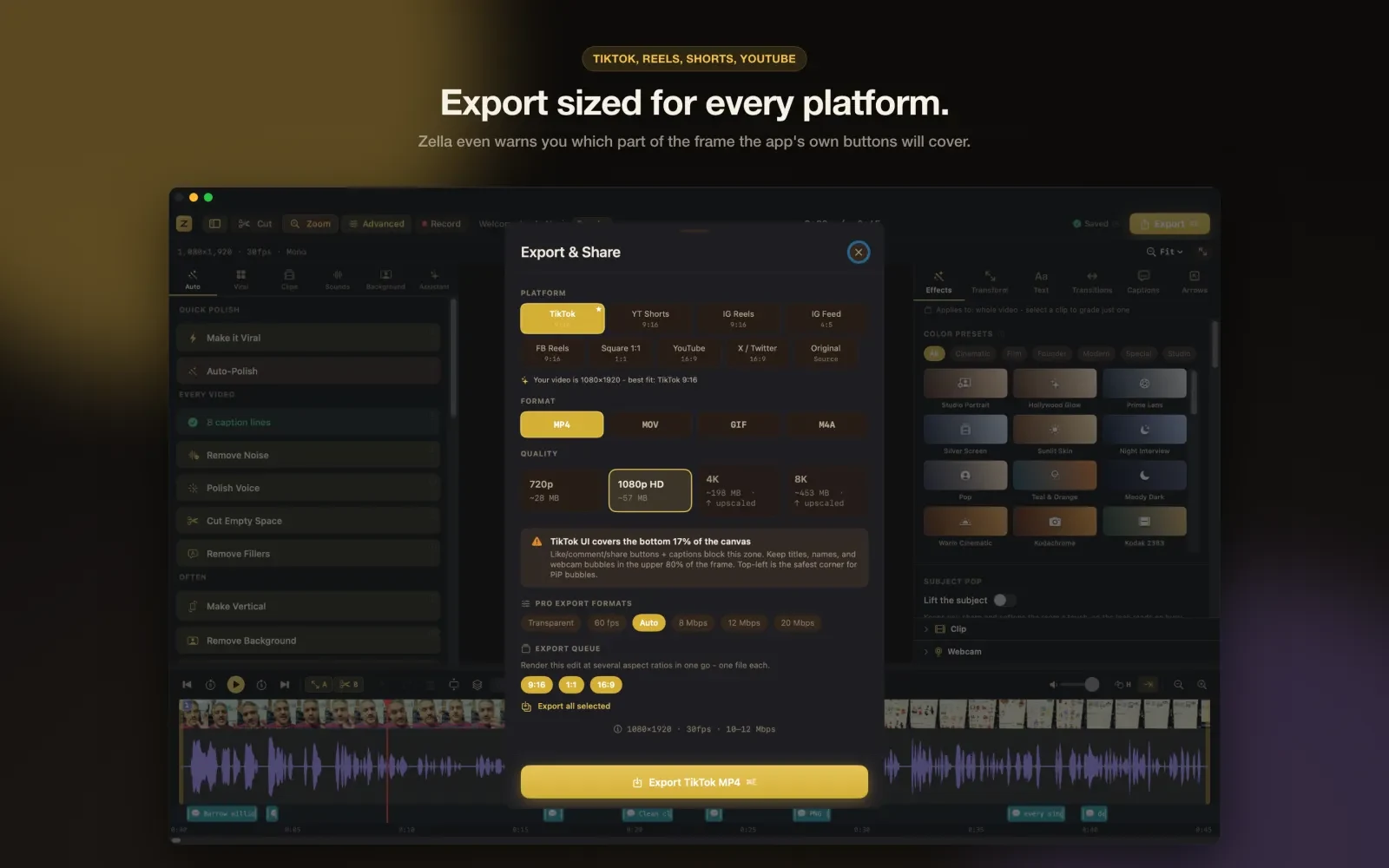
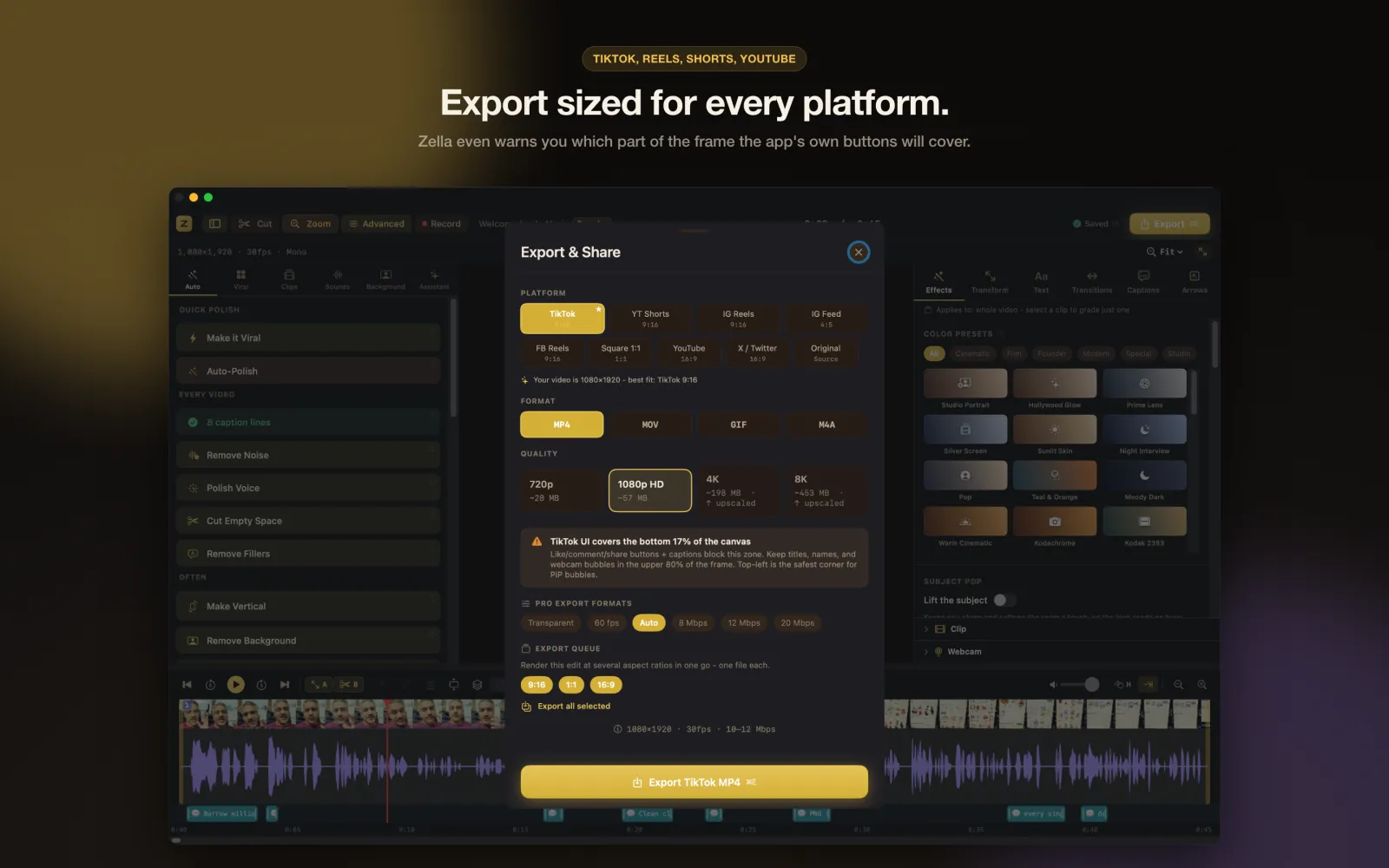
What you can do
- Record the screen or camera, or import an existing clip
- Generate captions and use automatic pause trimming and zooms
- Export a cut with platform-oriented aspect ratio and resolution presets
Good for
- Short tutorials, demos and walkthroughs that need captions and quick editing
Consider alternatives for
- The publisher lists free exports up to two minutes and 1080p. Some on-device models may need an initial download. Export and device compatibility have not been tested here.
Where it fits
Start with one short screen recording. Check the automatic edit for clipped words or skipped steps, correct the captions, then choose the framing for the destination platform.
The publisher lists free exports up to two minutes and 1080p. Some on-device models may need an initial download. Export and device compatibility have not been tested here.
Limitations & considerations
- The publisher lists free exports up to two minutes and 1080p. Some on-device models may need an initial download. Export and device compatibility have not been tested here.
Privacy & permissions
The publisher says recording and AI editing run on-device. Consult its privacy information and operating system permissions before recording a screen with private information.
Sources & review notes Updated Nov 26, 2026
Reviewed by iApp4Me Editorial Team. Recommendations use the linked documentation and attributed accounts; device observations are identified separately.
- US App Store listing
Official listing, version 1.0.19 and regional purchase options.
- Official website or support
Publisher documentation.
No comments yet. Be the first to share your experience.