Graphics & Design
Zen Brush 3
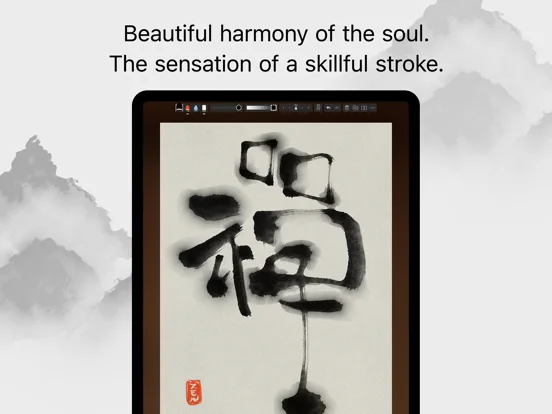
Zen Brush 3 simulates East Asian ink-brush drawing with water, color and layered composition tools.
Choose for calligraphy-inspired drawing and textured ink experiments.
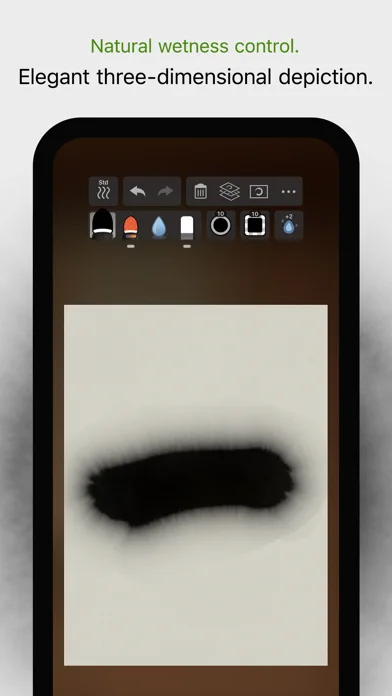
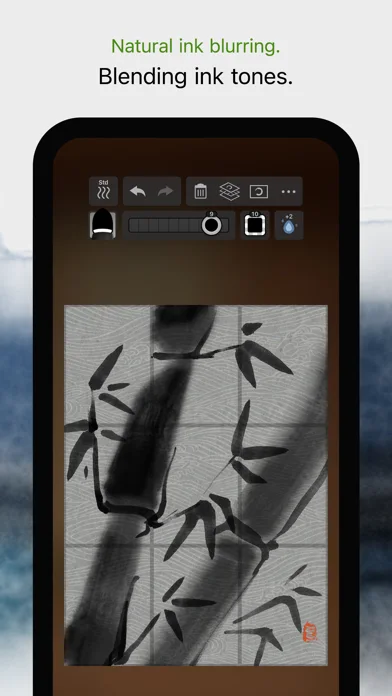
Water amount, drying and paper templates support styles different from a conventional opaque digital pen.
Keep in mind: The simulation is not a physical brush, undo is limited to five levels, and maximum canvas sizes depend on device capability.
Inside the app
Official product images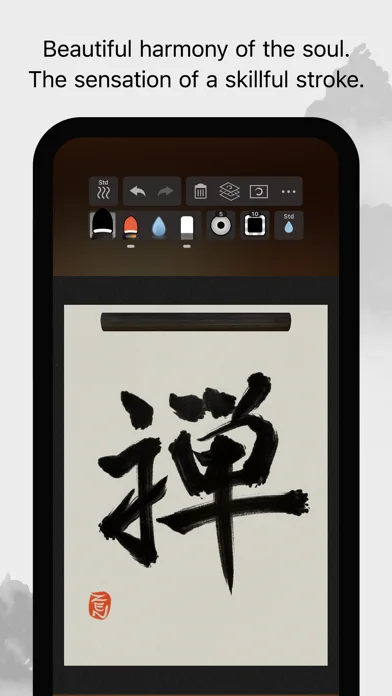
What you can do
- Use ink, color and water brushes
- Adjust thickness, water and tone
- Work with layers and imported photos
- Choose paper backgrounds
- Use supported Pencil pressure and tilt
- Export JPEG or transparent PNG
Good for
- Artists exploring expressive ink and watercolor-like marks
Consider alternatives for
- Artists requiring unlimited undo or guaranteed large-canvas performance
Limitations & considerations
- Captured minimum: iOS 13.0.
- The simulation is not a physical brush, undo is limited to five levels, and maximum canvas sizes depend on device capability.
Privacy & permissions
Imported photos and exported artwork can contain private or licensed material; choose sharing destinations deliberately.
Sources & review notes Updated Nov 11, 2026
Reviewed by iApp4Me Editorial Team. Recommendations use the linked documentation and attributed accounts; device observations are identified separately.
- US App Store developer description
Complete description, download price and compatibility metadata captured 2026-11-02.
No comments yet. Be the first to share your experience.