
Weather
Windy.com
Several model and map choices expose differences between forecasts.
Apps observed in Apple’s US App Store charts for Weather.
Showing 361–375 of 375
Several model and map choices expose differences between forecasts.

Saved places can make routine forecast checks quicker.
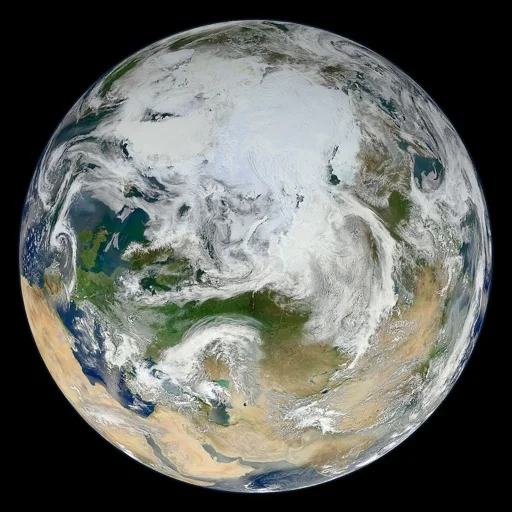
Moving a map cursor to an area provides a simple route into recent satellite imagery without treating it as a street map.
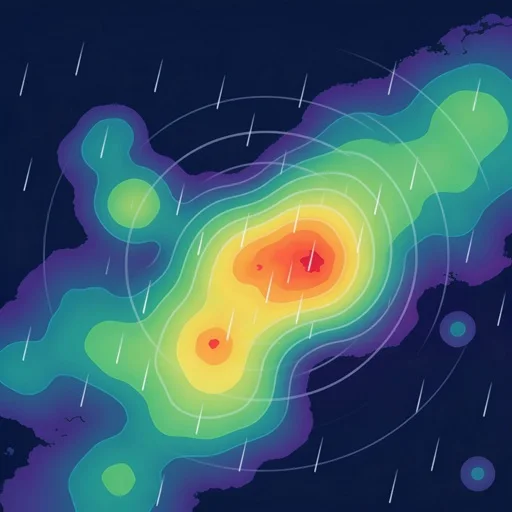
多站昵称、刷新间隔和缓存便于查看自己关注的站点。

按经纬度配置预报并选择附近观测站和预警区域,便于结合当地情况查看。

A timeline aligns observations, forecasts, and notices; paid tools add route and notification features.

Seven-day graphs and customizable weather-map bookmarks combine specific local forecasts with reference imagery.
Point forecasts and charted temperature, wind and precipitation variables provide more context than a single daily icon.

Cloud, seeing and transparency information can be compared with more local weather sources.

Widgets and city switching organize routine checks.

Changing scenes connect time of day and predicted weather without a dense chart interface.

Multiple map layers show how a storm develops across an area.

按市区町村查询,结合温度图、雨云和季节信息查看天气。

Hourly and longer-range views, large text and widgets offer different ways to read forecasts.

Minute-scale rain timing and map layers put local forecasts beside a wider weather picture.