Insert Reusable Text from a Snippet Keyboard
Save reusable replies, addresses and links, then insert them from a local snippet keyboard or copy them from the app.
The short answer
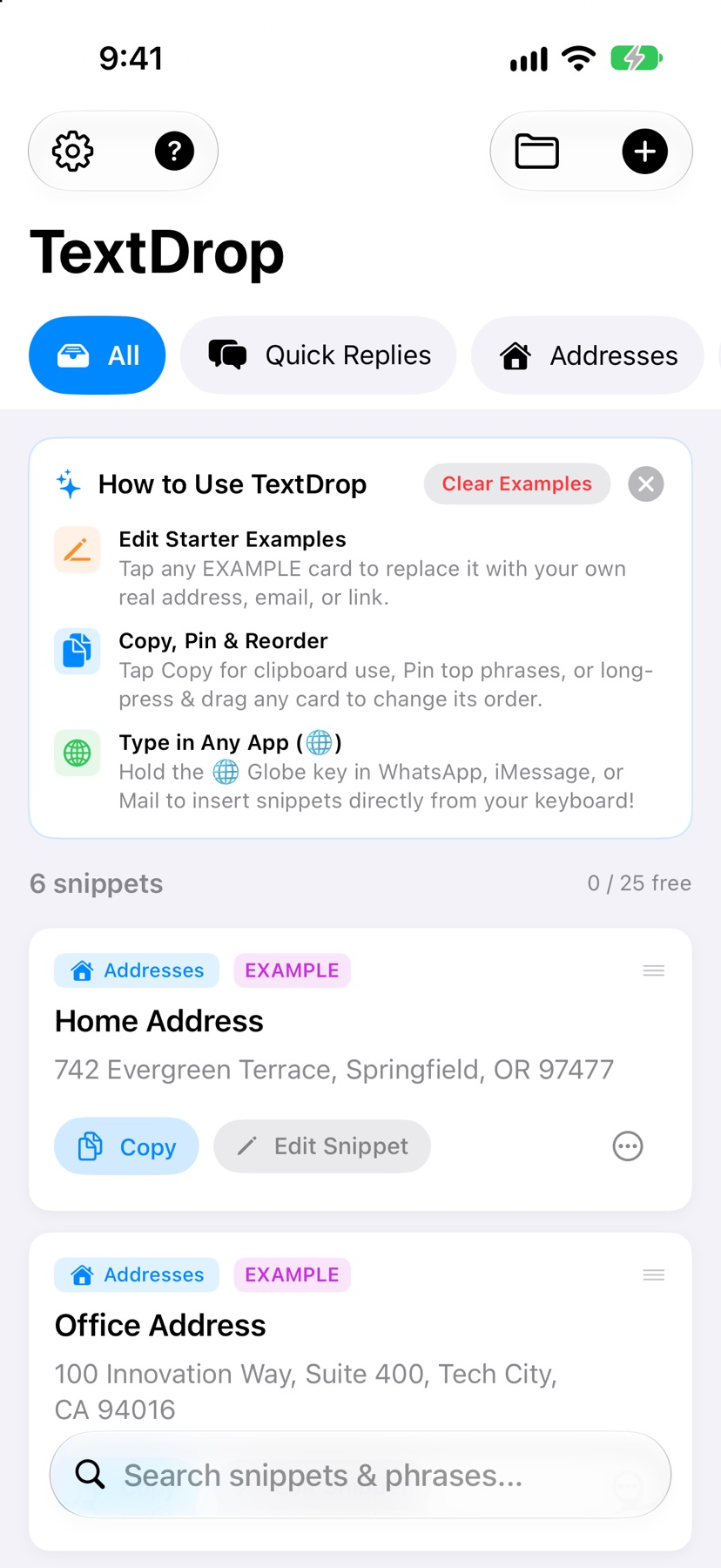
TextDrop is suited to someone repeatedly typing the same small pieces of text on an iPhone or iPad. Its documented keyboard lets a saved card insert a phrase into the current field, while categories and pinning keep frequent items close. The 25-snippet free allocation is a useful way to test whether the keyboard works in your regular apps.
Start with one small attempt
Create a non-sensitive sample phrase, then enable and select the snippet keyboard using your device's keyboard settings.
Check the result and access
Insert the phrase into a draft and check the result. Test variables and formatting before making the snippet part of a regular workflow.
Limitations & considerations
- Keyboard availability varies by app, input field and iOS settings. Insertion and variables were not tested on a device.
- Offline and no-Full-Access behavior are publisher disclosures. An independent keyboard/network audit was not performed.
Use the linked official pages for current platform, access and purchase conditions.
Sources & scope
Reviewed November 11, 2026. Workflow based on linked official documentation checked November 11, 2026. Publisher images are credited.
- TextDrop: Snippet Keyboard · App Store
Official product, access and compatibility information checked November 11, 2026.
- TextDrop: Snippet Keyboard · developer privacy policy
Official product, access and compatibility information checked November 11, 2026.