Keep a Patient-Entered Holter Diary
Manually save symptom and activity times, add context later and prepare a PDF diary during an ambulatory ECG monitoring period.
The short answer
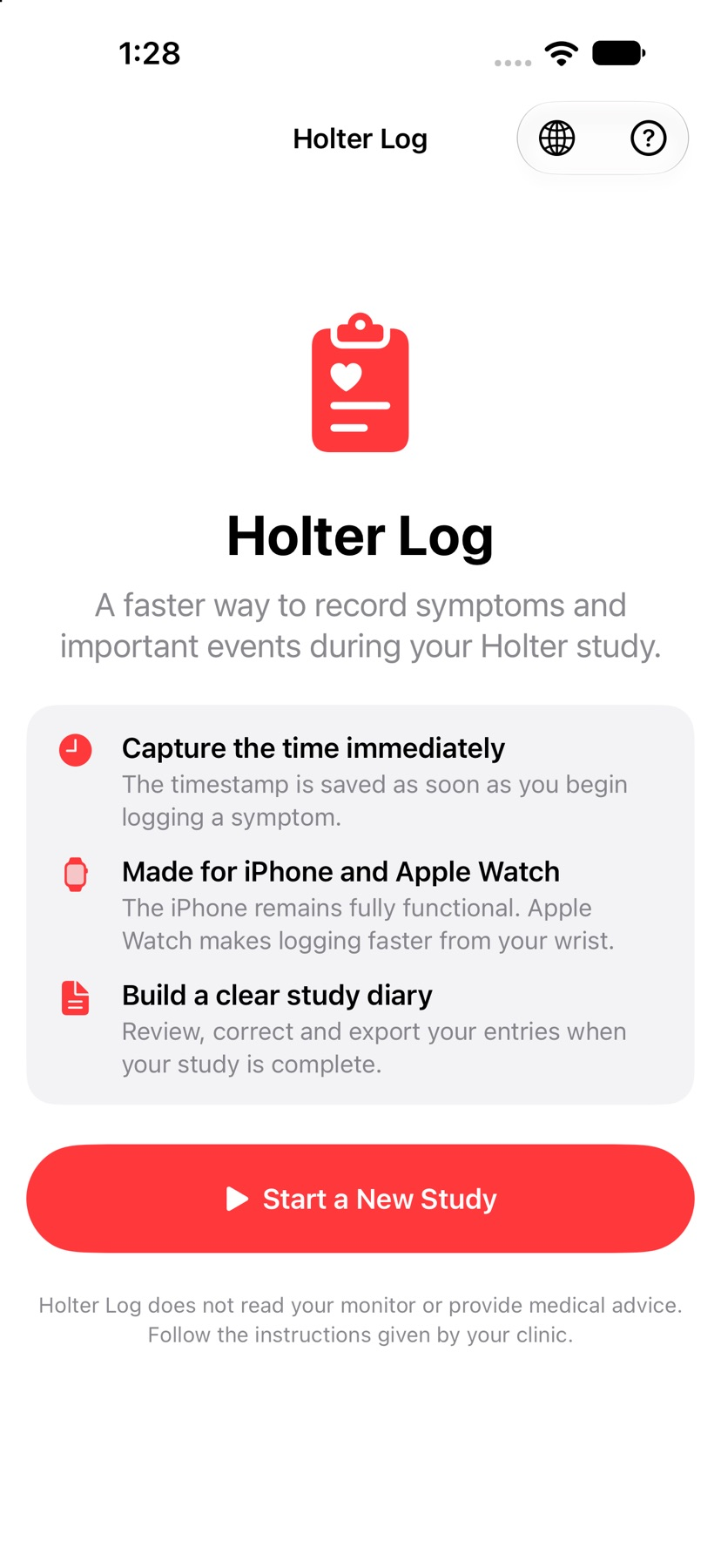
Holter Log offers a patient-entered diary rather than a connection to a Holter monitor. Its iPhone and Apple Watch workflow separates capturing a time from adding details, then brings entries together for a PDF. It does not read or analyze ECG signals, detect conditions or provide a diagnosis.
Begin with the documented workflow
Follow the diary format requested by the clinic. In the documented workflow, capture an event time first, then add the symptom or activity details and correct an entry if needed.
Check the result and access
Review the timeline and preview the PDF before sharing it with the intended care team. Neither the Watch flow nor the PDF has been exercised by our editors.
US App Store download costs $0.99. The checked listing shows no in-app purchase or subscription entries.
No publicly verified free trial was established. No complimentary access code was redeemed for this coverage.
Limitations & considerations
- A manual diary does not read monitor data, analyze ECG, detect arrhythmias or replace the clinic’s instructions.
- The store-linked Google Sites privacy page returned HTTP 404. Its policy text could not be verified.
- Quick entry, Watch synchronization and the exported PDF were not tested. The gallery is publisher iPhone imagery, not our device captures.
- The description claims 49 in-app languages, while checked store metadata lists 47. Language coverage was not tested.
Use the linked official pages for current platform, access and purchase conditions.
Sources & scope
Reviewed November 15, 2026. Source-based workflow checked November 15, 2026. No installed-device, account, payment or outcome test.
- Holter Log · App Store
Official source checked November 15, 2026. Publisher claims are distinguished from installed-device observation.