Listen to Quran Radio in the Background
Keep a live recitation stream available while using another app.
The short answer
Use the dedicated radio player when continuous recitation is the task. Check the stream and background controls on your network before treating it as a dependable daily source.
Check the live source
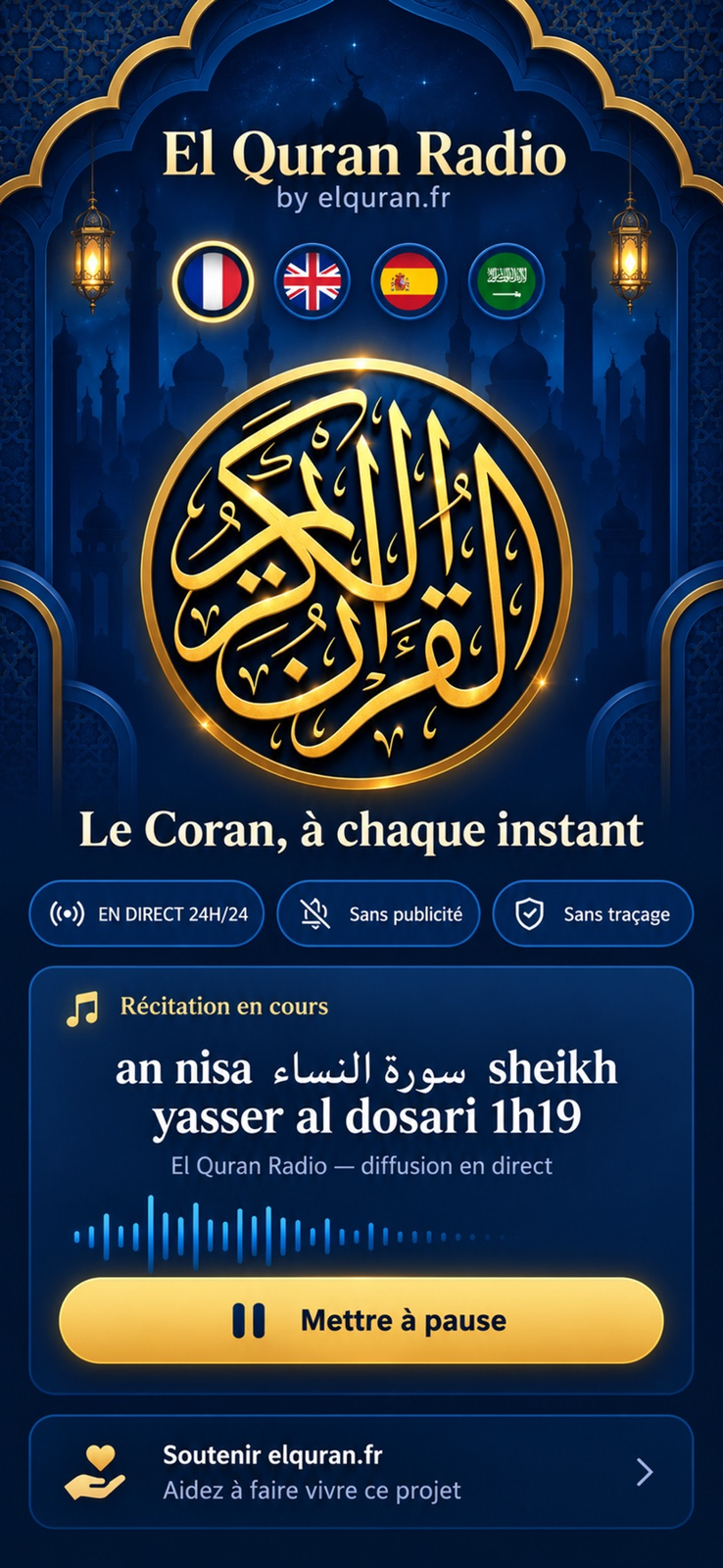
Open the player and inspect the currently playing item. A live radio source is different from selecting a downloaded chapter.
Check background control
The publisher advertises playback outside the app and from the lock screen. Those behaviors were not tested here and may depend on device and audio conditions.
Limitations & considerations
- Live audio depends on internet access and the stream provider; availability and background reliability were not tested.
- The current iOS release is 1.0. The Android listing was updated October 20, 2026; its current version number was not established.
Use the linked official pages for current platform, access and purchase conditions.
Sources & scope
Reviewed November 4, 2026. Source-based workflow overview. Current official and store information checked November 4, 2026. Research, education assessments and directories retain their own scope; no hands-on test is claimed.
- ElQuranRadio · US App Store
Current version, free download, iOS/iPadOS requirements, supported interface languages and publisher privacy label.
- ElQuranRadio · official website
Links the native radio apps and distinguishes them from the wider Quran web service.
- El Quran Radio · Google Play
Official Android download, background/lock-screen claims, voluntary support link and data-safety disclosure.