Read Japanese with a Dictionary Beside It
Keep the passage visible while checking a word, then return to the sentence.
The short answer
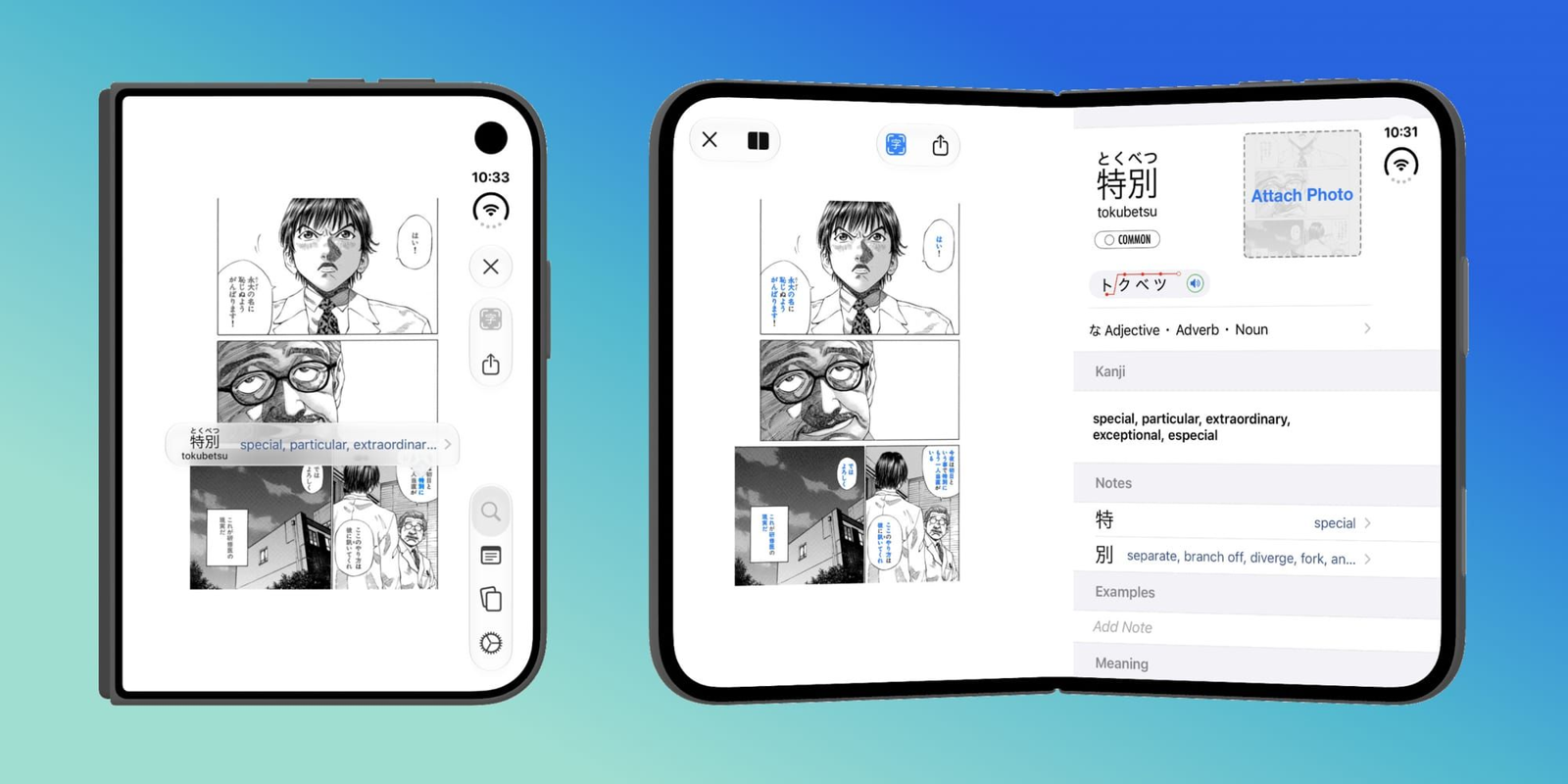
Nihongo combines dictionary lookup, Clippings and study tools. Use short text to judge the workflow, then check Pro access and the specific requirements for Duo/iPad Two Column Reading Mode.
Try a short passage
Paste a passage within the free Clipping limit and look up the word that blocks understanding. Return to its sentence before collecting more vocabulary.
Check the input and layout
Photo Lookup needs Pro. The announced two-column layout has a higher system requirement than the app minimum. Verify OCR processing choices before using sensitive material.
Limitations & considerations
- The app’s current minimum is iOS/iPadOS 18.6. The 1.36 release note separately requires iOS 27.1 or later for Two Column Reading Mode on Duo/iPad.
- The store description mentions Google Cloud Vision, while newer release notes describe improved on-device Photo Lookup and retirement of OCR.space. Exact current processing-mode coverage remains unverified.
Use the linked official pages for current platform, access and purchase conditions.
Sources & scope
Reviewed November 3, 2026. Source-based workflow overview. Official product, store and policy information reviewed November 3, 2026; limits and version differences are detailed in the app guide.
- Nihongo · official overview
Dictionary and reading/study workflow.
- Nihongo · US App Store
Current version, installation requirements and US in-app purchase list; checked November 3, 2026.
- Nihongo · pricing
Free dictionary, 250-character Clippings limit and Pro/add-on boundaries.
- Nihongo 1.36 · official release notes
October 19, 2026: Duo/two-column requirements, on-device Photo Lookup changes and image credits.
- Nihongo · privacy policy
Analytics, diagnostics and optional communications; not proof that every OCR mode is offline.