Scan a short document and organize its PDF pages
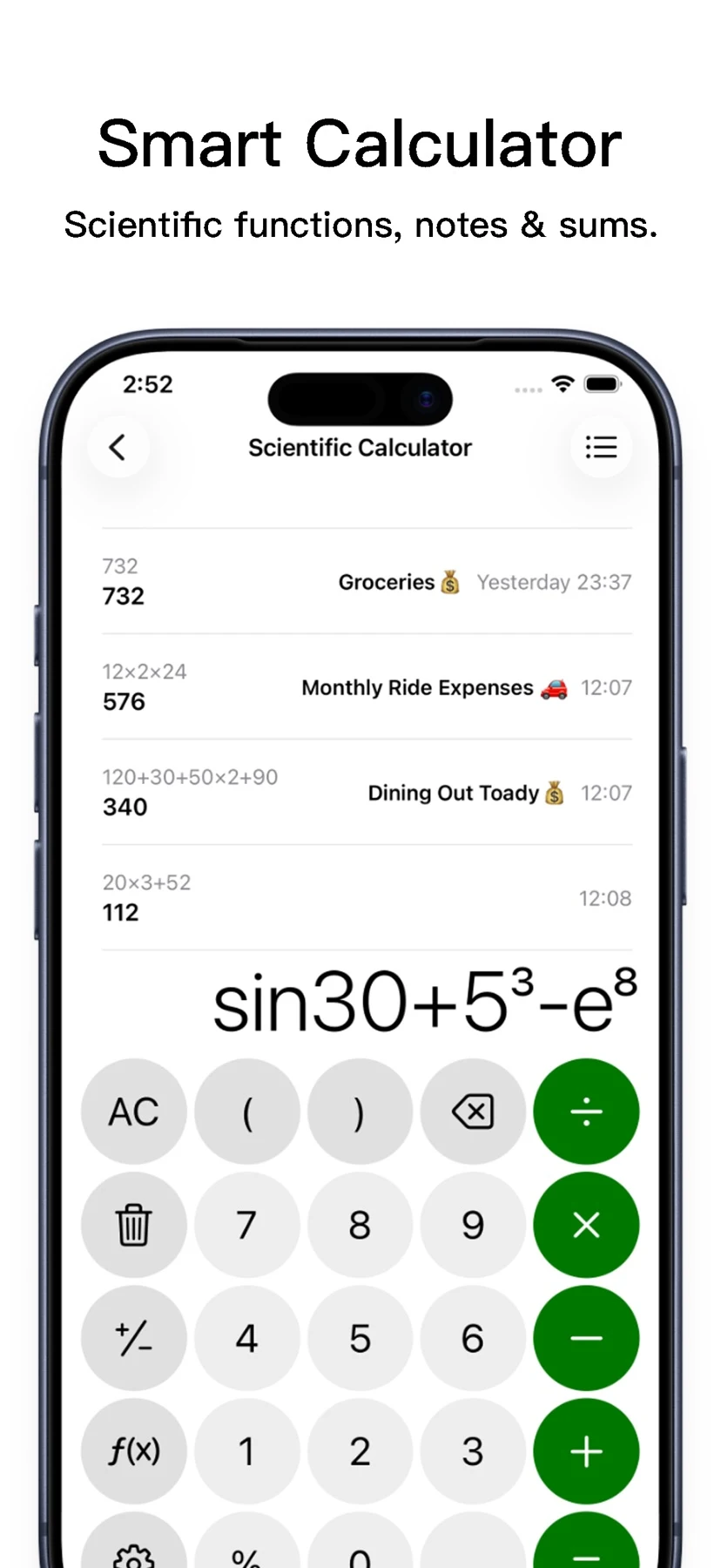
SuperC collects everyday utilities behind one iPhone and iPad interface: scientific calculations, paper-to-PDF scanning, photo cleanup, widgets and unit conversion.
The short answer
SuperC collects everyday utilities behind one iPhone and iPad interface: scientific calculations, paper-to-PDF scanning, photo cleanup, widgets and unit conversion.
Follow a sample workflow
Scan two non-sensitive sample pages. Check the crop, sharpness and page order in the resulting PDF.
Use the page tools to adjust the order or extract one page. If an action presents an upgrade, note it before proceeding with the workflow.
Open the exported PDF separately and check that each intended page is readable and in the right order.
Check price and access
Free download with optional paid access. The US App Store lists weekly access at $8.99, monthly at $12.99, annual at $39.99 and lifetime at $39.99.
The public listing does not identify which PDF actions remain free or any applicable trial. Check the purchase screen before relying on a tool.
Limitations & considerations
- The developer pages linked from the store could not be read during verification. This profile uses the official US listing and store images; PDF free-tier behavior and an exported sample were not tested.
Use the linked official pages for current platform, access and purchase conditions.
Sources & scope
Reviewed November 21, 2026. This editorial guide is based on publicly available publisher documentation and product images.
- App Store listing
Publisher information checked November 21, 2026.