
AppStop: Screen Time & Focus
Use Screen Time controls to pause selected apps and websites until you complete an intention prompt or another short challenge.
Adding friction to habitual app opening
AppStop may help someone who wants a deliberate pause at the moment they open a distracting app. It combines selected Screen Time restrictions with a short challenge and a timed access window. Begin with a few low-stakes targets so you can understand its emergency-pass and permission behavior.
Keep in mind: Screen Time authorization, challenge behavior and protection boundaries were not tested.
Inside the app
Official product images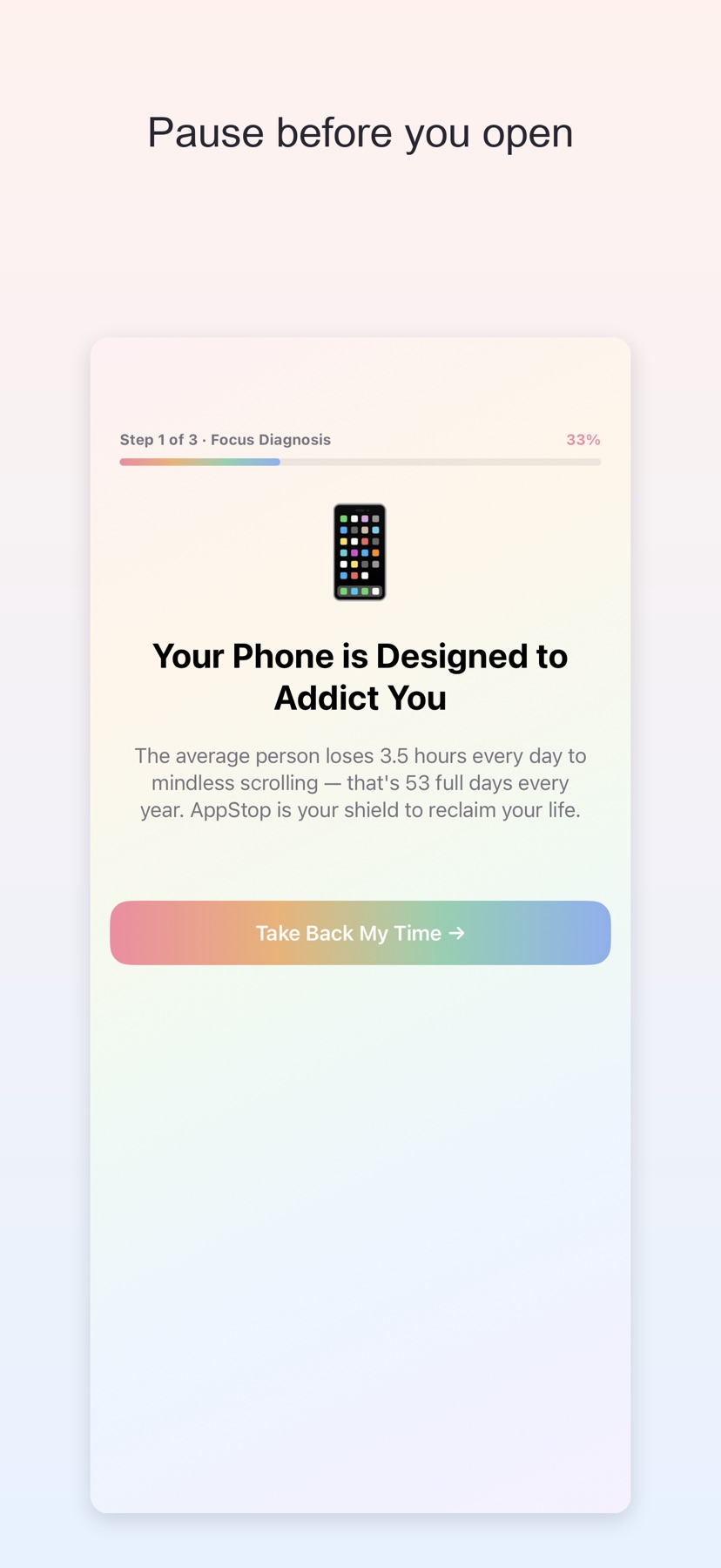

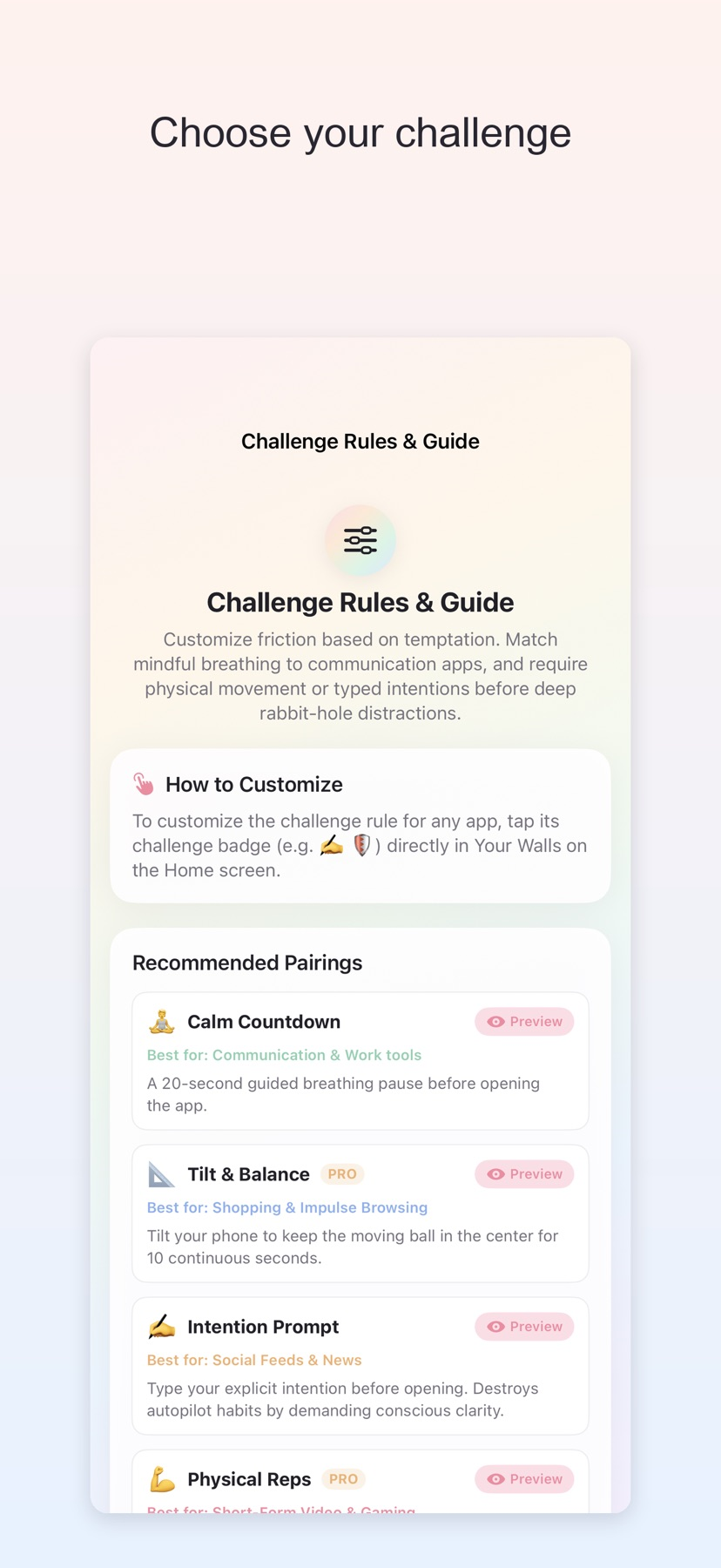

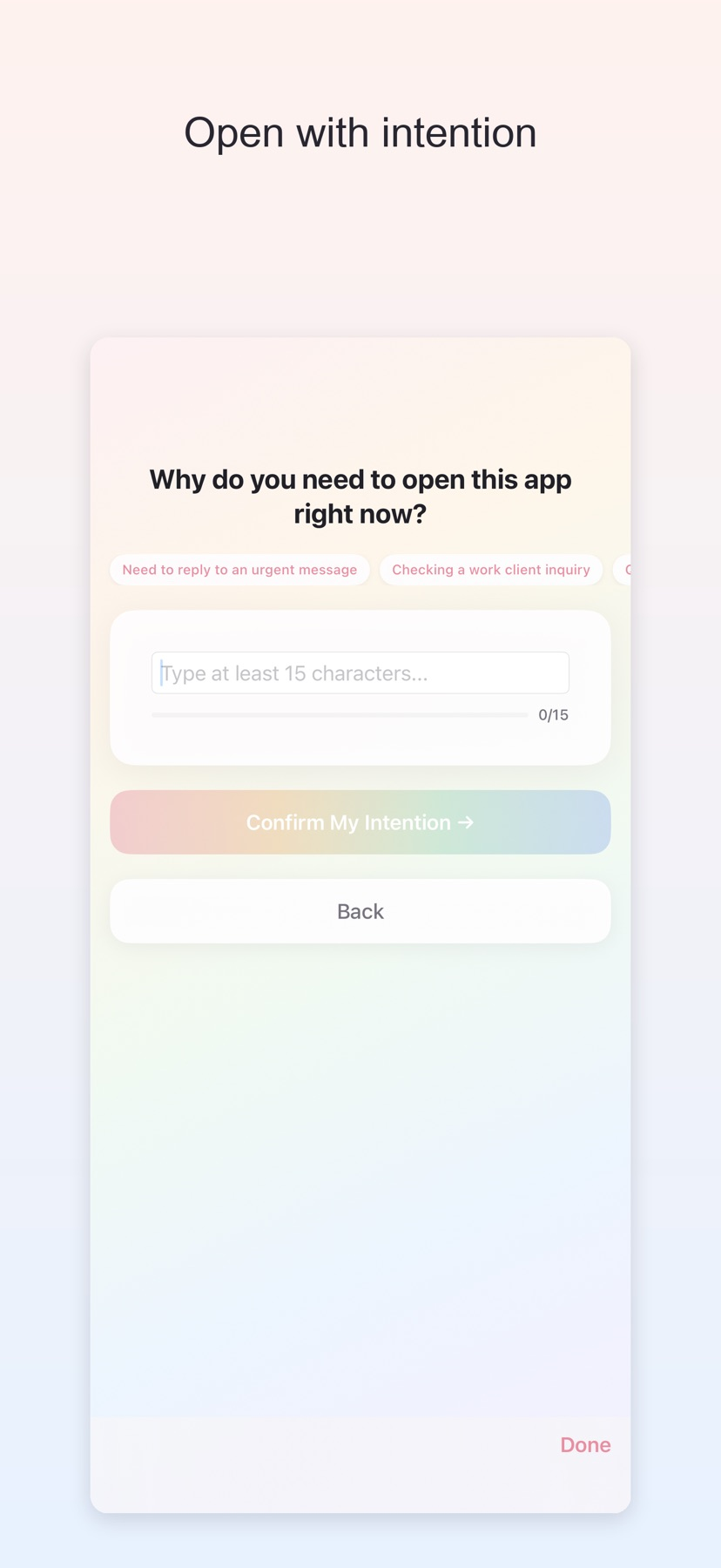

What you can do
- Protect selected apps and websites with Screen Time controls
- Complete an intention prompt or calm countdown before temporary access
- Review activity, streaks and Focus Points
- Use Pro for per-app rules, motion challenges and full history
Good for
- Adding friction to habitual app opening
- Trying intention prompts with a small set of distracting apps
Consider alternatives for
- Treating a self-managed focus tool as an unbreakable device restriction
Put a pause in a specific habit
Choose a small number of apps or websites and a challenge that fits why you want to pause. The free version supports an intention prompt or calm countdown.
Plan the access window
The documented flow gives temporary access after the challenge and closes the window after the selected duration. Check the emergency pass before relying on the tool for something time-sensitive.
Release and evidence
The checked iOS release is 1.0, requiring iOS 16.0 or later. Official product and store material was checked November 11, 2026.
The gallery is publisher-supplied product imagery. This overview is based on linked documentation and has no installed-device or outcome test.
Limitations & considerations
- Screen Time authorization, challenge behavior and protection boundaries were not tested.
- Motion challenges need a suitable physical setting. Points, restore behavior and reinstall persistence follow the publisher's description.
Privacy & permissions
The developer says settings and focus history remain local, without an app account, ads or a developer analytics service.
Motion samples are described as transient during a challenge. A device-only Keychain points backup may survive reinstalling; system backups follow device settings.
Use it for
Sources & review notes Updated Nov 11, 2026
Reviewed by iApp4Me Editorial Team. Recommendations use the linked documentation and attributed accounts; device observations are identified separately.
- AppStop: Screen Time & Focus · App Store
Official product, access and compatibility information checked November 11, 2026.
- AppStop: Screen Time & Focus · official information
Official product, access and compatibility information checked November 11, 2026.
No comments yet. Be the first to share your experience.