Pause Before Opening a Distracting App
Use Screen Time controls to pause selected apps and websites until you complete an intention prompt or another short challenge.
The short answer
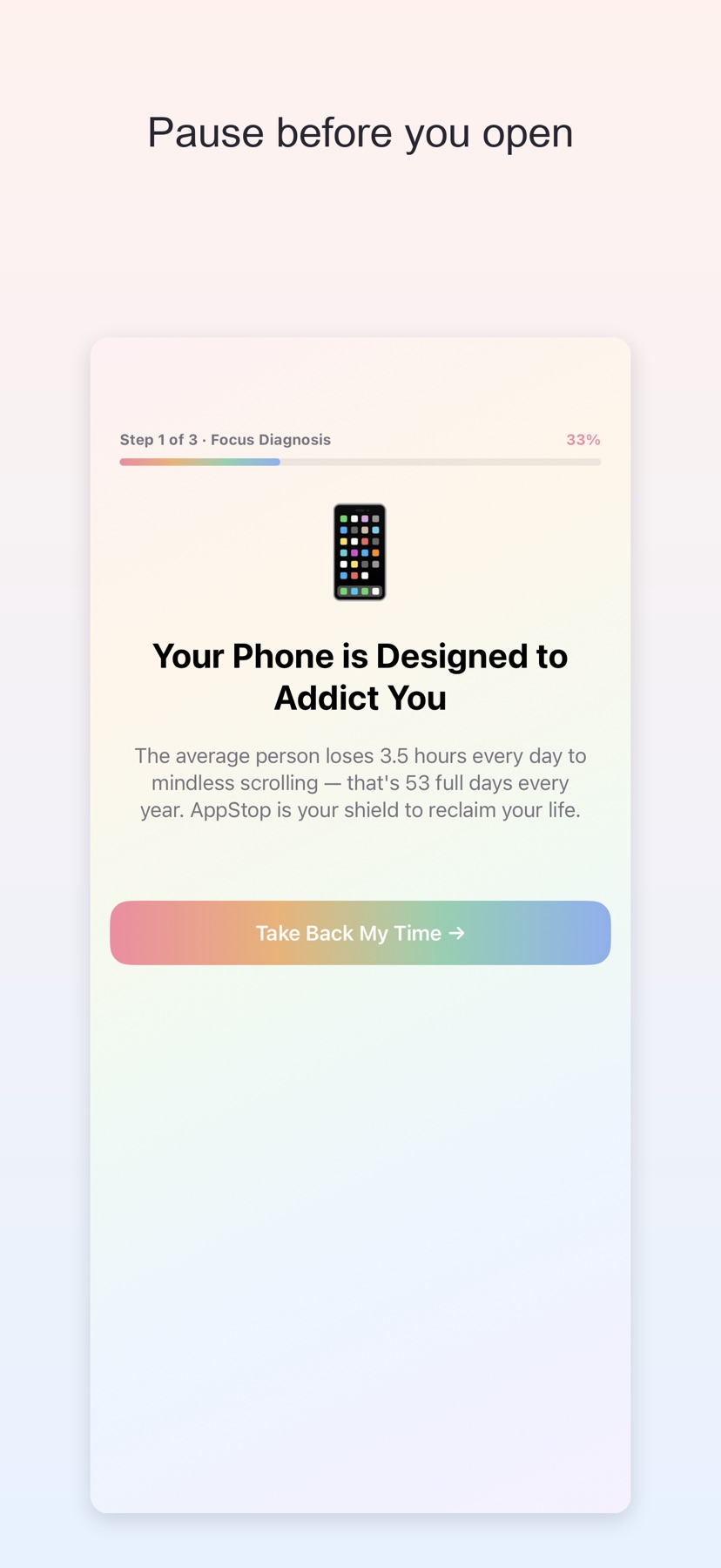
AppStop may help someone who wants a deliberate pause at the moment they open a distracting app. It combines selected Screen Time restrictions with a short challenge and a timed access window. Begin with a few low-stakes targets so you can understand its emergency-pass and permission behavior.
Start with one small attempt
Select one distracting app, authorize the requested Screen Time controls and choose an intention prompt or calm countdown.
Check the result and access
Try the opening flow and confirm the temporary-access duration. Learn how the emergency pass behaves before adding other targets.
Limitations & considerations
- Screen Time authorization, challenge behavior and protection boundaries were not tested.
- Motion challenges need a suitable physical setting. Points, restore behavior and reinstall persistence follow the publisher's description.
Use the linked official pages for current platform, access and purchase conditions.
Sources & scope
Reviewed November 11, 2026. Workflow based on linked official documentation checked November 11, 2026. Publisher images are credited.
- AppStop: Screen Time & Focus · App Store
Official product, access and compatibility information checked November 11, 2026.
- AppStop: Screen Time & Focus · official information
Official product, access and compatibility information checked November 11, 2026.