
ARCANIVO: Hide Photos & Files
Keep private files in a password-protected vault with document, media and note tools and publisher-described encrypted backups.
Organizing private documents and media while reviewing explicit recovery requirements
ARCANIVO may suit someone who wants a private workspace for photos, documents, notes and credentials with a single purchase rather than a subscription. It combines a vault with scanning, PDF/EPUB reading, conversion and media tools. Encryption, decoy behavior and recovery reliability are publisher claims that were not security-tested here.
Keep in mind: Encryption, password recovery, the decoy vault and backup restoration were not audited or tested.
Inside the app
Official product images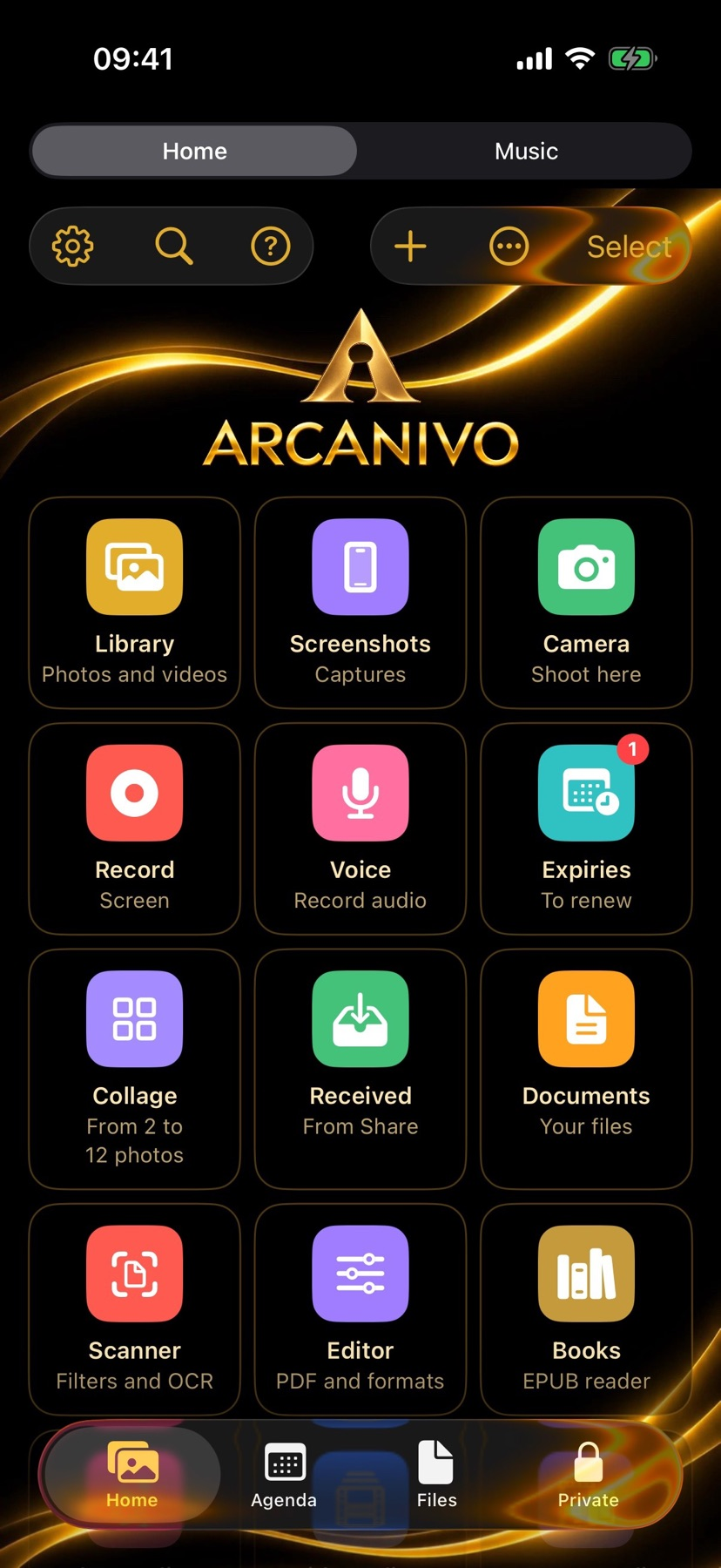

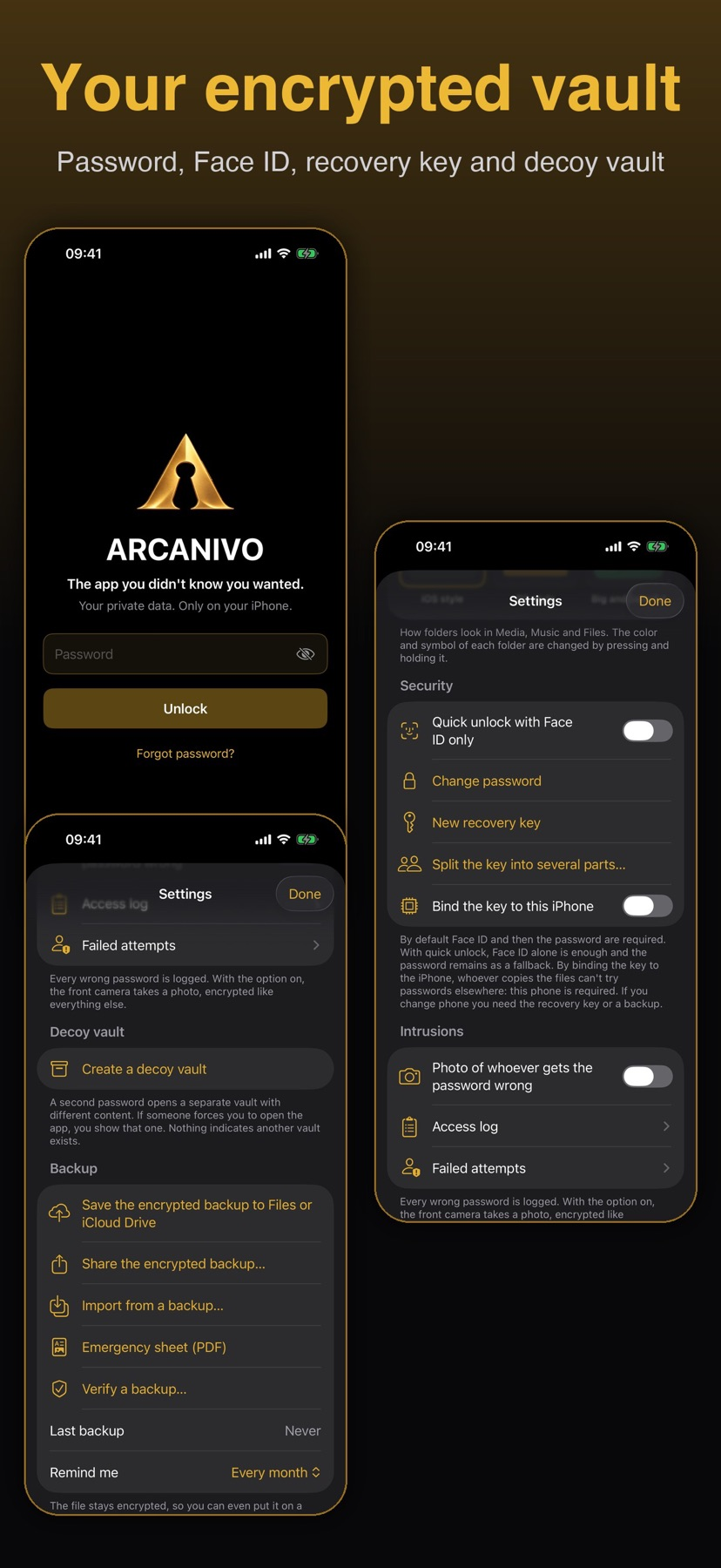

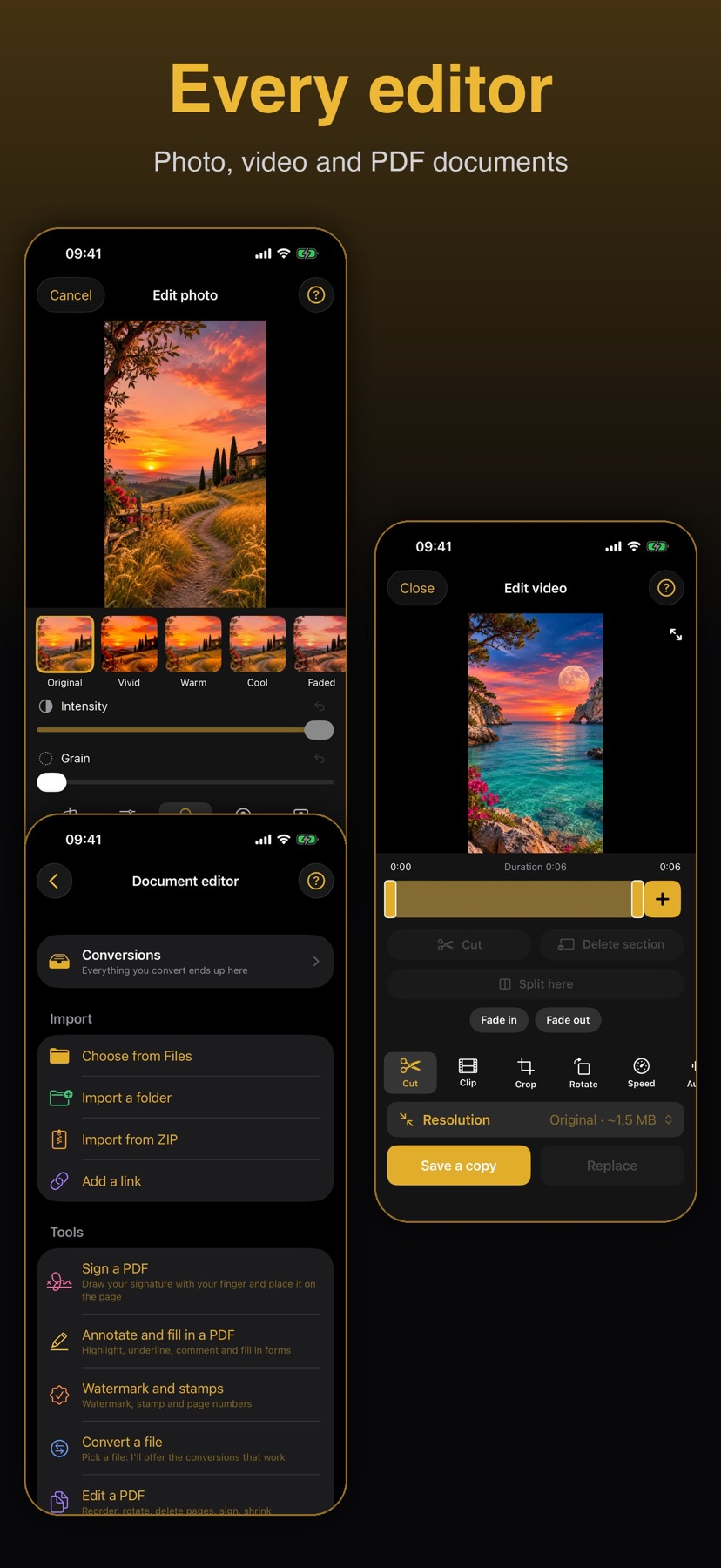

What you can do
- Use password/Face ID protection, protected folders and a decoy vault
- Scan with OCR, work with PDFs and convert supported local files
- Organize notes, credentials and media and create encrypted backups
Good for
- Organizing private documents and media while reviewing explicit recovery requirements
Consider alternatives for
- An independently verified security guarantee or an automatic device-backup substitute
A small workflow to compare
Start with non-sensitive sample files and review the password, recovery-key and backup instructions before adding important material. Ordinary device backups do not include the vault according to its documentation.
Compare the document and media organization tools within the fifty-item free limit. An optional AI summary needs compatible hardware, and some network tools are user initiated.
Keep any recovery key apart from the phone and understand what the separate encrypted backup contains. This source-based guide does not claim a restore, encryption or decoy-vault test.
Release and evidence
US store release 1.1 requires iOS 17.0 or later. Official references checked November 17, 2026. The gallery is attributed publisher material, not our installed-device observations.
Limitations & considerations
- Encryption, password recovery, the decoy vault and backup restoration were not audited or tested.
- Losing both password and recovery key can make content unrecoverable according to the publisher. Deleting the app is not a tested recovery method.
- The built-in ZIP reader does not open password-protected archives. Some automatic organization is marked beta.
Privacy & permissions
The publisher describes AES-256-GCM encryption and on-device document/image processing. The vault is excluded from ordinary iOS/iCloud device backups; the separate encrypted backup and recovery key need deliberate handling.
The official site lists user-started network features such as Wi-Fi transfer, optional external backup storage, URL downloads and an online password-breach check that sends a hash prefix. A local core vault does not mean that every optional feature avoids the network.
Use it for
Sources & review notes Updated Nov 17, 2026
Reviewed by iApp4Me Editorial Team. Recommendations use the linked documentation and attributed accounts; device observations are identified separately.
- ARCANIVO: Hide Photos & Files · App Store
Official reference checked November 17, 2026. Publisher statements; no installed-device test.
- ARCANIVO: Hide Photos & Files · official product information
Official reference checked November 17, 2026. Publisher statements; no installed-device test.
No comments yet. Be the first to share your experience.