Organize Private Files and Review Vault Recovery
Keep private files in a password-protected vault with document, media and note tools and publisher-described encrypted backups.
The short answer
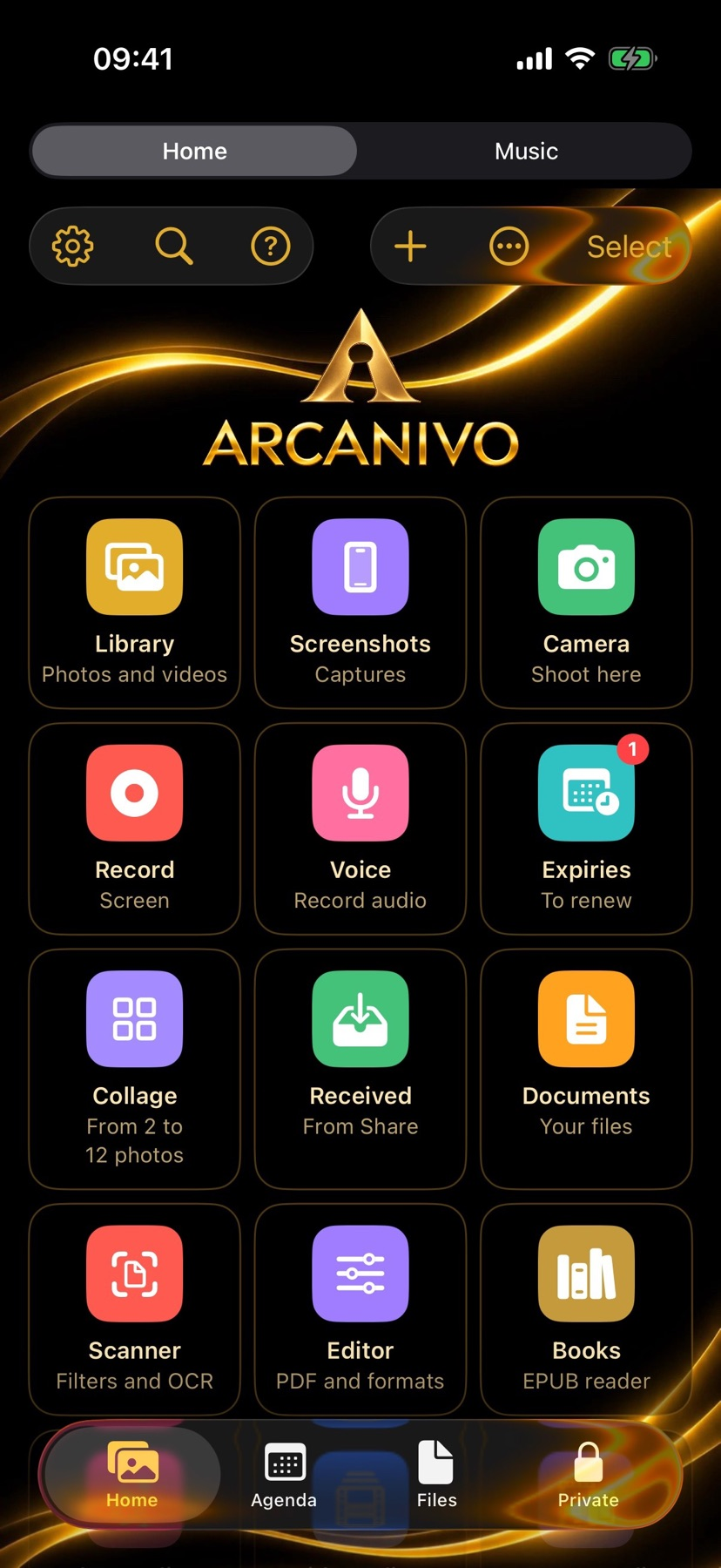
ARCANIVO may suit someone who wants a private workspace for photos, documents, notes and credentials with a single purchase rather than a subscription. It combines a vault with scanning, PDF/EPUB reading, conversion and media tools. Encryption, decoy behavior and recovery reliability are publisher claims that were not security-tested here.
Try a small documented workflow
Start with non-sensitive sample files and review the password, recovery-key and backup instructions before adding important material. Ordinary device backups do not include the vault according to its documentation.
Compare the document and media organization tools within the fifty-item free limit. An optional AI summary needs compatible hardware, and some network tools are user initiated.
Keep any recovery key apart from the phone and understand what the separate encrypted backup contains. This source-based guide does not claim a restore, encryption or decoy-vault test.
Check access and purchase scope
Free use stores up to fifty items. Existing saved content remains accessible and exportable without buying the unlock.
US Unlock ARCANIVO costs $12.99 once, with no subscription, to remove the item limit. Available capacity still depends on the iPhone storage.
Some AI summarization requires an Apple Intelligence-capable iPhone. A free test code was offered but was not requested or redeemed.
Limitations & considerations
- Encryption, password recovery, the decoy vault and backup restoration were not audited or tested.
- Losing both password and recovery key can make content unrecoverable according to the publisher. Deleting the app is not a tested recovery method.
- The built-in ZIP reader does not open password-protected archives. Some automatic organization is marked beta.
Use the linked official pages for current platform, access and purchase conditions.
Sources & scope
Reviewed November 17, 2026. Source-based guide, November 17, 2026. No installed-device, purchase or outcome test.
- ARCANIVO: Hide Photos & Files · App Store
Official reference checked November 17, 2026. Publisher statements; no installed-device test.
- ARCANIVO: Hide Photos & Files · official product information
Official reference checked November 17, 2026. Publisher statements; no installed-device test.