Canva
A general design tool with scrapbook templates, photo uploads and editable page elements.
People who want to adjust a template
Shortlist Canva when you want a template-led design and control over its contents. It is an alternative way to make a journal page, not a dedicated diary archive. Canva also has AI tools: this is a workflow comparison, not an AI-versus-no-AI distinction.
Before you choose: Check asset and feature eligibility before building a page around a paid element.
Visit the official product page →The essentials
- Platforms
- iPhone · iPad
- Purchase model
- Free tier; individual Pro web snapshot US$144/year before tax, checked Oct 18, 2026. Regional and in-app offers can differ; premium assets are not all free.
- Developer / project
- Canva Pty Ltd
- US App Store snapshot
- v4.231.0 · minimum OS 15.0 · Free to download. In-app purchases may be additional.
Checked 2026-10-18 · Verify current listing
Inside the app
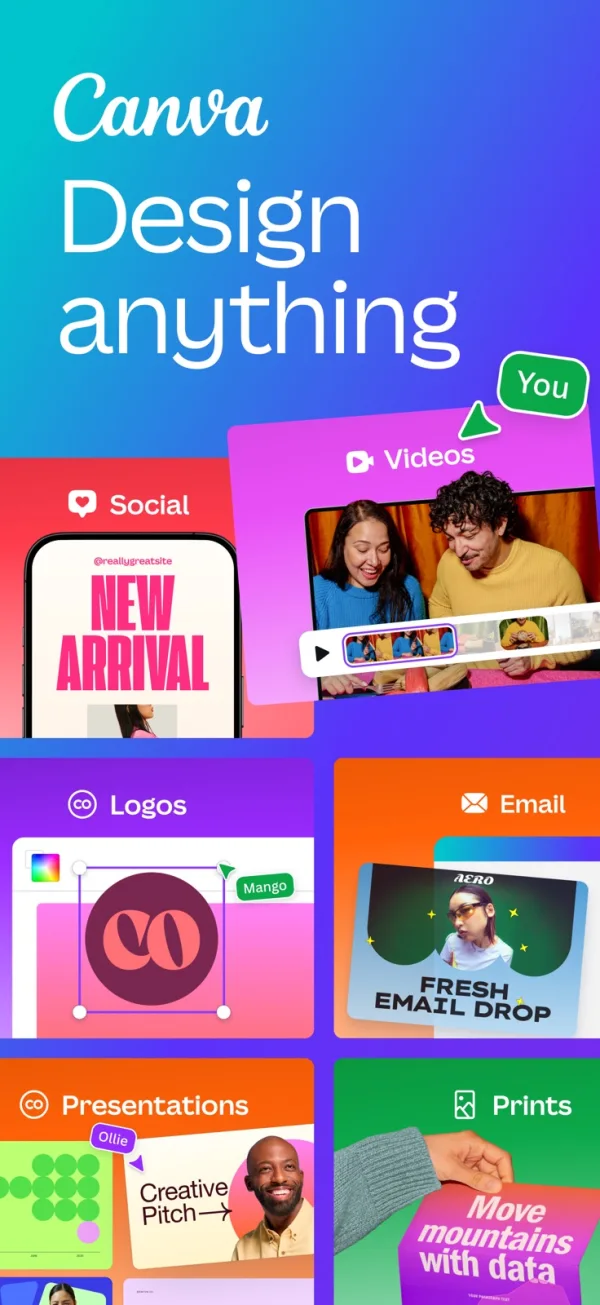
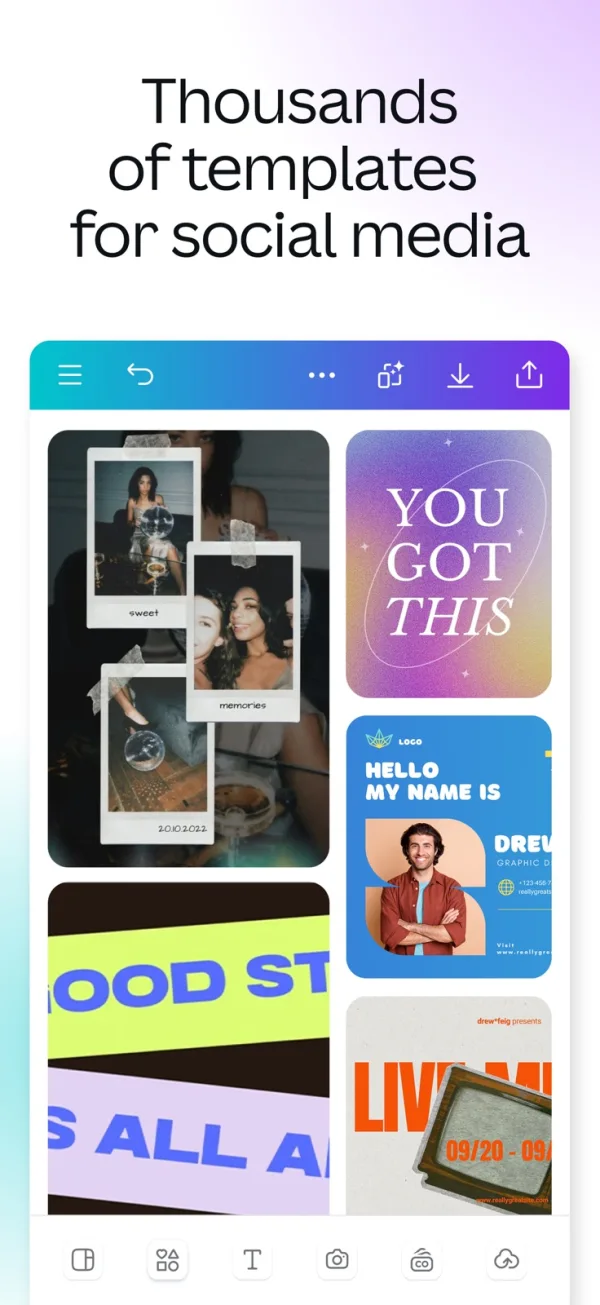
Developer-published product images. Captions identify the platform and source; these are not our test captures.
Canva
Who it suits
- People who want to adjust a template
- Making a shareable page alongside other design projects
When to choose something else
- An assumed diary-style calendar archive
- Assuming premium assets are included in a free export
What reviewers and users say
Our summaries of linked accounts—not our own experience or a vote-based ranking. Older versions and different platforms are labeled. Sources reviewed October 18, 2026.
Anna Aspnes Designs · Anna Aspnes
May 29, 2026 · Canva vs Photoshop for scrapbooking
Recommends Canva for clean grids and quick shareable pages; prefers a dedicated layered editor for blended, textured artwork.
Read in context: The author sells scrapbooking supplies and classes. This is a commercially interested practitioner perspective, not a neutral benchmark; desktop-oriented, not an iPhone test.
App Store · ScubyPlays
November 2, 2022 · historical iOS review
Likes designing wallpapers and invitations, but finds browsing free and Pro imagery together frustrating.
Read in context: One older account, not proof of the current asset browser. The separate video-editing complaints do not establish scrapbook performance.
How to read disagreement
Different opinions can reflect different jobs, versions, devices or paid plans. We do not call a few comments “the consensus.” A consequential factual conflict that remains after checking those differences is a candidate for a focused hands-on test. A preference for one interface over another usually is not.
Features & tradeoffs
Features below come from the linked provider documentation. The recommendations above are our editorial interpretation.
- Scrapbook templates
- Personal photo uploads
- Editable text and design elements
- Design sharing
Limitations & considerations
- Check asset and feature eligibility before building a page around a paid element.
- Printing, digital sharing and editable-project preservation are different outputs. Decide which one you need first.
Documented features, attributed opinions and explicitly labeled hands-on observations are different kinds of evidence. We do not infer unmeasured performance or privacy guarantees.
Privacy & permissions
Check the provider’s policy for the exact feature you intend to use. A store privacy label is developer-reported; it is not an independent network audit. We only call processing offline when the evidence establishes that workflow.
Sources
Product facts checked October 18, 2026. Independent and user perspectives, where available, are attributed above. Missing external coverage is not treated as a negative verdict.
- Canva · scrapbook maker
Official template-based scrapbook workflow; not a phone-specific, timed tutorial.
- Canva · English App Store listing
English support and iPhone/iPad apps; contains both template editing and AI tools. Not evidence that every design asset is free.
- Canva · web pricing
USD yearly view checked October 18, 2026: Free US$0; individual Pro US$144/year, excluding applicable tax. This is a web snapshot, not an in-app checkout quote.
- Canva · customizing templates
Documents moving, resizing, grouping and editing page elements. Available controls depend on design, device and plan.
No comments yet. Be the first to share your experience.