
CarScreen: Video in Your Car
Organize personal videos and choose a compatible external playback route.
A library mixing personal local videos and supported links
Choose CarScreen when personal files and supported links need one library with playlists and external-screen options. For a single clip, try its existing player and AirPlay controls first. CarPlay itself is audio-only, and output compatibility depends on the source and receiver.
Keep in mind: CarPlay is audio-only; compatible video displays use separate output routes.
Inside the app
Official product images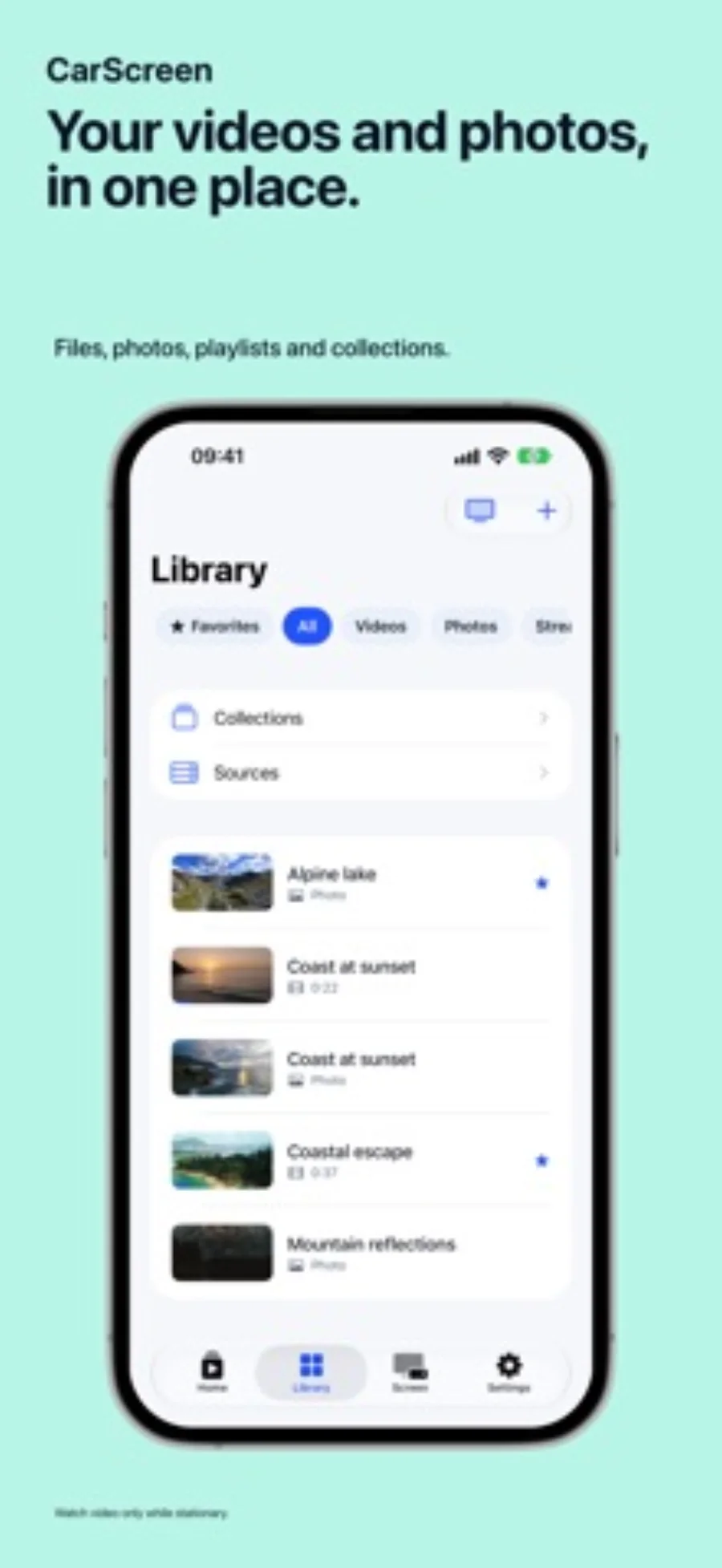
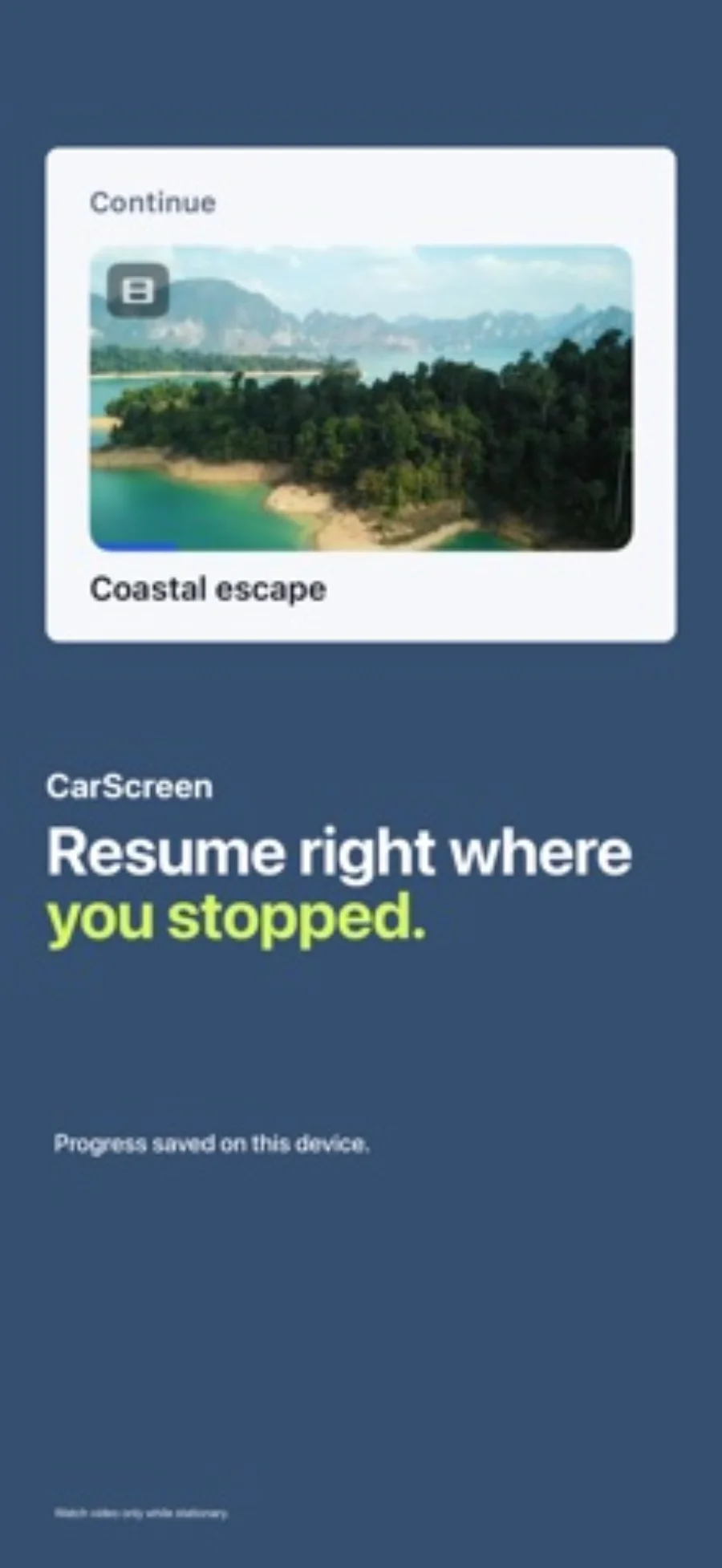
What you can do
- Local-file and supported-link library with playback progress
- AirPlay and HDMI output; selected personal local video to Google Cast
- Playlist and big-screen allowances separated from on-device playback
Good for
- A library mixing personal local videos and supported links
- People who know which AirPlay, HDMI or Cast receiver they will use
Consider alternatives for
- Watching video through CarPlay itself
- Removing DRM or assuming every streaming provider permits external output
Choose the screen before importing the library
AirPlay, HDMI and Google Cast are different routes. Confirm the receiver and the permitted output for your source before building a playlist. For one clip already in a compatible app, its existing playback and AirPlay controls may be sufficient.
CarScreen is more useful when files, saved links, playlists and resume points need to live in one place. CarPlay exposes an audio workflow, not a video display; watching video is for a parked break on a separately supported screen.
Understand a prepared copy
The listing distinguishes imported copies, remote links and files prepared into a native movie. A cloud file selected through Files is copied; that is not direct cloud-account streaming. Cache eviction can remove prepared copies when storage is low, so keep important originals outside the app.
Editorial basis and disclosure
The developer submitted this app for consideration. We selected it for the task it serves, with no payment, paid ranking or promise of a positive recommendation. This profile uses the dated official sources; offered test access has not been used.
Limitations & considerations
- CarPlay is audio-only; compatible video displays use separate output routes.
- Remote links may expire, need a network or restrict external playback.
- Preparing unsupported containers can take time and temporary device storage.
Privacy & permissions
The listing says the library is encrypted on-device and imported files use iOS protection. Websites, connected providers and Cast receivers separately process requests. Local storage does not make a remote video link private or offline.
Use it for
Sources & review notes Updated Oct 28, 2026
Reviewed by iApp4Me Editorial Team. Recommendations use the linked documentation and attributed accounts; device observations are identified separately.
- CarScreen: Video in Your Car · US App Store
Apple US listing and developer-supplied description, checked October 28, 2026. Used for identity, compatibility, feature boundaries and provider statements; not independent performance testing.
No comments yet. Be the first to share your experience.