Play Personal Videos on a TV from iPhone or iPad
For one compatible video, try the existing player and AirPlay first.

The short answer
For one compatible video, try the existing player and AirPlay first. Choose a library app such as CarScreen when you need to organize local files, supported links and playlists. Check the receiver, source restrictions and external-screen allowance before relying on playback.
Compare your options
| Approach | Intended result | Tradeoff | Evidence boundary |
|---|---|---|---|
| Existing player with AirPlay | Show one supported clip on an AirPlay receiver | Network and app/provider restrictions apply | Apple AirPlay documentation |
| CarScreen on-device | Keep personal videos and supported links in one library | A remote link is not an offline file | US listing |
| CarScreen external output | Use supported AirPlay, HDMI or selected local-video Cast routes | Free big-screen time is limited; routes are not interchangeable | US listing |
Identify the source and destination
A local personal file, a direct HTTPS video and an official web player are different sources. AirPlay, HDMI and Cast are different destinations. Write down that pair first; an app claiming external output does not guarantee every combination.
Try the built-in route for a single clip
Apple documents AirPlay streaming from supported apps to compatible devices on the same Wi-Fi network. Some providers restrict output. If the clip already plays and streams correctly, importing it into another library is optional.
Use CarScreen for the library problem
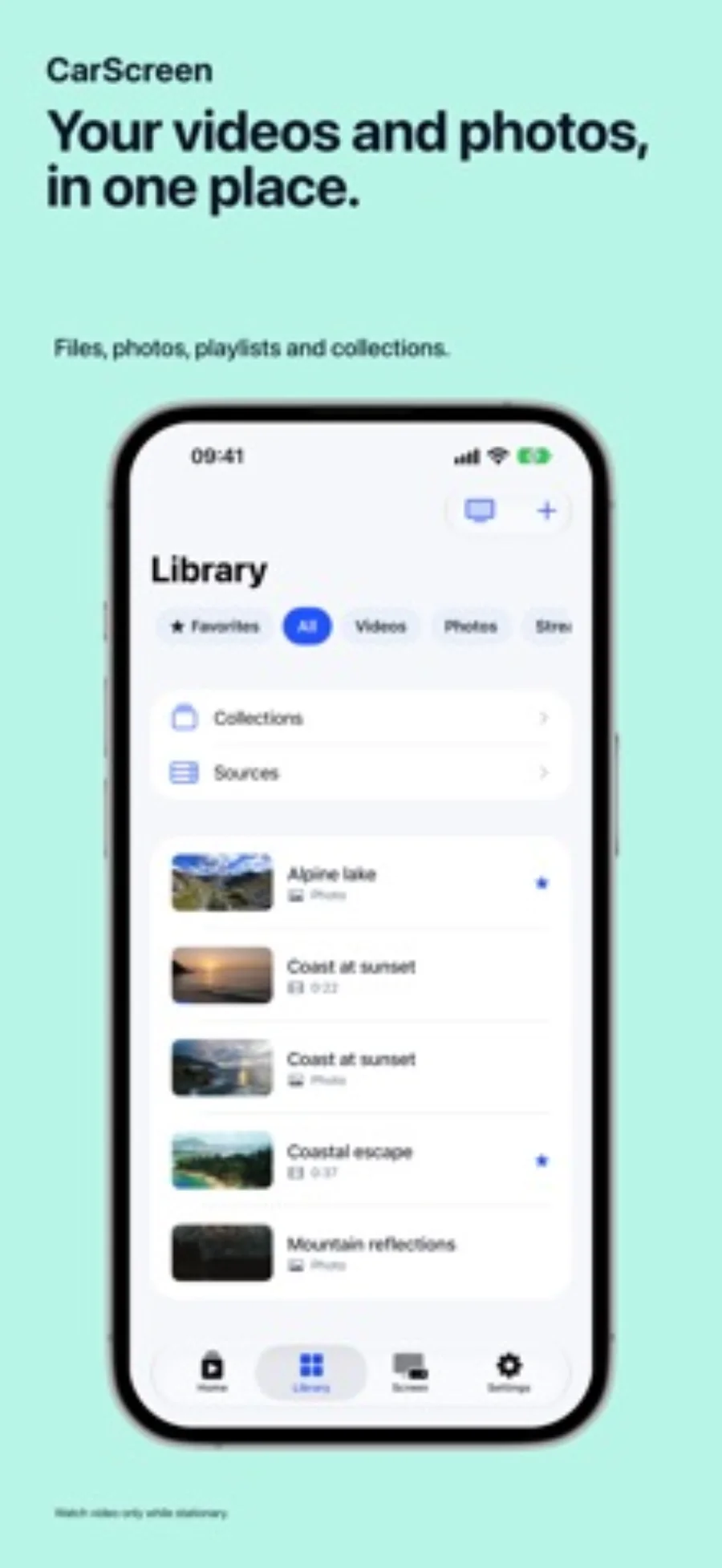
CarScreen becomes useful when clips arrive as files and saved links and you want playlists and resume points. Its listing separates unlimited on-device playback from one free playlist and 15 daily big-screen minutes. Pro removes those two limits.
Prepare for a real viewing session
Keep originals outside the app, confirm subtitle behavior and open the selected output before you depend on it. Prepared movie caches may be removed under storage pressure; remote sources can expire. CarPlay provides audio only. Video viewing in a car belongs to a parked break using a separately supported display.
Limitations & considerations
- Neither a player nor a mirroring route removes protected-service restrictions.
- A Cast receiver is not an AirPlay receiver; confirm the hardware you own.
Use the linked official pages for current platform, access and purchase conditions.
Sources & scope
Reviewed October 28, 2026. Editorial choices based on the linked official documentation and dated US listings. No performance ranking or device benchmark is claimed.
- CarScreen: Video in Your Car · US App Store
Apple US listing and developer-supplied description, checked October 28, 2026. Used for identity, compatibility, feature boundaries and provider statements; not independent performance testing.
- Apple · stream video or mirror with AirPlay
Documents supported receivers, same-network setup and app-dependent restrictions.