
Day One
A photo-and-text diary to consider when revisiting and exporting a growing record matters more than designing a spread.
Building and revisiting a continuing diary
Shortlist Day One for a continuing diary rather than a one-off decorative page. Its documented export routes make it relevant to long-term memory keeping. Do not assume the free plan supports a multi-photo entry.
Keep in mind: The current web plan page uses Basic, Silver and Gold; older reviews may describe Premium instead.
Inside the app
Official product images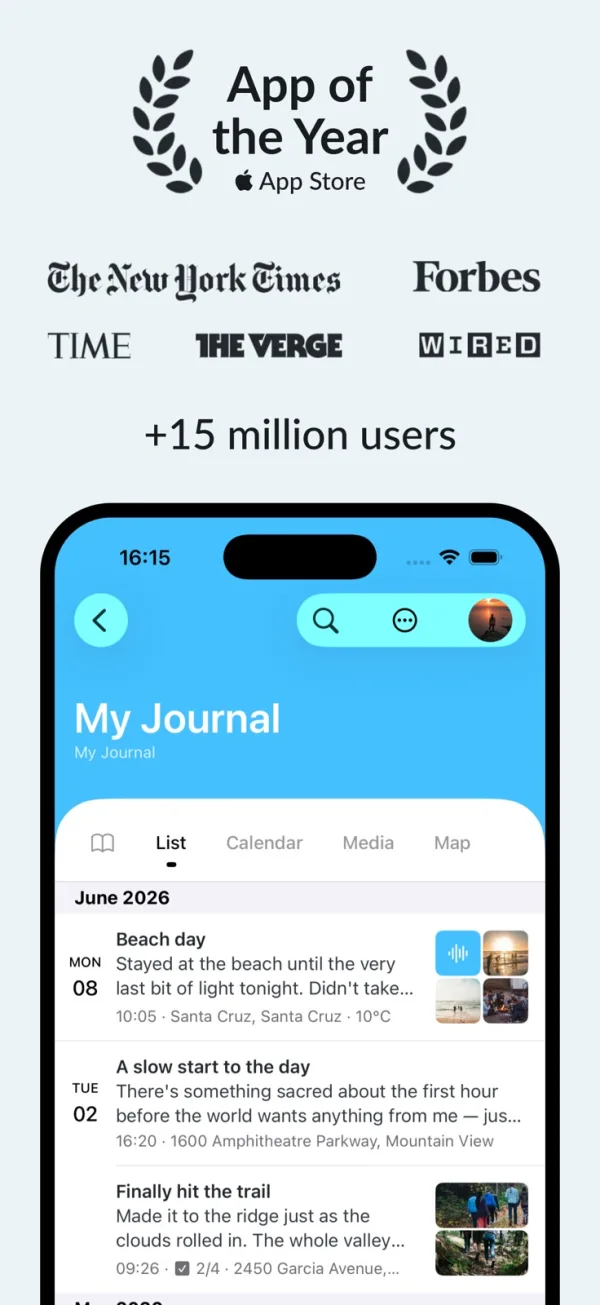
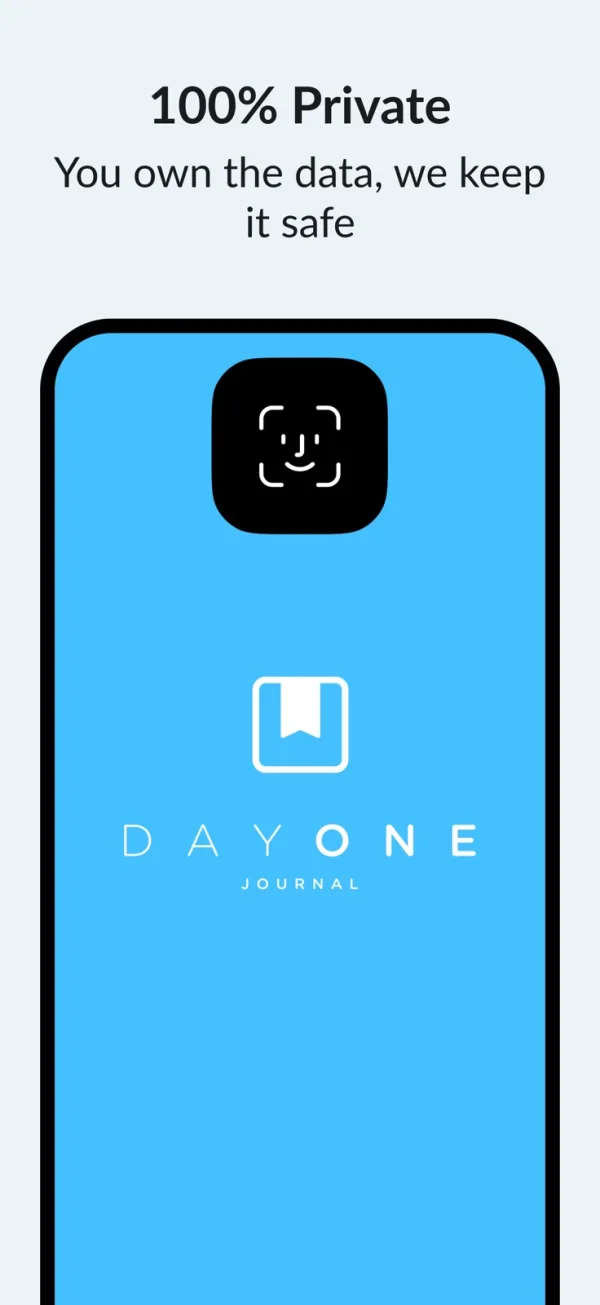
What you can do
- Photo-and-text diary entries
- Search and calendar views
- Plan-dependent media allowances
- Documented PDF and data export
App Store review themes
Recurring praise and complaints, grouped by topic.
401 reviews · US App Store · Written feedback; review platforms are not identified
What reviewers like
Ease of use
68 reviewsThe reviewer finds journaling easy.
See 2 review examples
The reviewer finds journaling easy.
Original excerpt“Journaling here is easy”Apple source · Review 14683266225
The long-term reviewer finds the app easy.
Original excerpt“Easy to use”Apple source · Review 14681348822
Other specific feature
46 reviewsThe reviewer values combining text, photos and videos to capture everyday moments.
See 2 review examples
The reviewer values combining text, photos and videos to capture everyday moments.
Original excerpt“save video photographs and notes”Apple source · Review 14699616383
The reviewer appreciates photos retaining timing context.
Original excerpt“add photos with the timestamp”Apple source · Review 14634054955
File organization
45 reviewsThe reviewer enjoys separating journals; no universal free allowance is inferred.
See 2 review examples
The reviewer enjoys separating journals; no universal free allowance is inferred.
Original excerpt“make as many separate journals as you want.”Apple source · Review 14683374250
The reviewer appreciates moving entries between journals.
Original excerpt“transfer an entry from one journal to another.”Apple source · Review 14681348822
What reviewers dislike
Device compatibility
25 reviewsThe reviewer requests Apple Pencil note-taking support.
See 2 review examples
The reviewer requests Apple Pencil note-taking support.
Original excerpt“ability to use the Apple Pencil to make notes.”Apple source · Review 14683372807
The reviewer cannot reopen or reinstall on a newer iPad while the app works on an older one; the cause is unknown.
Original excerpt“Why can’t I get it back on my new iPad?”Apple source · Review 14358437823
Price and subscriptions
25 reviewsThe reviewer objects to additional payment for native Mac access after an iOS purchase; actual license terms are not verified.
See 2 review examples
The reviewer objects to additional payment for native Mac access after an iOS purchase; actual license terms are not verified.
Original excerpt“require more cash to access it on macOS natively.”Apple source · Review 14626542736
The reviewer prefers a one-time purchase or donation to recurring subscriptions.
Original excerpt“a one-time purchase option or a way to donate”Apple source · Review 14609945150
Want AI out of the writing interface
22 reviewsSome reviewers object to AI features or visible AI controls and want a way to hide them, even where using AI itself is optional.
See 2 review examples
The reviewer dislikes AI features in a personal journaling workflow.
Original excerpt“AI. In a journaling app.”Apple source · Review 14527909064
The reviewer feels AI features are being pushed too aggressively.
Original excerpt“Ai is pushy pushy”Apple source · Review 14499295899
Good for
- Building and revisiting a continuing diary
- People who want to consider an exit format before collecting years of entries
Consider alternatives for
- Assuming it is the same kind of collage editor as Zinnia
- A free multi-photo-per-entry requirement
Limitations & considerations
- The current web plan page uses Basic, Silver and Gold; older reviews may describe Premium instead.
- Export format and platform determine what survives. Keep original photos separately and inspect an export before treating it as a backup.
Use it for
Sources & review notes Updated Oct 18, 2026
Reviewed by iApp4Me Editorial Team. Recommendations use the linked documentation and attributed accounts; device observations are identified separately.
- Day One · current plan comparison
Basic, Silver and Gold web plans. Web prices and current in-app offers can differ. Checked October 18, 2026.
- Day One · exporting entries
Official explanation of export formats; format and platform matter, and a plain-text export is not a photo backup.
- Day One · English App Store listing
English iPhone/iPad listing; used for platform and language identification, not an endorsement of every marketing claim.
What reviewers and users say
Our summaries of linked accounts—not our own experience or a vote-based ranking. Older versions and different platforms are labeled. Sources reviewed October 18, 2026.
MacStories · Niléane
iOS 17.2-era Apple Journal review · historical Day One comparison
Values Day One for adapting to long entries, short bullet points and photo memories as her journaling habit changes.
Read in context: A personal workflow, not a controlled app comparison. Descriptions of early Apple Journal must not be read as current limitations.
App Store · Kevinleewilson
June 16, 2021 · historical subscription review
Accepts an ongoing subscription because the accumulated memories and continued development matter to this long-term user.
Read in context: One subscriber’s value judgment, not evidence that today’s price is worthwhile for an occasional photo-journal user.
How to read disagreement
Different opinions can reflect different jobs, versions, devices or paid plans. We do not call a few comments “the consensus.” A consequential factual conflict that remains after checking those differences is a candidate for a focused hands-on test. A preference for one interface over another usually is not.
No comments yet. Be the first to share your experience.