
Health & Fitness
Fitness Data Sync
Copy selected Fitbit health/fitness history into Apple Health.
Useful for users checking supported records and deduplication
Metric selection and historical backfill let users choose the transfer scope.
Keep in mind: All-device support is a publisher claim; API availability, permissions and source records affect results. Backfill after a deduplication fix should be checked before trusting totals.
Inside the app
Official product images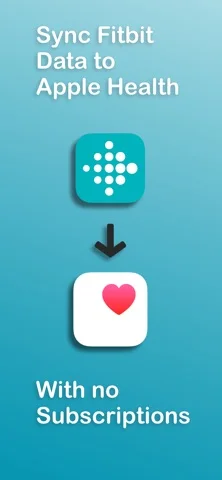
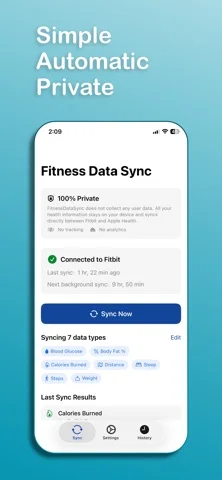
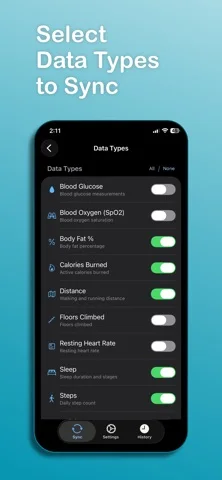
What you can do
- Fitbit-to-Health transfer
- Selected steps/sleep/heart/weight and other metrics
- Historical data sync
Good for
- People reviewing their own authorized Fitbit/Health records
Consider alternatives for
- Guaranteed medical accuracy or a universal bidirectional sync
Limitations & considerations
- Captured minimum: iOS 18.
- All-device support is a publisher claim; API availability, permissions and source records affect results. Backfill after a deduplication fix should be checked before trusting totals.
Privacy & permissions
Transferred health data is sensitive; review both accounts' permissions and check sample entries for duplicates before a large history transfer.
Sources & review notes Updated Nov 12, 2026
Reviewed by iApp4Me Editorial Team. Recommendations use the linked documentation and attributed accounts; device observations are identified separately.
- US App Store developer description
Complete description, download price and compatibility metadata captured 2026-11-02.
No comments yet. Be the first to share your experience.