
Fontie: Aesthetic Keyboard
Create styled Unicode text, decorative symbols and image stickers, then copy them or type with an English and Chinese keyboard.
Styling a short social bio or caption
Fontie may suit someone decorating a short bio, caption or message. Six text styles are free, while Pro expands the fonts and themes. Styled Unicode and colorful image stickers behave differently, so preview the result in the destination app before sharing.
Keep in mind: Styled text uses Unicode; display and accessibility can vary by recipient, device and app.
Inside the app
Official product images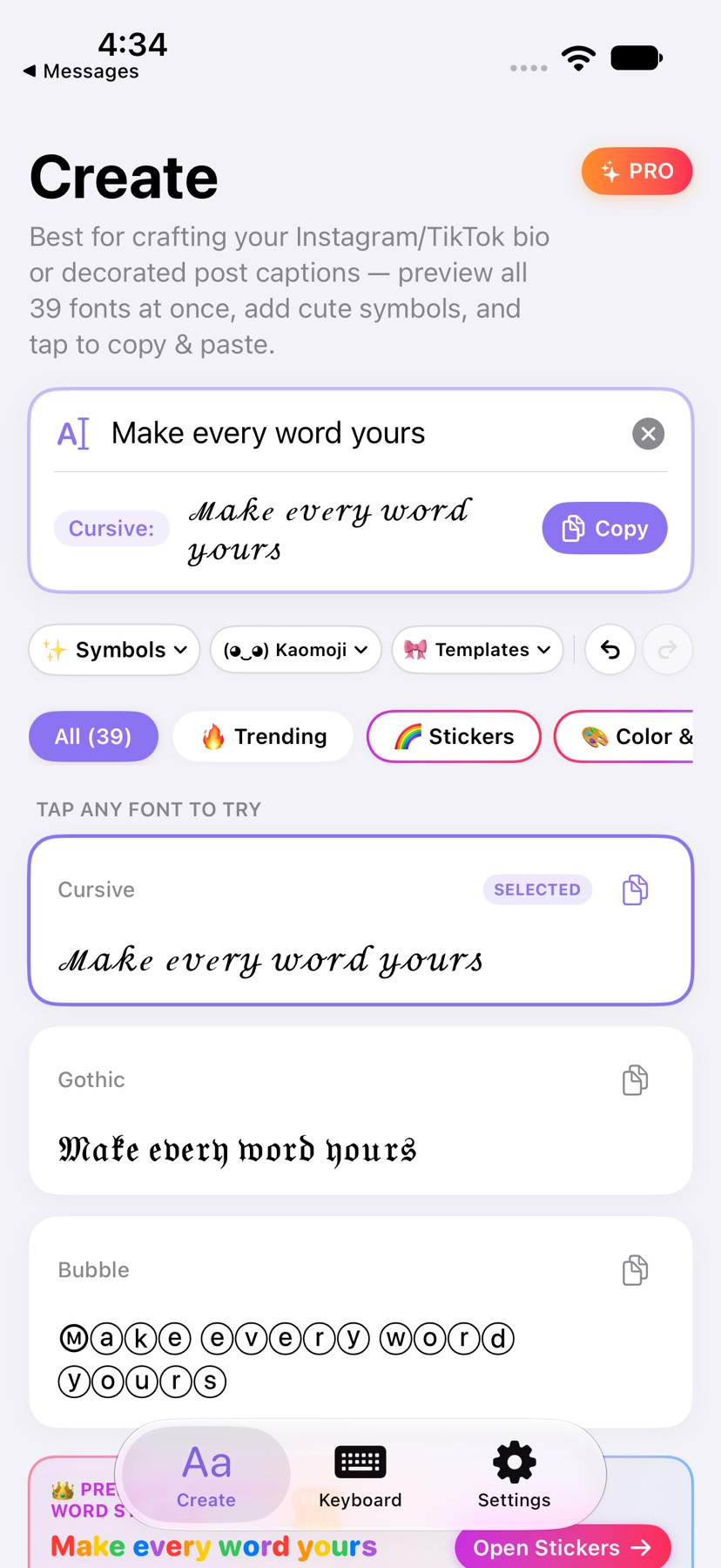



What you can do
- Preview 39 text styles, including six free choices, with kaomoji and dividers
- Use English, simplified/traditional Pinyin and Chinese handwriting input
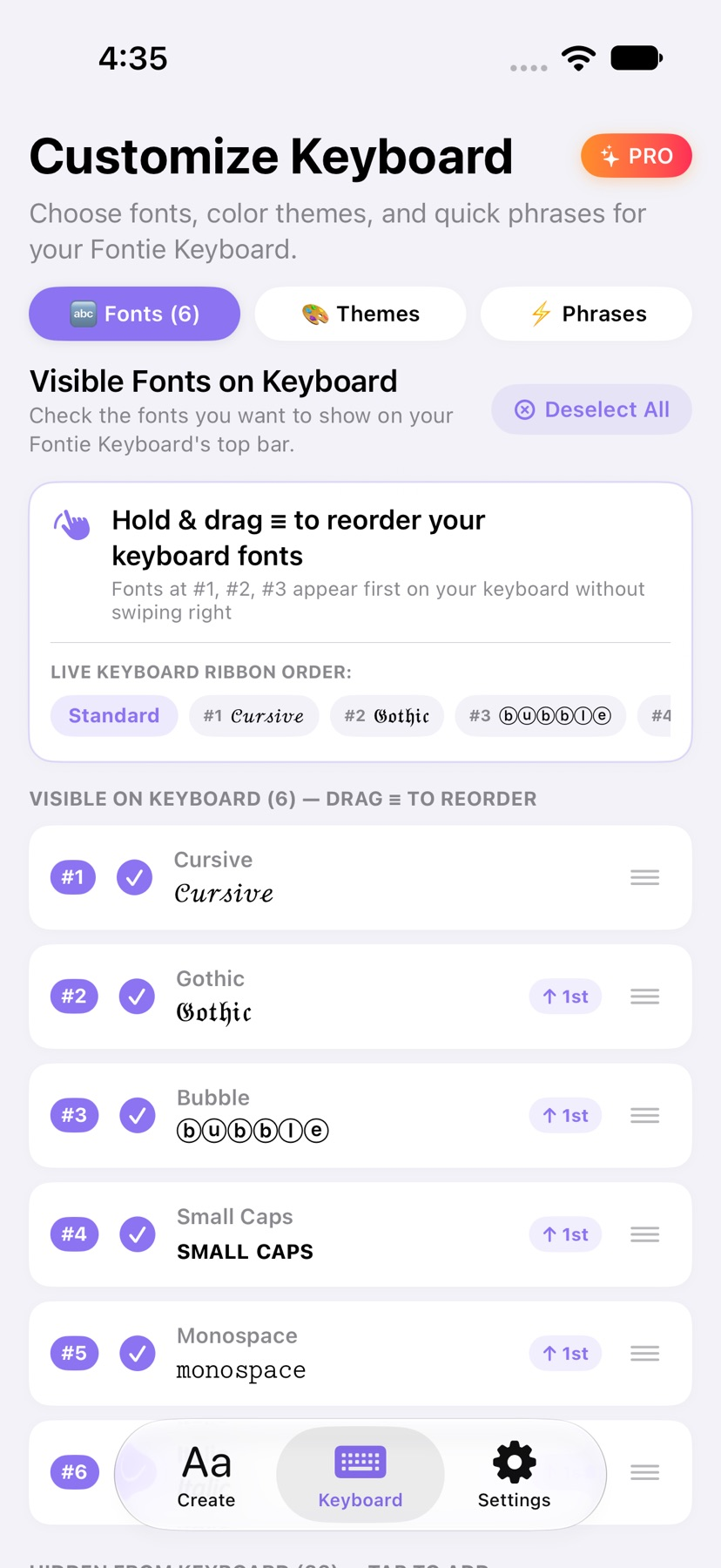
- Reorder keyboard styles, save phrases and make image-based word stickers
Good for
- Styling a short social bio or caption
- Trying a decorative keyboard without Full Access
Consider alternatives for
- Guaranteed identical text appearance in every app
Preview the destination, not only the editor
Try a short phrase in one of the free styles. Unicode characters can look different in the recipient’s app, and an image sticker needs a destination that accepts pasted images.
Enable the keyboard deliberately
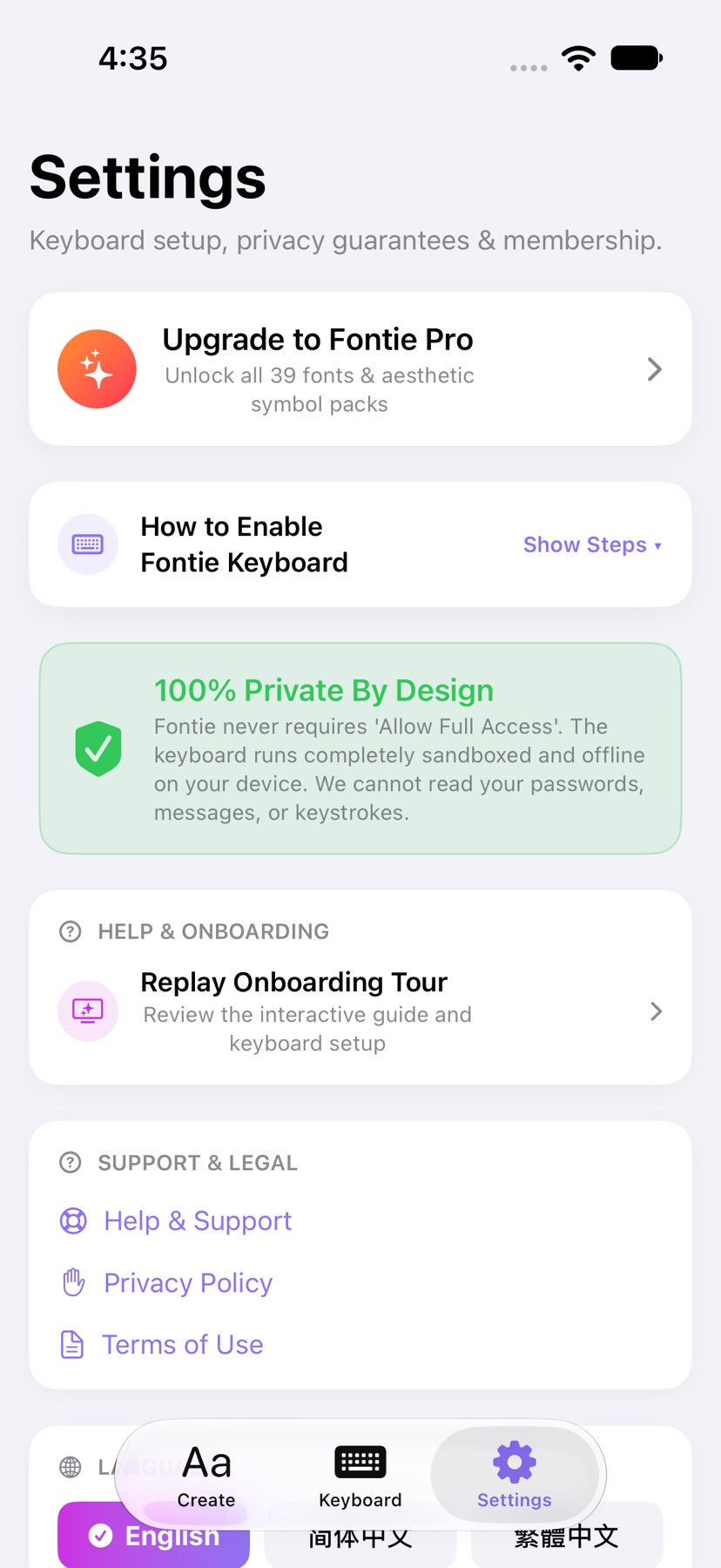
The support page describes Settings → General → Keyboard → Keyboards → Add New Keyboard, then selecting Fontie with the globe menu. Full Access is not requested. Some apps and secure fields use Apple’s keyboard instead.
Release and evidence
Current US release: 1.0.0, requiring iOS 17.0 or later. Official sources checked November 12, 2026. The gallery contains publisher App Store product images. No installed-device, entitlement or outcome test was performed.
Limitations & considerations
- Styled text uses Unicode; display and accessibility can vary by recipient, device and app.
- Colorful word stickers are images rather than colored text fonts. Some fields accept text only, and secure fields may use Apple’s keyboard.
- The support page limits input to 150 characters. No keyboard compatibility or handwriting accuracy test was performed.
Privacy & permissions
The developer says the keyboard works locally, does not request Allow Full Access and does not record or transmit keystrokes. These are attributed claims, not a code audit.
Apple handles optional purchases; the linked privacy page describes clipboard actions and local settings.
Use it for
Sources & review notes Updated Nov 12, 2026
Reviewed by iApp4Me Editorial Team. Recommendations use the linked documentation and attributed accounts; device observations are identified separately.
- Fontie: Aesthetic Keyboard · US App Store
Official feature, purchase or compatibility reference checked November 12, 2026.
- Fontie: Aesthetic Keyboard · official product information
Official feature, purchase or compatibility reference checked November 12, 2026.
- Fontie: Aesthetic Keyboard · official product information
Official feature, purchase or compatibility reference checked November 12, 2026.
No comments yet. Be the first to share your experience.