Style a Short Bio With a Keyboard
Create styled Unicode text, decorative symbols and image stickers, then copy them or type with an English and Chinese keyboard.
The short answer
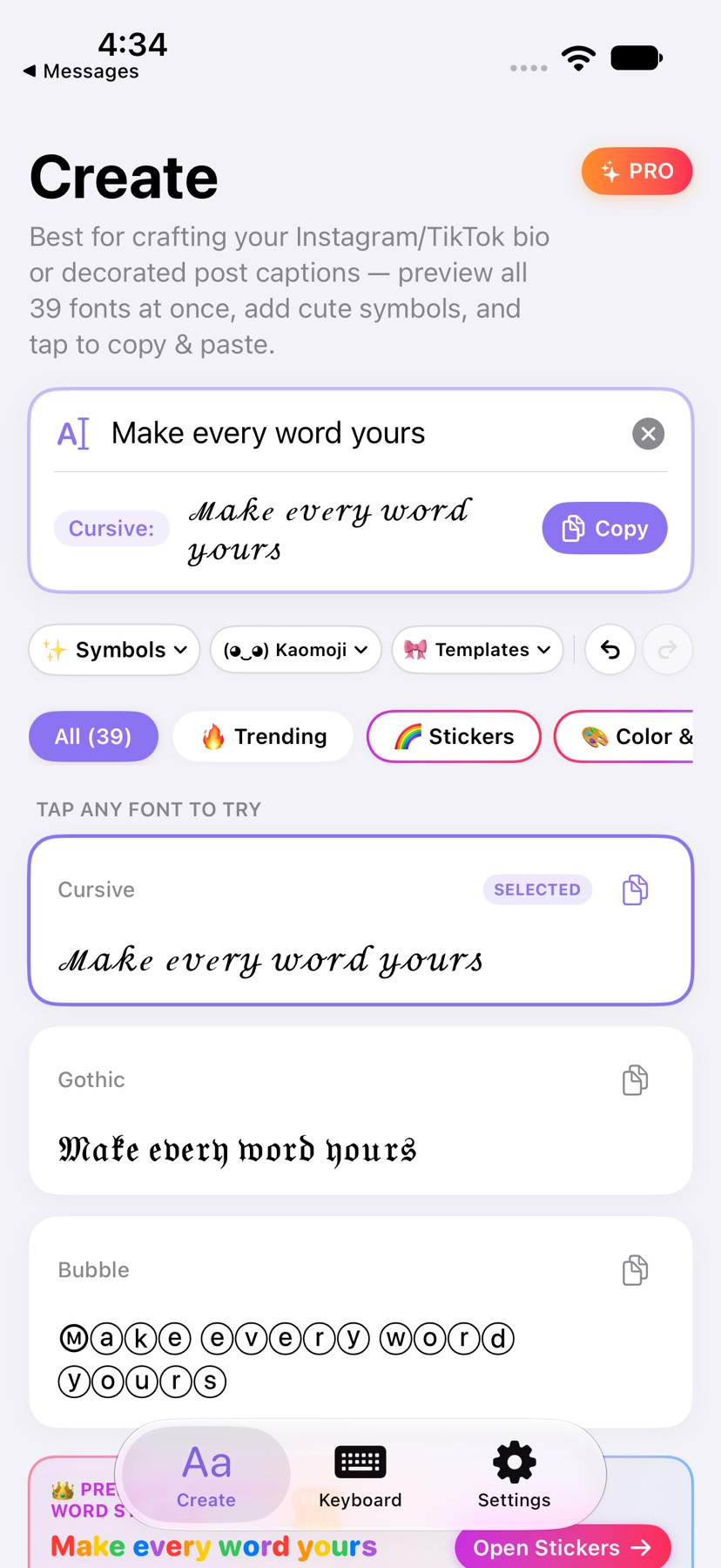
Fontie may suit someone decorating a short bio, caption or message. Six text styles are free, while Pro expands the fonts and themes. Styled Unicode and colorful image stickers behave differently, so preview the result in the destination app before sharing.
Begin with a small example
Create a short sample, choose a free text style and paste it into the intended bio or message draft. Check readability before publishing it.
Check the result and access
For direct typing, enable Fontie using the documented keyboard settings. Test a text style separately from a colorful image sticker and inspect Pro billing before an optional upgrade.
Limitations & considerations
- Styled text uses Unicode; display and accessibility can vary by recipient, device and app.
- Colorful word stickers are images rather than colored text fonts. Some fields accept text only, and secure fields may use Apple’s keyboard.
- The support page limits input to 150 characters. No keyboard compatibility or handwriting accuracy test was performed.
Use the linked official pages for current platform, access and purchase conditions.
Sources & scope
Reviewed November 12, 2026. Workflow based on linked official documentation checked November 12, 2026. Images are publisher-supplied; no installed-device test.
- Fontie: Aesthetic Keyboard · US App Store
Official feature, purchase or compatibility reference checked November 12, 2026.
- Fontie: Aesthetic Keyboard · official product information
Official feature, purchase or compatibility reference checked November 12, 2026.
- Fontie: Aesthetic Keyboard · official product information
Official feature, purchase or compatibility reference checked November 12, 2026.