
GestureCam: Hands Free Camera
Set down an iPhone and trigger a photo with a palm gesture, or use Pro Auto Capture to keep taking shots while people hold a pose.
Group photographs and tripod-supported selfies
GestureCam suits a group photo where the person holding the phone wants to join in. The free palm trigger provides a hands-free starting point, and the optional Auto Capture workflow is aimed at successive poses without returning to the phone. Check the saved photos and framing before committing to an important group shot.
Keep in mind: Camera controls and lens options depend on hardware. Hand recognition, stillness timing and voice availability were not tested.
Inside the app
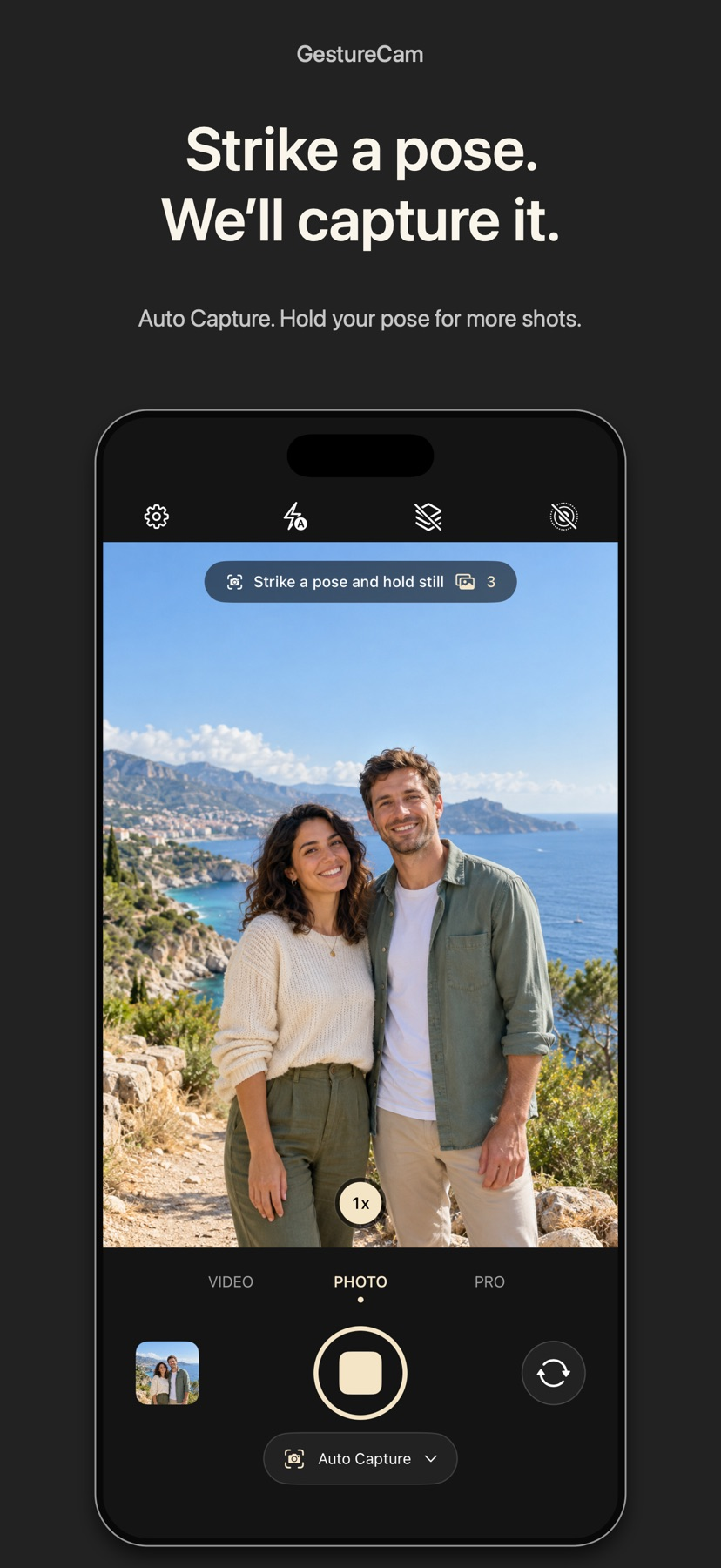
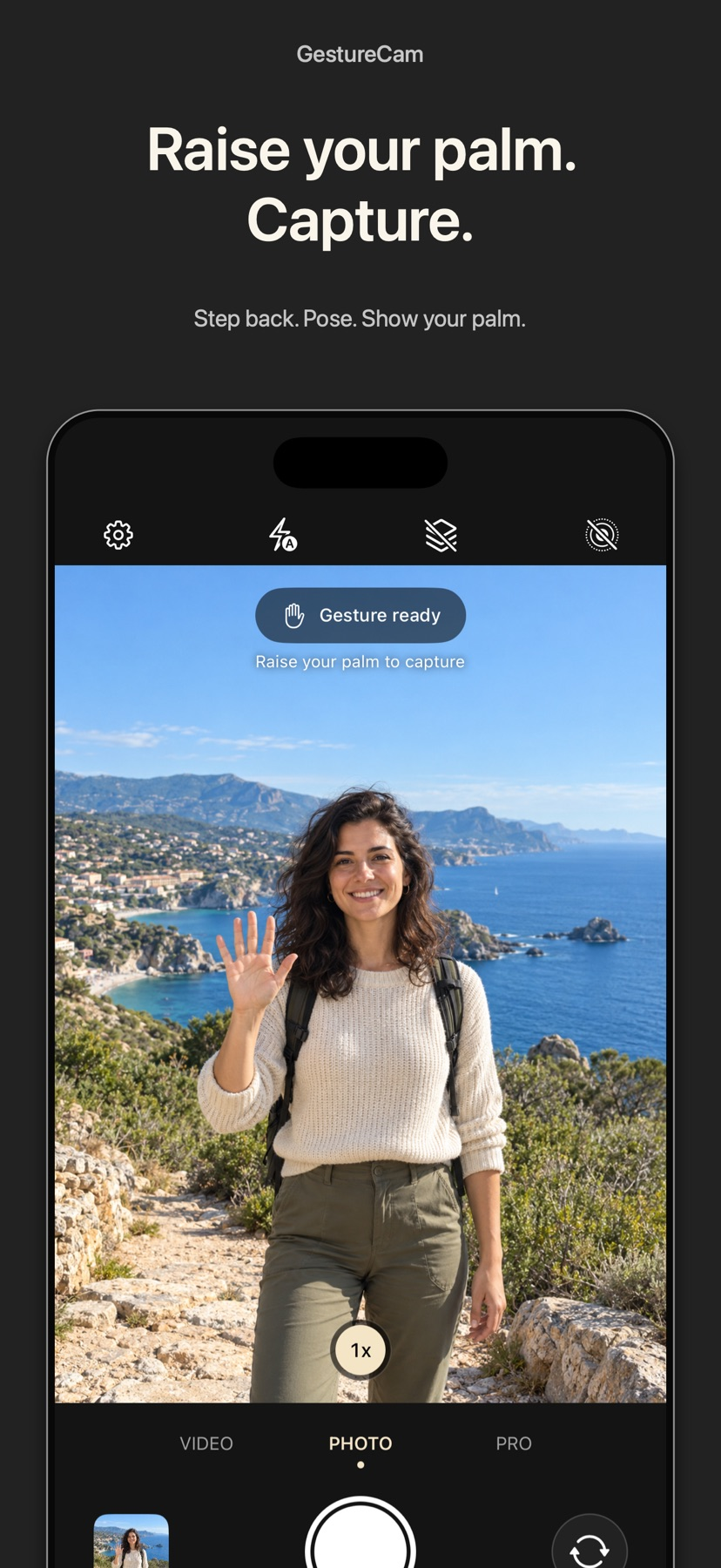
Official product images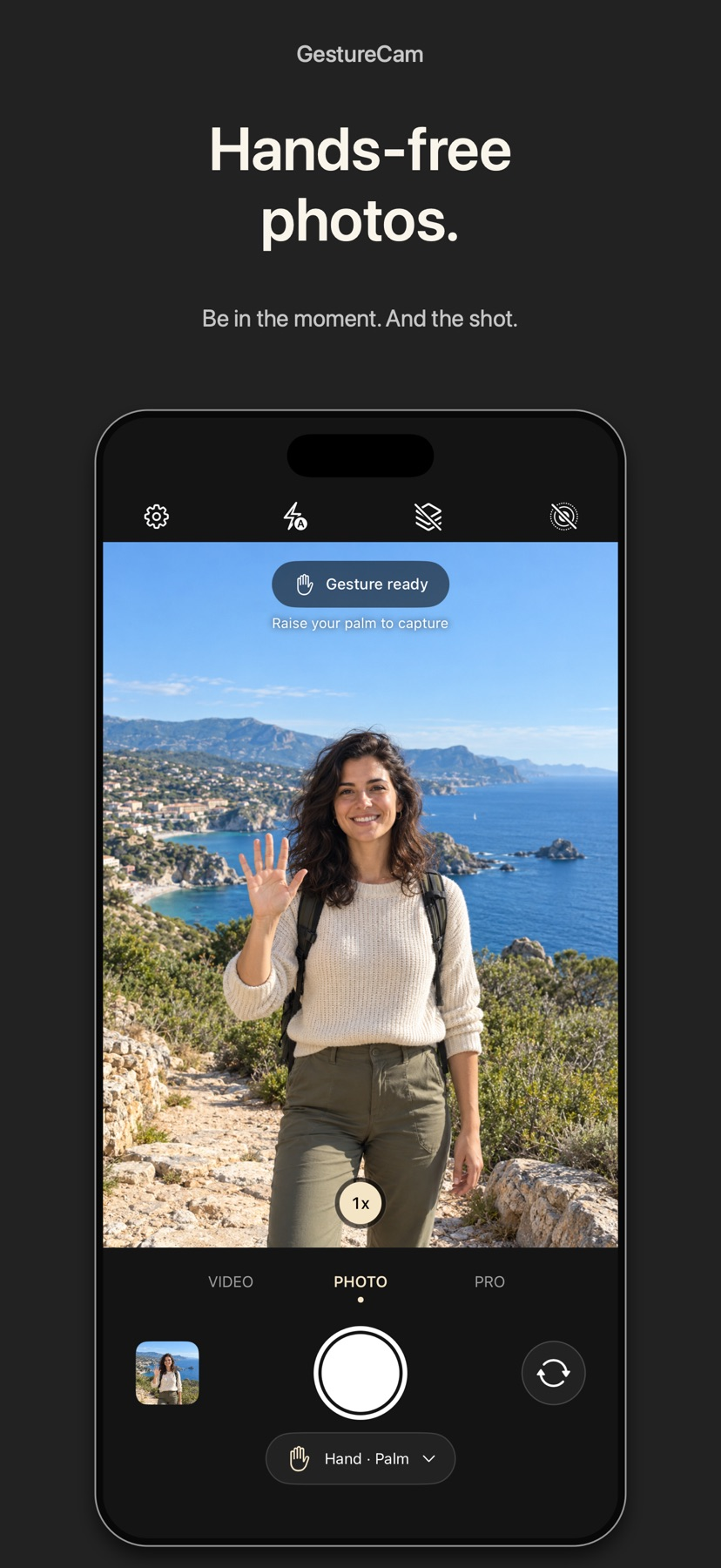



What you can do
- Trigger a photo or video with a palm gesture
- Adjust the gesture hold time and countdown
- Use Pro Auto Capture, voice commands and additional hand poses
- Use supported manual camera controls and burst options
Good for
- Group photographs and tripod-supported selfies
- Comparing a palm trigger with a timer or repeated automatic capture
Consider alternatives for
- Assuming every lens, manual control or speech language is supported on every device
Frame before stepping away
Put the phone on a stable support, check the visible frame and use the documented palm trigger for a sample photo. Adjustable hold/countdown and end signals help coordinate the pose.
Compare a trigger with Auto Capture
The free flow waits for a hand gesture. Pro Auto Capture is described as continuing to take photographs while subjects hold still, which can suit a series of different group poses. Review the results before choosing a final shot.
Release and evidence
The checked iOS release is 1.3, requiring iOS 18.0 or later. Official product and store material was checked November 11, 2026.
The gallery is publisher-supplied product imagery. This overview is based on linked documentation and has no installed-device or outcome test.
Limitations & considerations
- Camera controls and lens options depend on hardware. Hand recognition, stillness timing and voice availability were not tested.
- The developer's walkthrough illustrates Auto Capture. No offered promotional access code was redeemed.
Privacy & permissions
Camera access is needed for capture; supported voice and video options also use microphone or speech permissions.
The store describes a local capture library until the user exports or shares. Review what is saved to Photos and what remains in the app.
Use it for
Sources & review notes Updated Nov 11, 2026
Reviewed by iApp4Me Editorial Team. Recommendations use the linked documentation and attributed accounts; device observations are identified separately.
- GestureCam: Hands Free Camera · App Store
Official product, access and compatibility information checked November 11, 2026.
- GestureCam: Hands Free Camera · official information
Official product, access and compatibility information checked November 11, 2026.
No comments yet. Be the first to share your experience.