Take Group Photos with the Photographer in Frame
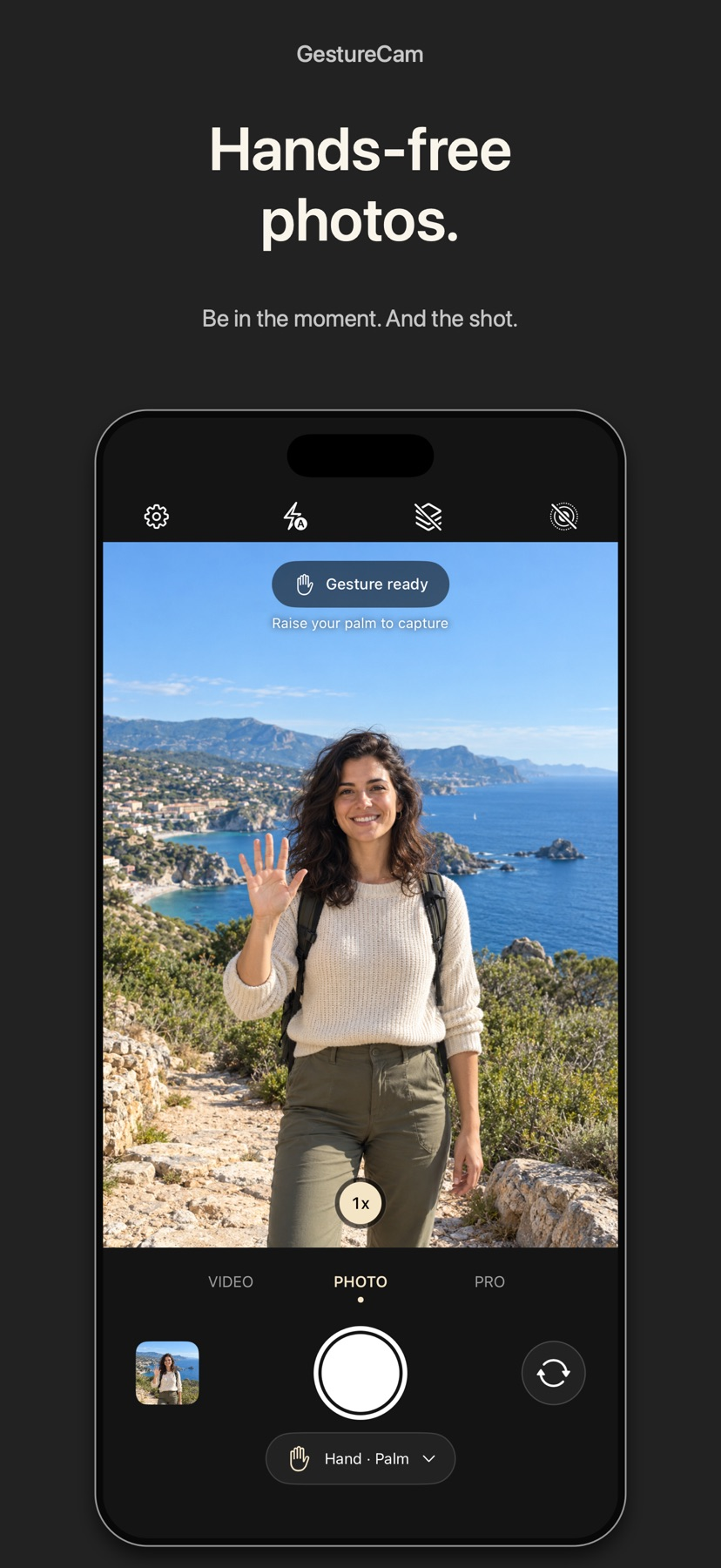
Set down an iPhone and trigger a photo with a palm gesture, or use Pro Auto Capture to keep taking shots while people hold a pose.
The short answer
GestureCam suits a group photo where the person holding the phone wants to join in. The free palm trigger provides a hands-free starting point, and the optional Auto Capture workflow is aimed at successive poses without returning to the phone. Check the saved photos and framing before committing to an important group shot.
Start with one small attempt
Place the phone securely and take a sample with the free palm trigger, then check focus and framing in the saved result.
Check the result and access
If using Pro Auto Capture, follow the developer's walkthrough, move into the group and compare several poses before ending capture.
Limitations & considerations
- Camera controls and lens options depend on hardware. Hand recognition, stillness timing and voice availability were not tested.
- The developer's walkthrough illustrates Auto Capture. No offered promotional access code was redeemed.
Use the linked official pages for current platform, access and purchase conditions.
Sources & scope
Reviewed November 11, 2026. Workflow based on linked official documentation checked November 11, 2026. Publisher images are credited.
- GestureCam: Hands Free Camera · App Store
Official product, access and compatibility information checked November 11, 2026.
- GestureCam: Hands Free Camera · official information
Official product, access and compatibility information checked November 11, 2026.