HowLong: To-Do & Reminders
HowLong shows how many calendar days have passed since each task was added, so an old item is visible before it slips off your radar.
Find the oldest unfinished item on a simple checklist
HowLong shows how many calendar days have passed since each task was added, so an old item is visible before it slips off your radar.
Keep in mind: Elapsed days measure time since entry. A priority or deadline still needs to be set separately, and widget behavior was not tested on a device.
Inside the app
Official product images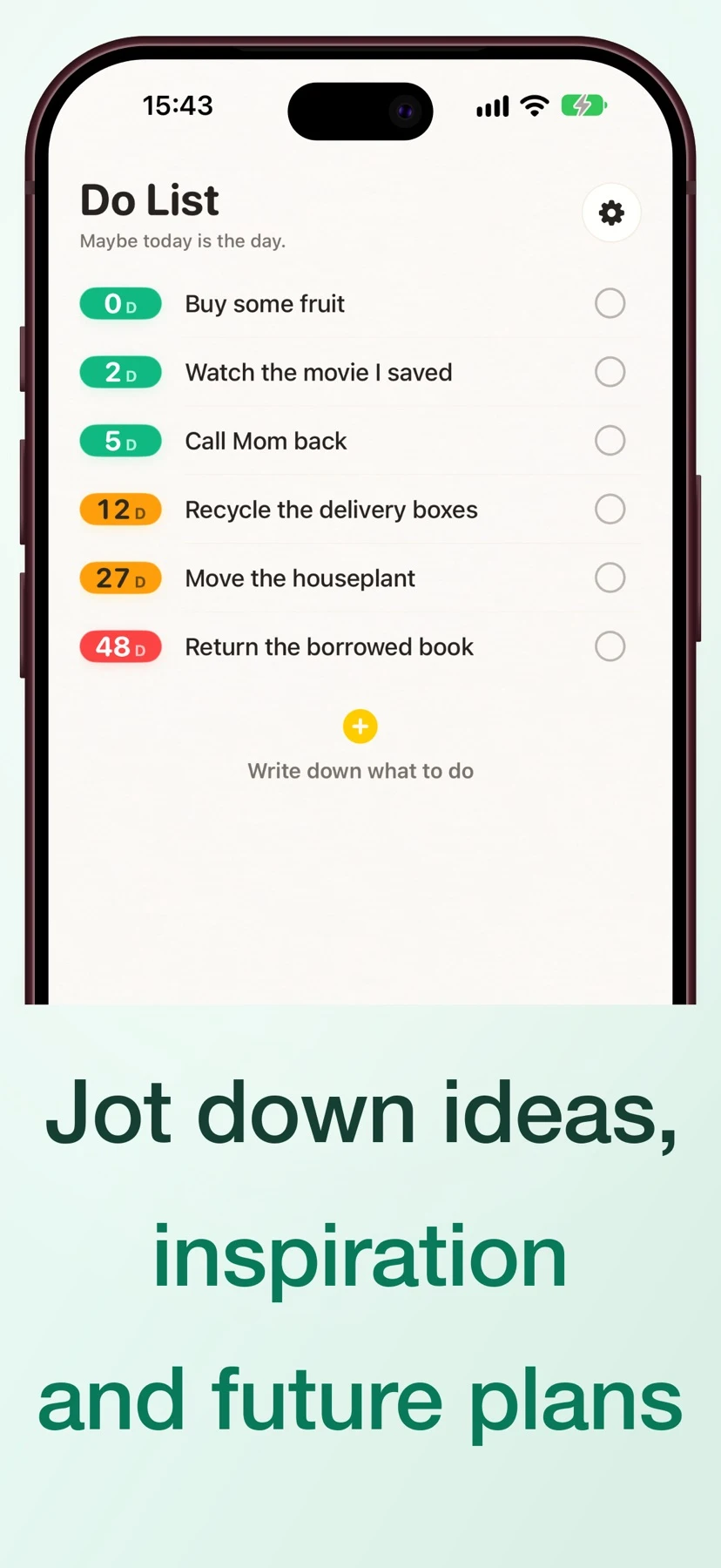



What you can do
- Track elapsed calendar days with colored labels
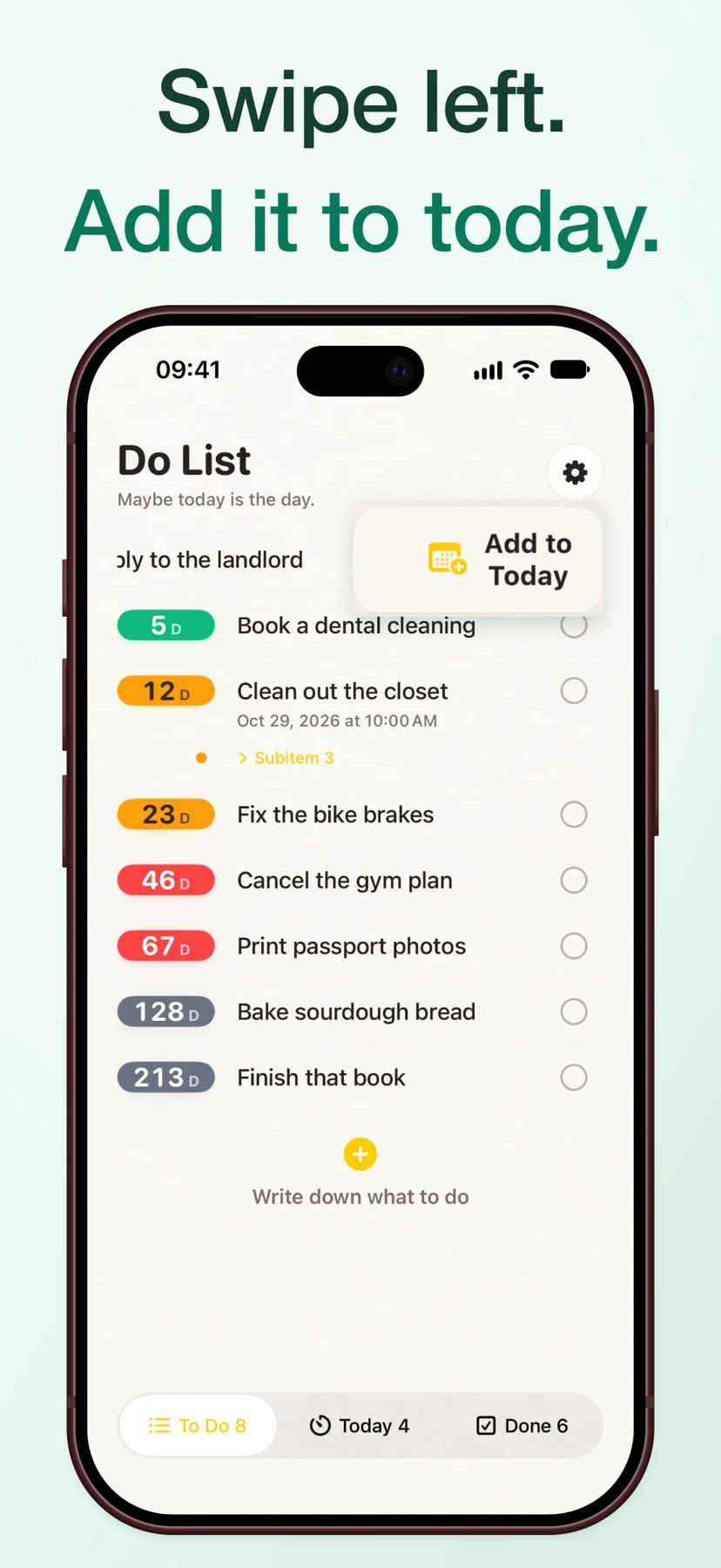
- Move an item to Today and set interval reminders
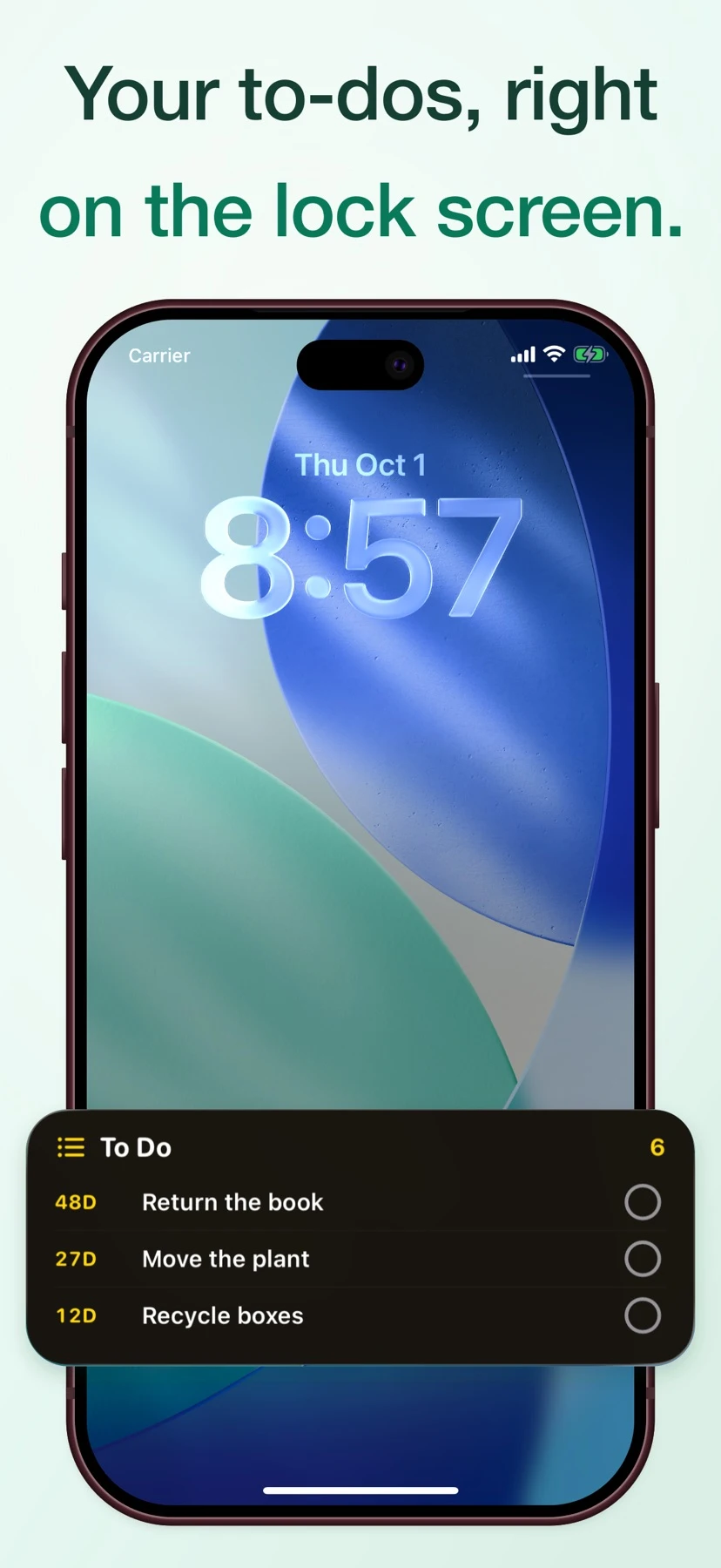
- Show tasks in Home or Lock Screen widgets and sync with iCloud
Good for
- Find the oldest unfinished item on a simple checklist
Consider alternatives for
- Elapsed days measure time since entry. A priority or deadline still needs to be set separately, and widget behavior was not tested on a device.
Start with a small example
Add several actual tasks on different days. When you check the list again, compare their day counts to see which open item has been waiting longest.
Move the item you intend to work on into Today. Set a reminder interval only if you want repeated prompts before it is finished.
Release and access
US App Store version 10.2.12. iOS 17.6 or later. The store also lists macOS 26.0 or later.
Limitations & considerations
- Elapsed days measure time since entry. A priority or deadline still needs to be set separately, and widget behavior was not tested on a device.
Privacy & permissions
The publisher lists iCloud sync. Consult the App Store privacy label for the developer’s current disclosures.
Use it for
Sources & review notes Updated Nov 21, 2026
Reviewed by iApp4Me Editorial Team. Recommendations use the linked documentation and attributed accounts; device observations are identified separately.
- App Store listing
Publisher information checked November 21, 2026.
No comments yet. Be the first to share your experience.