
LifeOS: Daily Planner & Tasks
Plan tasks and time blocks separately, then record what really happened when the day takes a different turn.
People who move calendar blocks during the day and want unfinished work to stay visible
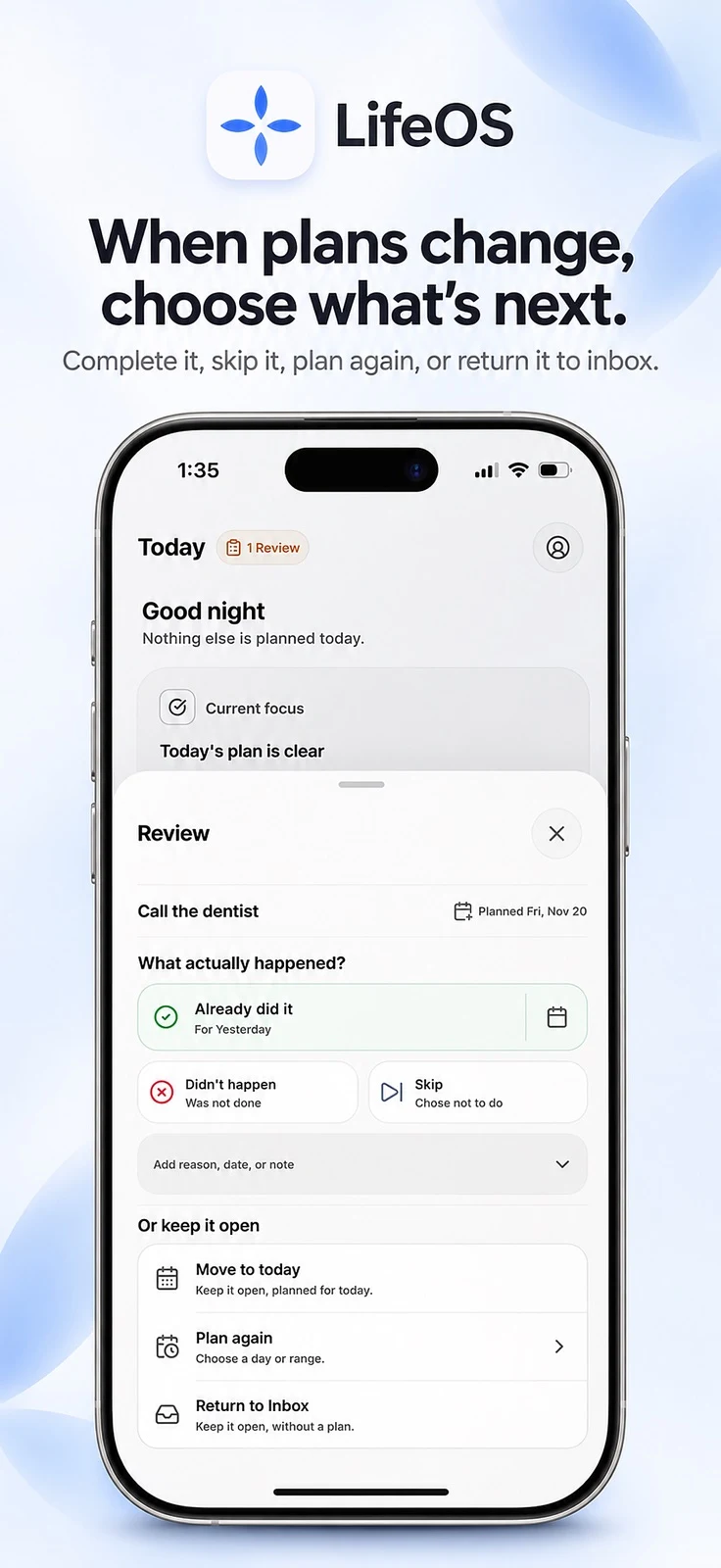
Start with one task linked to a time block. If the block ends before the work is done, Review lets you record what happened or move the unfinished task to another day.
Keep in mind: The full-access evaluation lasts seven days for eligible new users. The public listing does not specify a perpetual free task allowance.
Inside the app
Official product images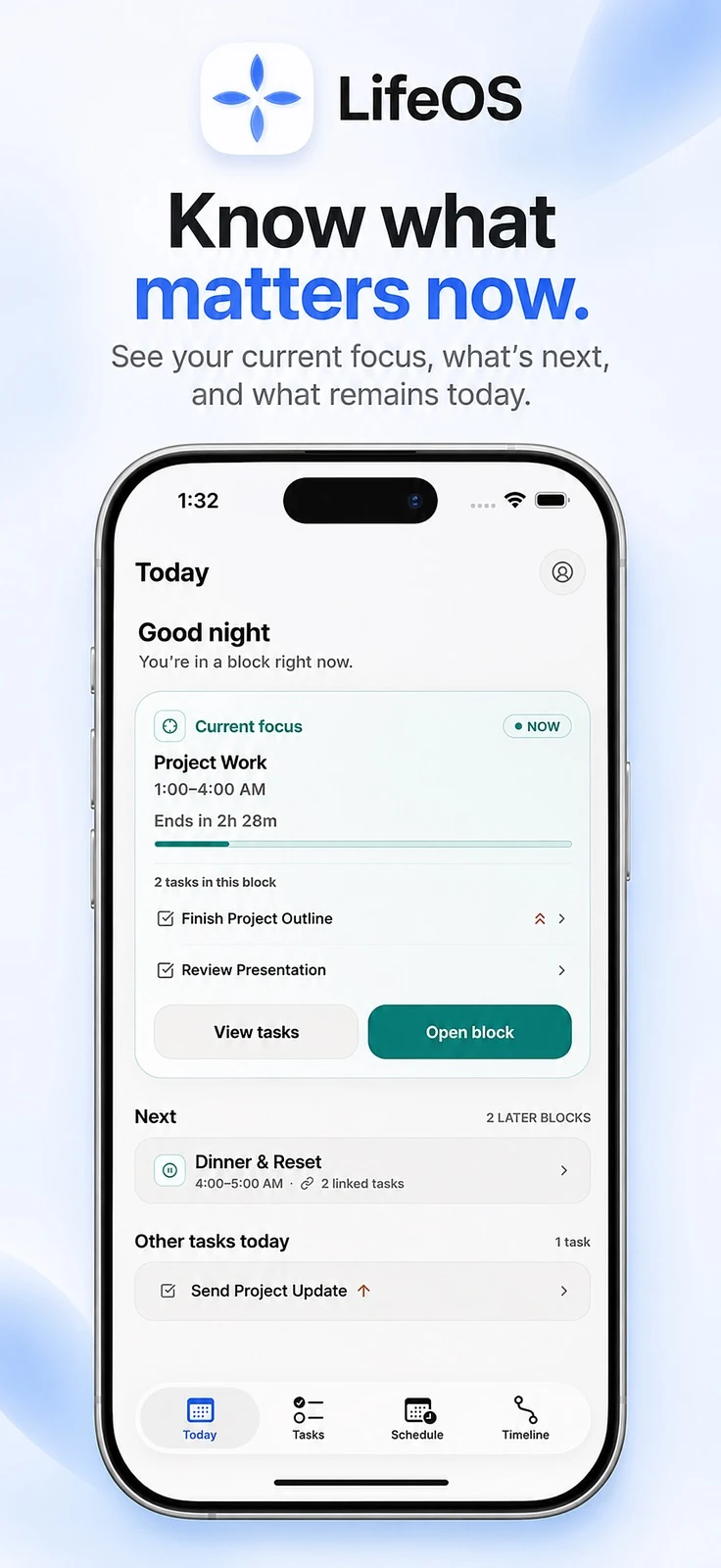



What you can do
- See your current focus, next item and remaining tasks
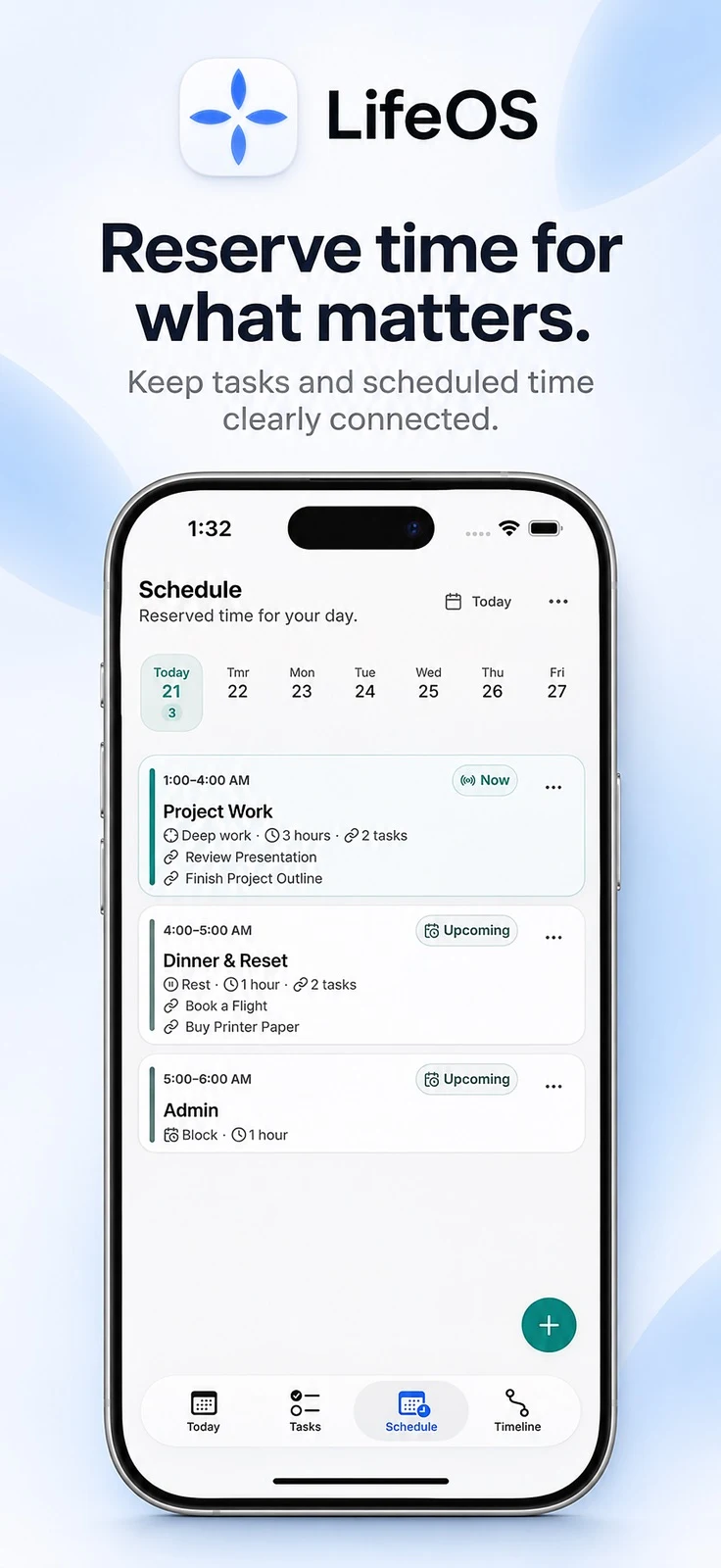
- Reserve time on a schedule and link tasks to blocks
- Review unfinished tasks and see recorded outcomes on a timeline
Good for
- People who move calendar blocks during the day and want unfinished work to stay visible
Consider alternatives for
- The full-access evaluation lasts seven days for eligible new users. The public listing does not specify a perpetual free task allowance.
Where it fits
Start with one task linked to a time block. If the block ends before the work is done, Review lets you record what happened or move the unfinished task to another day.
Limitations & considerations
- The full-access evaluation lasts seven days for eligible new users. The public listing does not specify a perpetual free task allowance.
Privacy & permissions
LifeOS publishes policies for storage, synchronisation and service providers. Read those terms before putting confidential work details into your plan.
Sources & review notes Updated Nov 27, 2026
Reviewed by iApp4Me Editorial Team. Recommendations use the linked documentation and attributed accounts; device observations are identified separately.
- App Store listing
Official product details and interface information.
- Official product documentation
Public source checked November 27, 2026.
- Official press kit
Public source checked November 27, 2026.
No comments yet. Be the first to share your experience.