
Tasks & time

Plan your day, manage projects, and build routines.

What are you trying to do?

App profiles

24me: Calendar・Planner & To Do app icon
Tasks & time

24me: Calendar・Planner & To Do

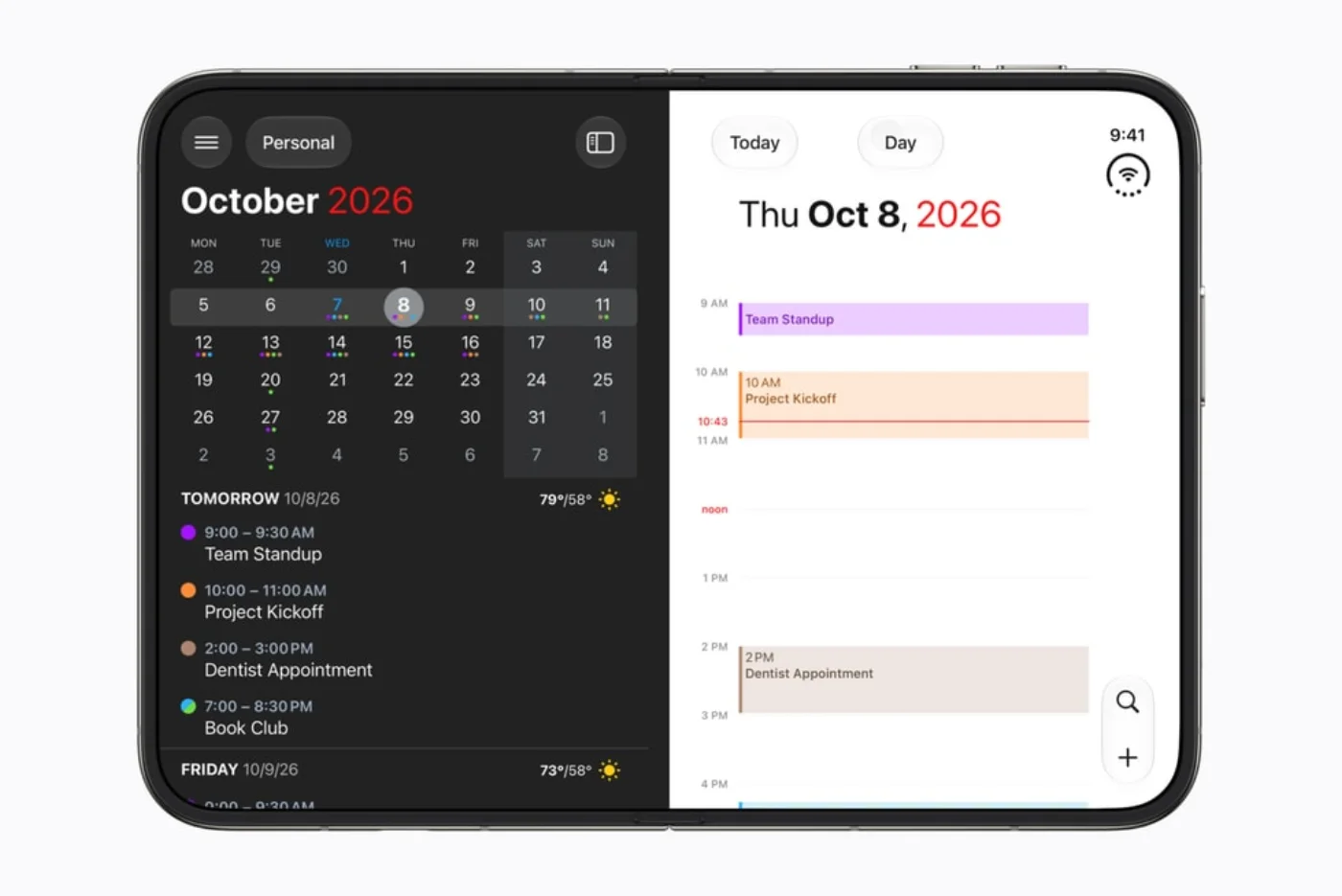
Bring calendar appointments, actionable tasks and notes into one daily planning view.

Choose 24me when calendar events, tasks and notes need to live in one personal planning workflow. Start with Apple Calendar and scheduled Reminders if you only need dated actions beside events. Email-to-task and location reminders are reasons to consider Premium, not assumed free features.
Research reviewed Free download; optional paid features. See feature and purchase boundaries below.
GroupCal - Shared Calendar app icon
Tasks & time

GroupCal - Shared Calendar

Coordinate shared events with family, a team or a community.

Choose GroupCal for a schedule shared with a family, team or community, especially when membership and editing permissions matter. For an all-Apple group, compare the shared iCloud calendar route first. Choose a shared task list instead when the main job is allocating undated chores.

Research reviewed Free download; optional paid features. See feature and purchase boundaries below.

Guides & decisions

Apple illustration showing the Fantastical calendar on an unfolded iPhone Duo — Apple press illustration
How-to guide Oct 24, 2026

Which apps are ready for iPhone Duo?

There is no single yes/no definition of Duo-ready. An app may run, adapt to the wider display, or add pose-specific behavior. This tracker separates the evidence for each claim and keeps an announced enhancement distinct from an available release.

Apple illustration showing Detail on the inner display of an iPhone Duo — Apple press illustration
How-to guide Oct 24, 2026

Apps that make the iPhone Duo fold useful

Look for a reason to open, prop up or close the device. An effective layout can keep two useful things visible, leave the device stable on a table, or move information to the display facing the right person. These are sourced examples, not our hands-on findings.

Apple illustration showing Netflix on a partially folded iPhone Duo — Apple press illustration
Best apps Oct 24, 2026

Your first iPhone Duo app kit

Keep your existing tools when they already do the job. Add an app only when its documented Duo workflow solves a need you actually have. Start with one planning tool and one frequently used work or entertainment app; add specialist tools later.

Apple illustration showing the Fantastical calendar on an unfolded iPhone Duo — Apple press illustration
Best apps Oct 24, 2026

Make the most of your iPhone Duo

Start with the apps you already rely on, distinguish released support from future announcements, then choose a few workflows that benefit from the extra room. A folding screen is useful when it removes steps—not merely when it makes the same interface larger.