
LumaFold: Screen Light
Use an adjustable screen as a nearby light or creative color source.
Small-object photographs taken with a second camera
Choose LumaFold for nearby screen-light experiments, a camera mirror or color accents, using a second camera for separate subjects. Try the basic controls before buying advanced presets. It is not an established substitute for a photographic light with measured brightness and color performance.
Keep in mind: A second camera is needed when this phone screen is the light source for a separate subject.
Inside the app
Official product images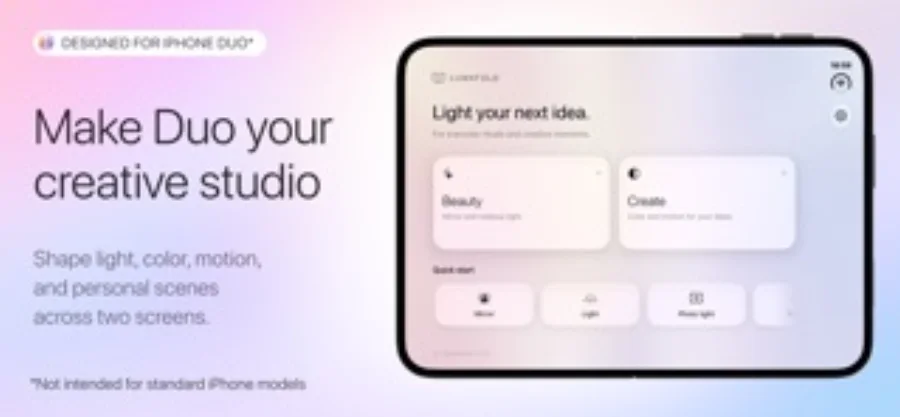
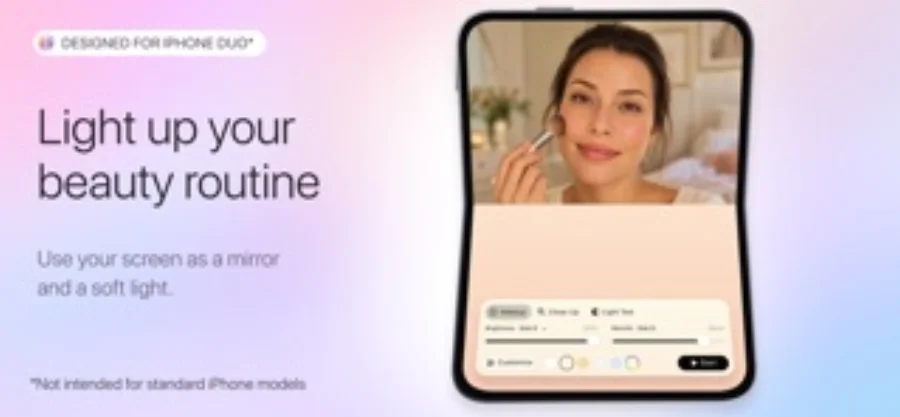
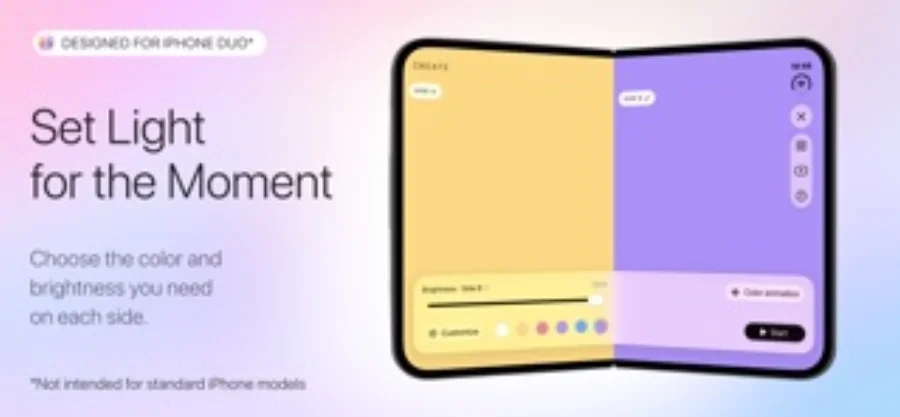
What you can do
- Camera mirror paired with screen-light controls
- Independent color areas, gradients and animation
- Pro photo displays, advanced controls and saved setups
Good for
- Small-object photographs taken with a second camera
- People exploring color accents or a camera mirror with screen light
Consider alternatives for
- A measured replacement for a dedicated photographic light
- Assuming identical split layouts and brightness across all supported devices
Use screen light for a small, nearby job
A phone display is a controllable surface for reflections and color accents. It makes most sense beside a small object with another phone or camera taking the photograph. A large or distant scene needs a different lighting plan.
Begin with the available light and a plain reflector. LumaFold adds value when a selectable color, a mirror/light combination or a saved arrangement is useful. Its name and promotional device examples do not guarantee the same layout on every compatible device.
Keep a usable reference photograph
Make a photograph under your ordinary light before adding a color effect. Compare detail and color in the finished image, rather than choosing by how attractive the screen animation looks. Disable motion if the changing effect does not serve the photograph.
Editorial basis and disclosure
The developer submitted this app for consideration. We selected it for the task it serves, with no payment, paid ranking or promise of a positive recommendation. This profile uses the dated official sources; offered test access has not been used.
Limitations & considerations
- A second camera is needed when this phone screen is the light source for a separate subject.
- Screen area, distance and ambient light limit practical illumination.
- No brightness, color-accuracy, battery or thermal benchmark is available here.
Privacy & permissions
The listing says no account is required, photos are processed on-device and saved setups remain local. Those are developer statements about these features; camera access is needed for the mirror. They do not establish a complete network audit.
Use it for
Sources & review notes Updated Oct 28, 2026
Reviewed by iApp4Me Editorial Team. Recommendations use the linked documentation and attributed accounts; device observations are identified separately.
- LumaFold: Screen Light · US App Store
Apple US listing and developer-supplied description, checked October 28, 2026. Used for identity, compatibility, feature boundaries and provider statements; not independent performance testing.
No comments yet. Be the first to share your experience.