Use a Phone Screen to Light a Small Object
Use a screen light for a nearby object or a creative reflection, with another device taking the photograph.
The short answer
Use a screen light for a nearby object or a creative reflection, with another device taking the photograph. LumaFold is relevant when adjustable colors, a camera mirror or saved lighting setups help. Start with ambient light and a reflector if you only need a simple brighter image.
Compare your options
| Approach | Intended result | Tradeoff | Evidence boundary |
|---|---|---|---|
| Ambient light and reflector | A simple baseline without another app | Depends on the room and available light | General setup guidance, not measured performance |
| LumaFold basic controls | Try screen lighting and preset colors | Available controls and layouts vary by device | US listing |
| LumaFold Pro | Use custom colors, advanced controls and saved setups | Paid access; no measured lighting specification here | US listing |
Use two devices for a separate subject
Place the light-producing screen near the object and use another camera to photograph it. A screen displaying color cannot simultaneously face the object as a light and point its rear camera at that same arrangement without a different physical setup.
Make a baseline before adding color
Photograph the object with the available light, then bring the screen closer or change its angle. A plain reflector may solve a shadow problem without another purchase. Add a color only when that reflection or background accent serves the image.
Choose a useful control rather than a preset collection
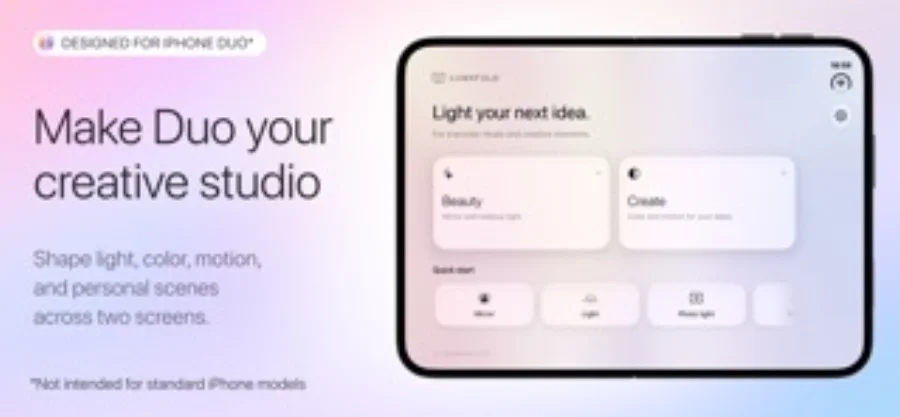
LumaFold’s basic light controls and presets are a starting point. Custom colors, advanced controls and saved setups belong to Pro. Screen layout and supported hardware need to match your device; promotional split-screen examples do not establish universal behavior.
Review the photograph outside the lighting app
Look for lost detail, unwanted reflections and color shifts in the captured image. Keep a neutral reference if product color matters. Brightness, battery use and heat are practical limits, and this source review supplies no comparative measurements for them.
Limitations & considerations
- No claim is made that a phone screen matches a dedicated light’s output or color accuracy.
Use the linked official pages for current platform, access and purchase conditions.
Sources & scope
Reviewed October 28, 2026. Editorial choices based on the linked official documentation and dated US listings. No performance ranking or device benchmark is claimed.
- LumaFold: Screen Light · US App Store
Apple US listing and developer-supplied description, checked October 28, 2026. Used for identity, compatibility, feature boundaries and provider statements; not independent performance testing.