Metronome · Tempo Wheel
Keep a steady practice pulse and add structured rhythm exercises when needed.
Players needing a simple 10–300 BPM pulse
Choose Tempo Wheel for a focused metronome with a useful free tempo range and subdivisions. Consider the one-time Pro upgrade when you need background playback, Lock Screen controls or structured tempo and silent-bar exercises. The free app is less suitable if it must keep playing behind a sheet-music app.
Before you choose: Background playback and Lock Screen controls require Pro.
Visit the official product page →The essentials
- Platforms
- iPhone · iPad
- Purchase model
- Free download; optional paid features. One-time Pro; no subscription.
- Developer / project
- Shanghai Wangyue Huishi Technology Co., Ltd.
- US App Store snapshot
- v1.2.0 · minimum OS 18.0 · Free to download. In-app purchases may be additional.
Checked 2026-10-28 · Verify current listing
Price & purchase options
- Free: full 10–300 BPM range, four subdivisions, Classic click and Precision wheel theme.
- Pro is a one-time lifetime purchase, not a subscription.
- Pro adds extended meters, tempo training, Quiet Count, background playback and Lock Screen features.
US developer listing checked October 28, 2026; actual regional checkout, eligibility and renewal terms govern. Free download is not a promise of all features free.
US · checked 2026-10-28 · Verify the current offer ↗. Taxes, promotions and checkout eligibility may change the amount.
Inside the app
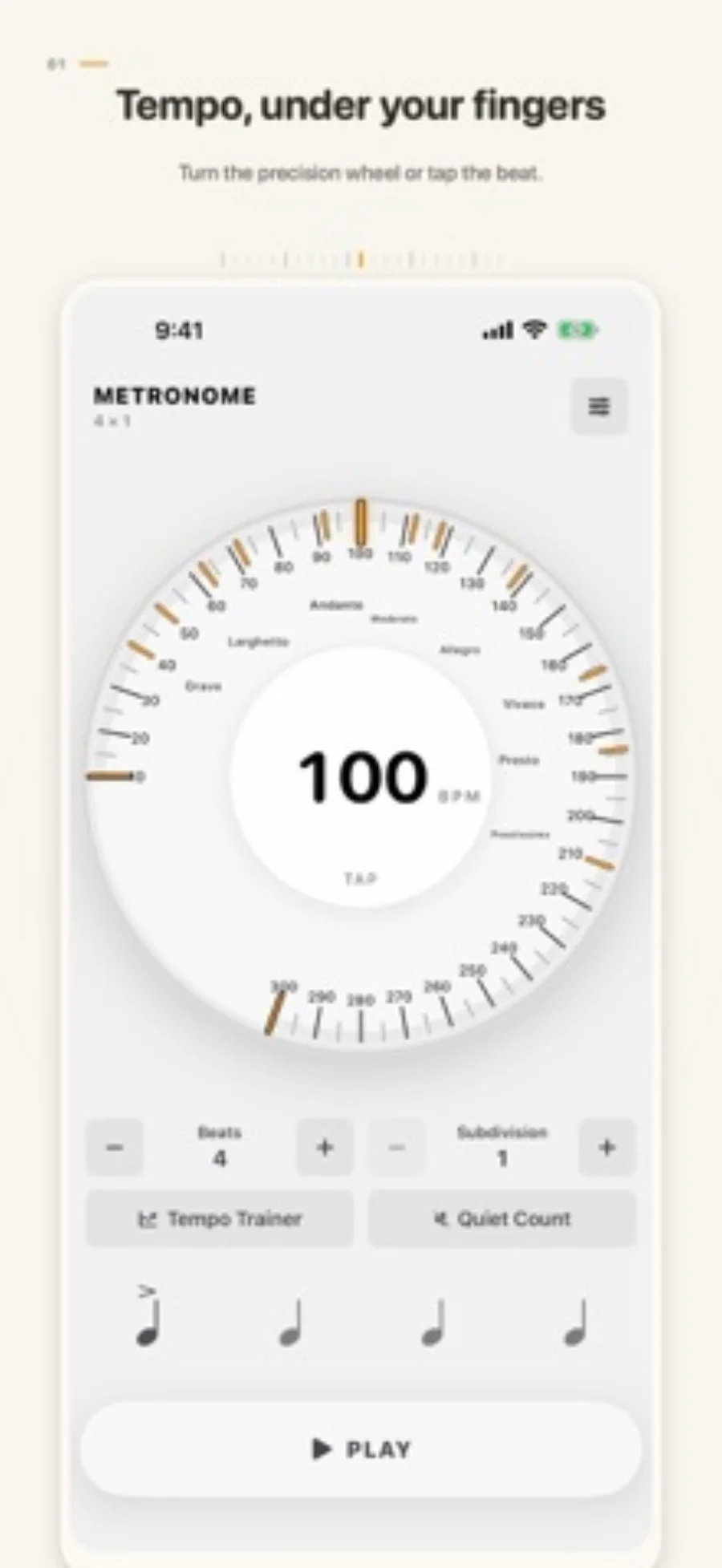
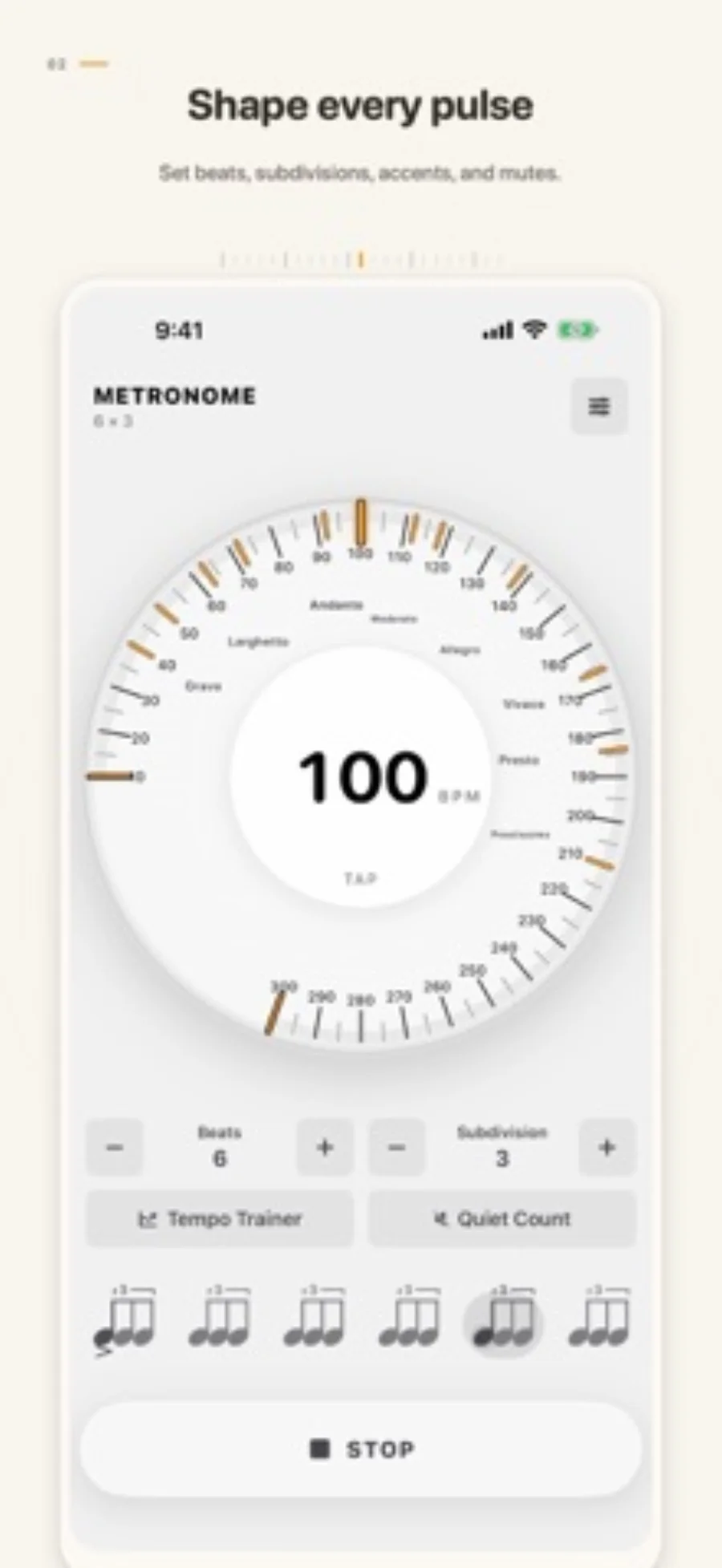
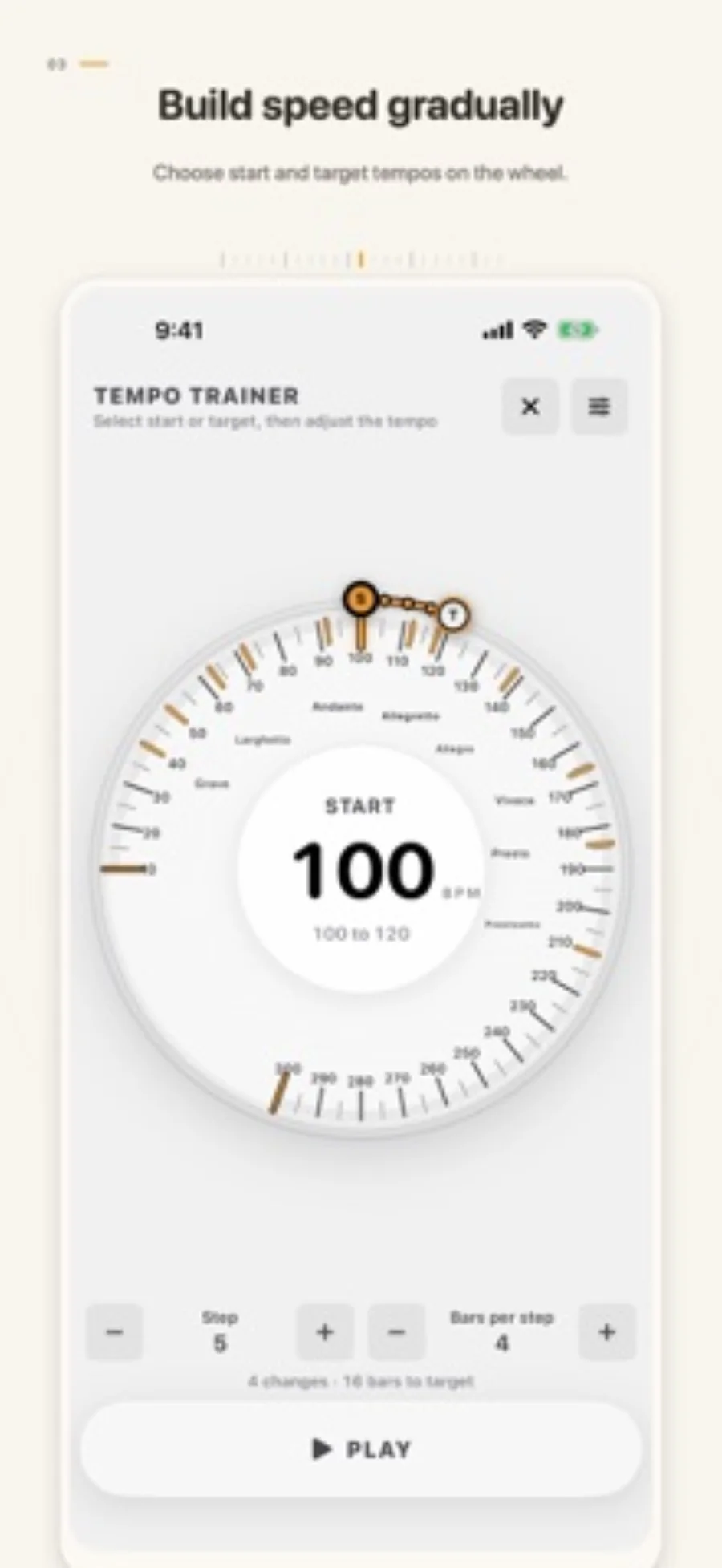
Developer-published product images. Captions identify the platform and source; these are not our test captures.
Metronome · Tempo Wheel
Who it suits
- Players needing a simple 10–300 BPM pulse
- Practice sessions using subdivisions or optional tempo training
When to choose something else
- Free background and Lock Screen playback
- Assuming a “sample-accurate” marketing description is an independent timing result
Features & tradeoffs
Features below come from the linked provider documentation. The recommendations above are our editorial interpretation.
- Tempo wheel and Tap Tempo
- Free one-to-four-beat meters and four subdivisions
- Pro tempo training, silent bars and background playback
Decide whether the metronome must run behind another app
The free range and subdivisions cover many basic exercises while the metronome remains on screen. If you read sheet music in another app or lock the phone while practising, background playback is a purchase decision, not a minor cosmetic extra.
The wheel and Tap Tempo are alternative ways to choose a target. Use a numeric target for a repeatable exercise; tapping an approximate pulse can help locate a starting point.
Add complexity for a reason
Tempo Trainer can change speed after complete bars, while Quiet Count alternates audible and silent bars. These are tools for specific practice routines rather than reasons to make every exercise complicated. Begin with a comfortable pulse, then add one constraint at a time.
Editorial basis and disclosure
The developer submitted this app for consideration. We selected it for the task it serves, with no payment, paid ranking or promise of a positive recommendation. This profile uses the dated official sources; offered test access has not been used.
Limitations & considerations
- Background playback and Lock Screen controls require Pro.
- One-to-four beats per bar is the documented free meter range.
- Timing and audio-route latency have not been independently benchmarked.
Documented features, attributed opinions and explicitly labeled hands-on observations are different kinds of evidence. We do not infer unmeasured performance or privacy guarantees.
Privacy & permissions
The listing states there are no ads, accounts, analytics or tracking. This is a developer-reported description, not a network audit. No microphone is needed merely to listen to a generated pulse; review any requested permissions for additional features.
Sources
Product facts checked October 28, 2026. Independent and user perspectives, where available, are attributed above. Missing external coverage is not treated as a negative verdict.
- Metronome · Tempo Wheel · US App Store
Apple US listing and developer-supplied description, checked October 28, 2026. Used for identity, compatibility, feature boundaries and provider statements; not independent performance testing.
No comments yet. Be the first to share your experience.