Mom Alarm Clock
Arrange a child's alarm from a paired parent phone and review the wake-up check reported by the child's device.
Families coordinating a morning routine with two compatible iPhones
Mom Alarm Clock addresses the coordination around a family morning. Its iPhone documentation describes pairing two compatible iPhones, setting the child's alarm and reviewing the device's reported wake-up check. Treat those reports as information for a parent check-in and test the setup during the day.
Keep in mind: The family iPhone setup requires two compatible iPhones on iOS 26 or later. The website names iPhone 11 or newer and iPhone SE 2 nd/3 rd generation.
Inside the app
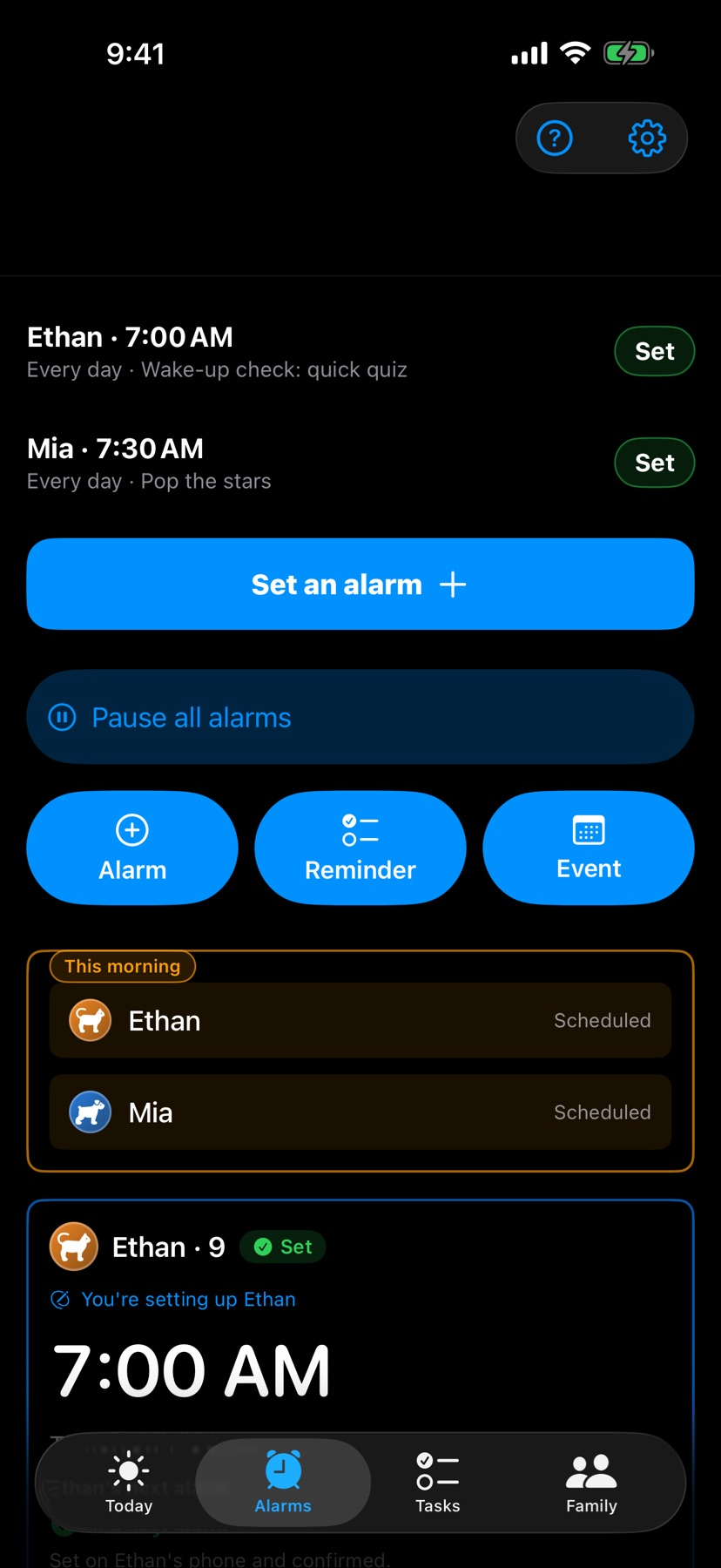
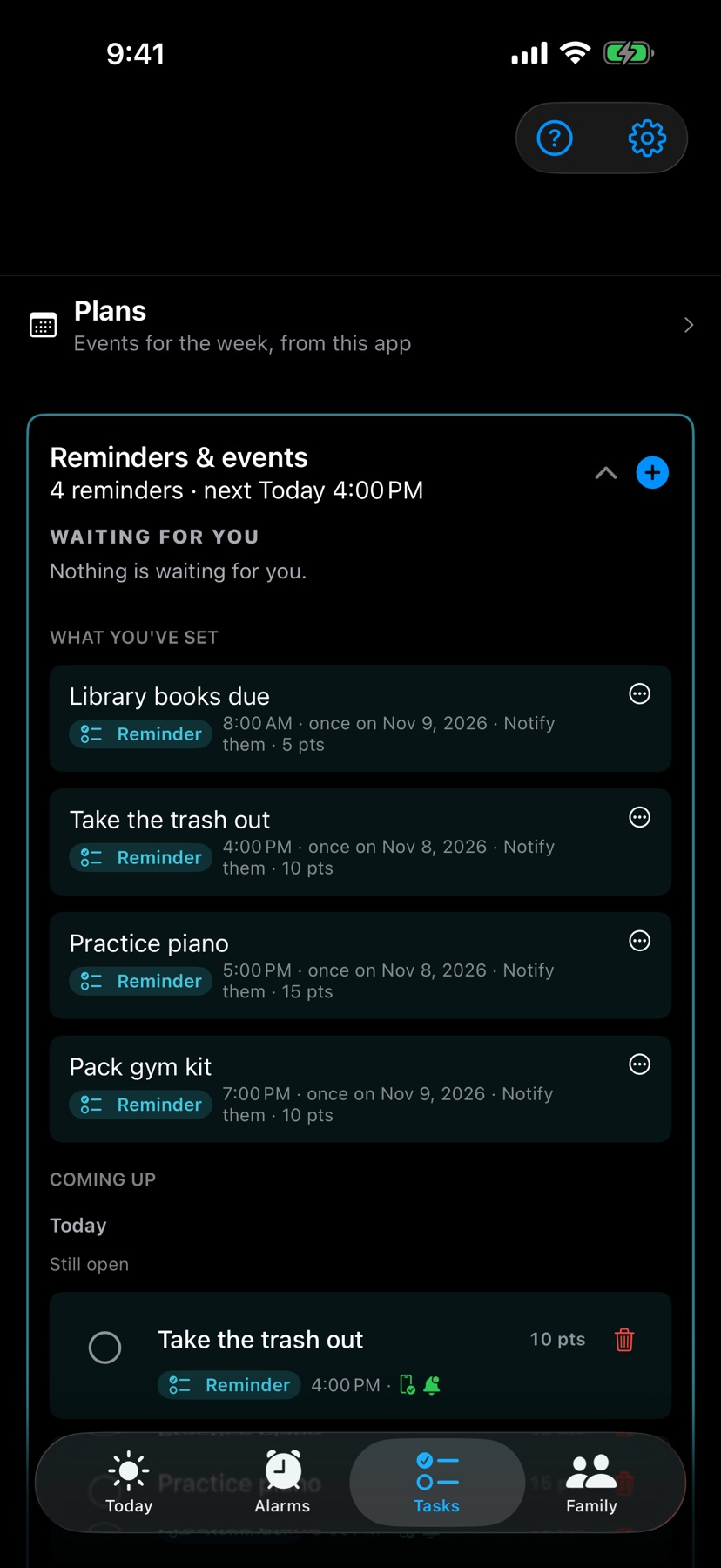
Official product images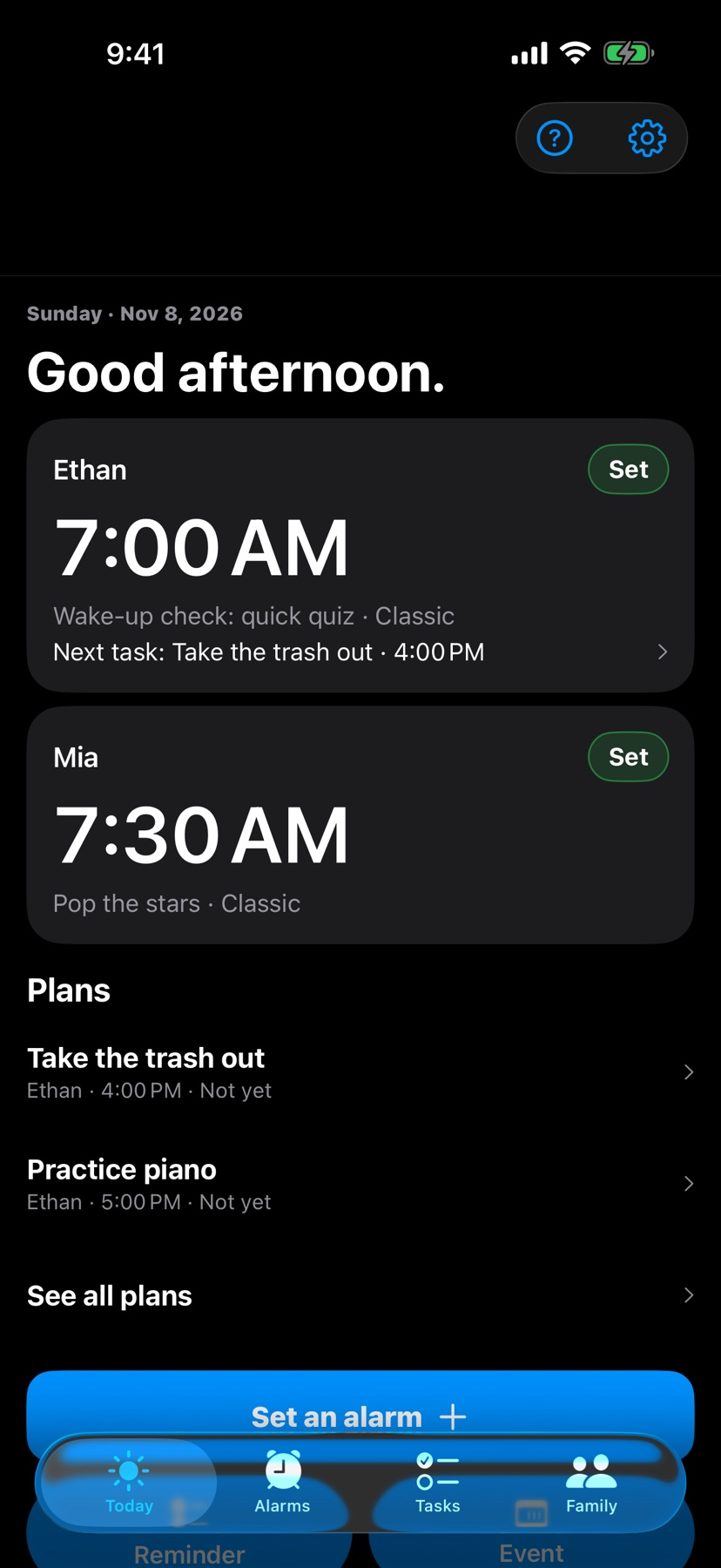



What you can do
- Pair parent and child devices for a shared morning routine
- Set and edit wake-up schedules from the parent view
- Choose supported wake checks and record a wake-up message
- Review reported checks, history and family rewards
Good for
- Families coordinating a morning routine with two compatible iPhones
- Parents wanting a reported check alongside their own follow-up
Consider alternatives for
- Using a phone report as proof that a child is out of bed
Begin with both phones present
The official iPhone instructions require a compatible phone for each role. Pair the devices using the installed app's current instructions, choose a daytime alarm and check how each phone reports the result.
Use the documented iPhone feature set
The developer's website reserves chores, reminders and calendar events for its Android description. Some iOS store images show those functions too, so their iOS availability still needs clarification. The listed iOS and Android version is 2.5.1.
Release and evidence
The checked iOS release is 2.5.1, requiring iOS 26.0 or later. Official product and store material was checked November 11, 2026.
The gallery is publisher-supplied product imagery. This overview is based on linked documentation and has no installed-device or outcome test.
Limitations & considerations
- The family iPhone setup requires two compatible iPhones on iOS 26 or later. The website names iPhone 11 or newer and iPhone SE 2 nd/3 rd generation.
- The website assigns reminders and calendar tasks to Android, while iOS store images also show those screens. This profile limits its iOS claims to the documented alarm and family workflow.
- Permissions, volume, connectivity and device state affect reported results. Cross-platform pairing and alarm reliability were not tested.
Privacy & permissions
Pairing and shared wake-up reports involve information about a family's routine. Keep pairing codes and personal family details out of public feedback.
Voice recording and supported camera checks use their respective permissions. Consult the official setup and privacy guidance before enabling those options.
Use it for
Sources & review notes Updated Nov 11, 2026
Reviewed by iApp4Me Editorial Team. Recommendations use the linked documentation and attributed accounts; device observations are identified separately.
- Mom Alarm Clock · App Store
Official product, access and compatibility information checked November 11, 2026.
- Mom Alarm Clock · official information
Official product, access and compatibility information checked November 11, 2026.
- Mom Alarm Clock · Google Play
Official product, access and compatibility information checked November 11, 2026.
- Mom Alarm Clock · official information
Official product, access and compatibility information checked November 11, 2026.
No comments yet. Be the first to share your experience.