Set Up a Family Wake-Up Check
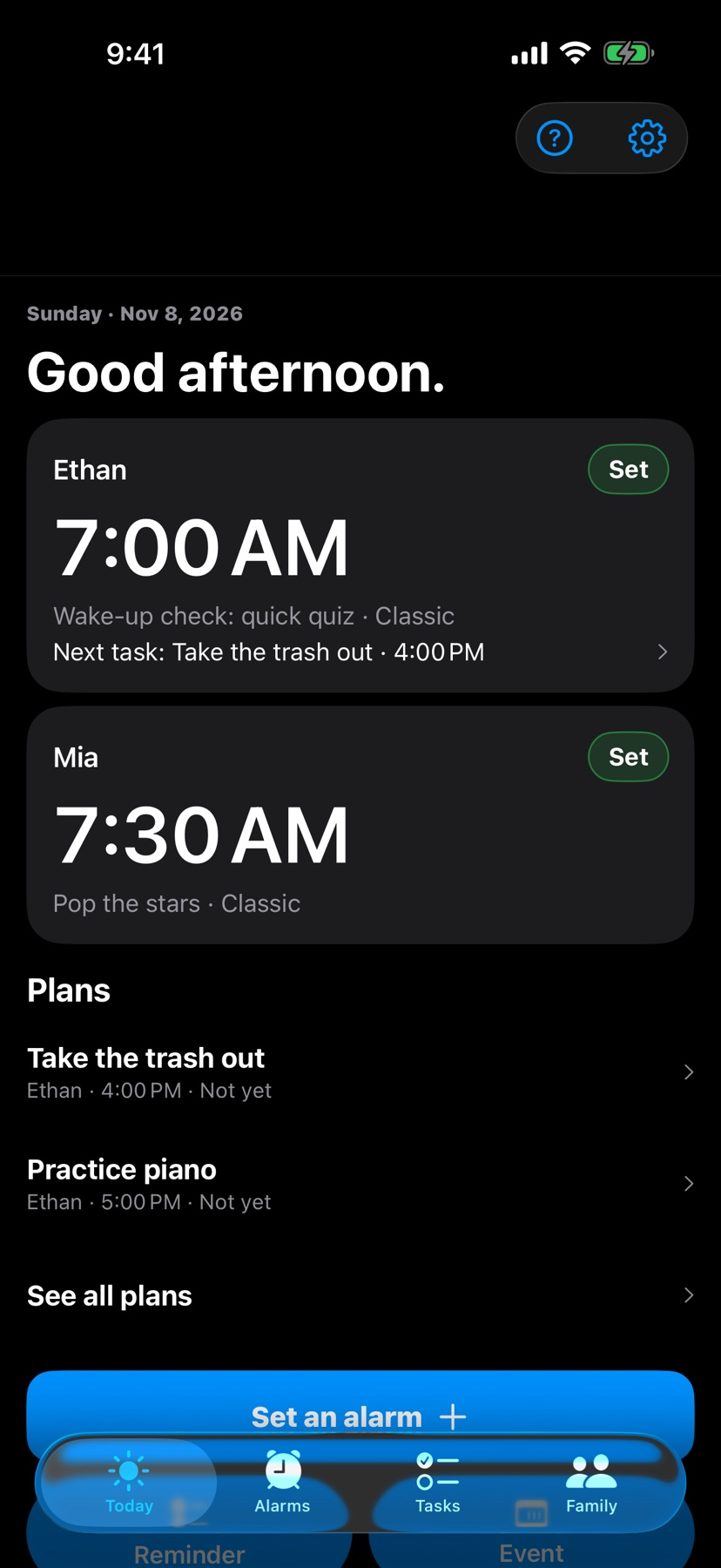
Arrange a child's alarm from a paired parent phone and review the wake-up check reported by the child's device.
The short answer
Mom Alarm Clock addresses the coordination around a family morning. Its iPhone documentation describes pairing two compatible iPhones, setting the child's alarm and reviewing the device's reported wake-up check. Treat those reports as information for a parent check-in and test the setup during the day.
Start with one small attempt
Have both compatible iPhones available, complete the documented pairing and set a daytime alarm in the parent role.
Check the result and access
Check the child's alarm and the parent's reported result together. Keep an independent morning backup while you establish that the setup behaves as expected.
Limitations & considerations
- The family iPhone setup requires two compatible iPhones on iOS 26 or later. The website names iPhone 11 or newer and iPhone SE 2 nd/3 rd generation.
- The website assigns reminders and calendar tasks to Android, while iOS store images also show those screens. This profile limits its iOS claims to the documented alarm and family workflow.
- Permissions, volume, connectivity and device state affect reported results. Cross-platform pairing and alarm reliability were not tested.
Use the linked official pages for current platform, access and purchase conditions.
Sources & scope
Reviewed November 11, 2026. Workflow based on linked official documentation checked November 11, 2026. Publisher images are credited.
- Mom Alarm Clock · App Store
Official product, access and compatibility information checked November 11, 2026.
- Mom Alarm Clock · official information
Official product, access and compatibility information checked November 11, 2026.
- Mom Alarm Clock · Google Play
Official product, access and compatibility information checked November 11, 2026.
- Mom Alarm Clock · official information
Official product, access and compatibility information checked November 11, 2026.