
Moonary: Photo Companion
Add writing, voice and attachments to photo Moments, then revisit them through a timeline, calendar or collection.
Keeping the context of family photographs or a trip
Moonary suits someone whose photographs need a little context to remain meaningful. Its documented workflow links a Moment to photos already in Apple Photos and adds the words or recordings that explain the occasion. The free allocation is enough to try a small collection before choosing Plus.
Keep in mind: Original-photo availability follows Apple Photos. Thumbnails, writing, recordings and imported file copies still use storage.
Inside the app
Official product images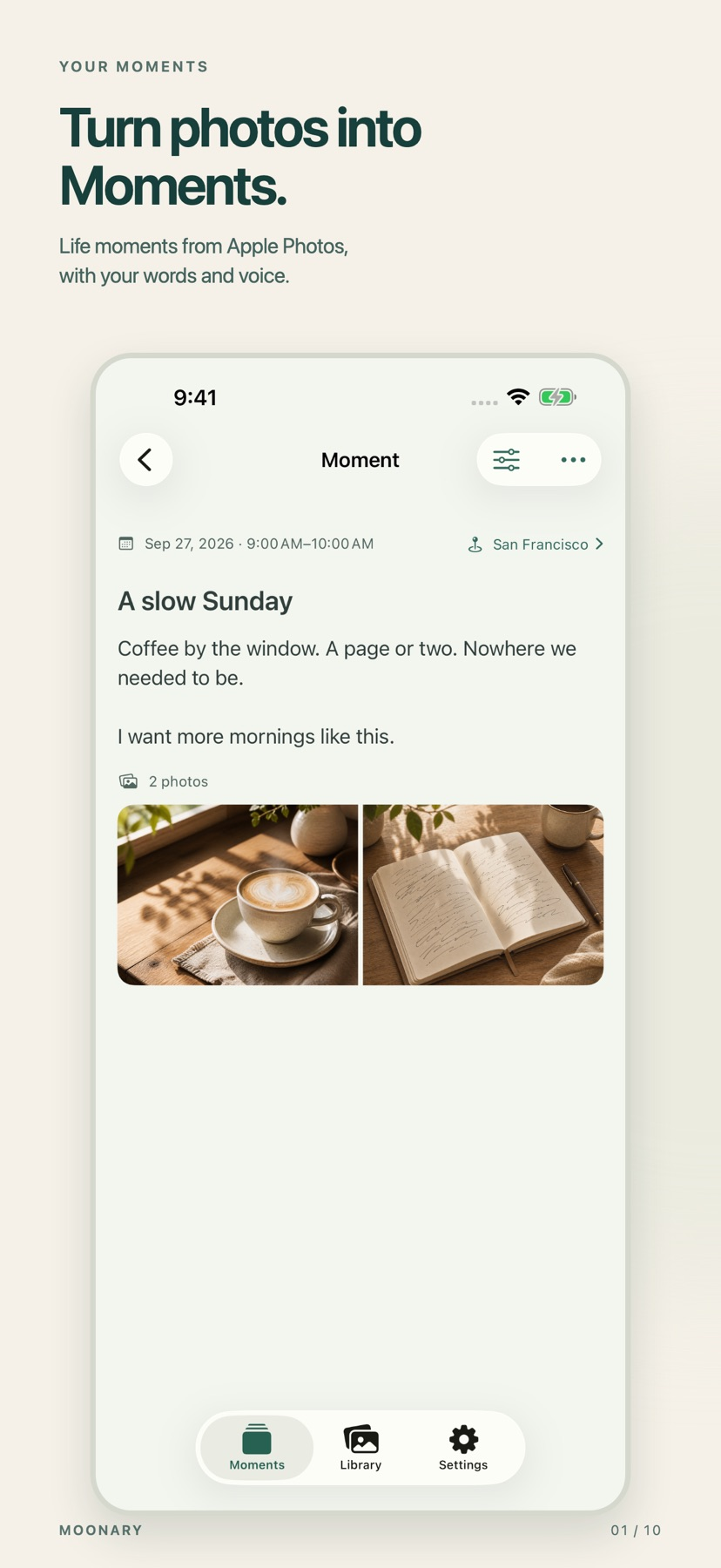



What you can do
- Combine photos and videos with writing, voice recordings and attachments
- Browse Moments through a timeline, calendar, tags and Collections
- Sync saved material through private iCloud
- Use Plus for overview maps and expanded postcard layouts
Good for
- Keeping the context of family photographs or a trip
- Trying a small photo journal before paying for a larger library
Consider alternatives for
- A zero-storage archive independent of Apple Photos
Choose a Moment worth explaining
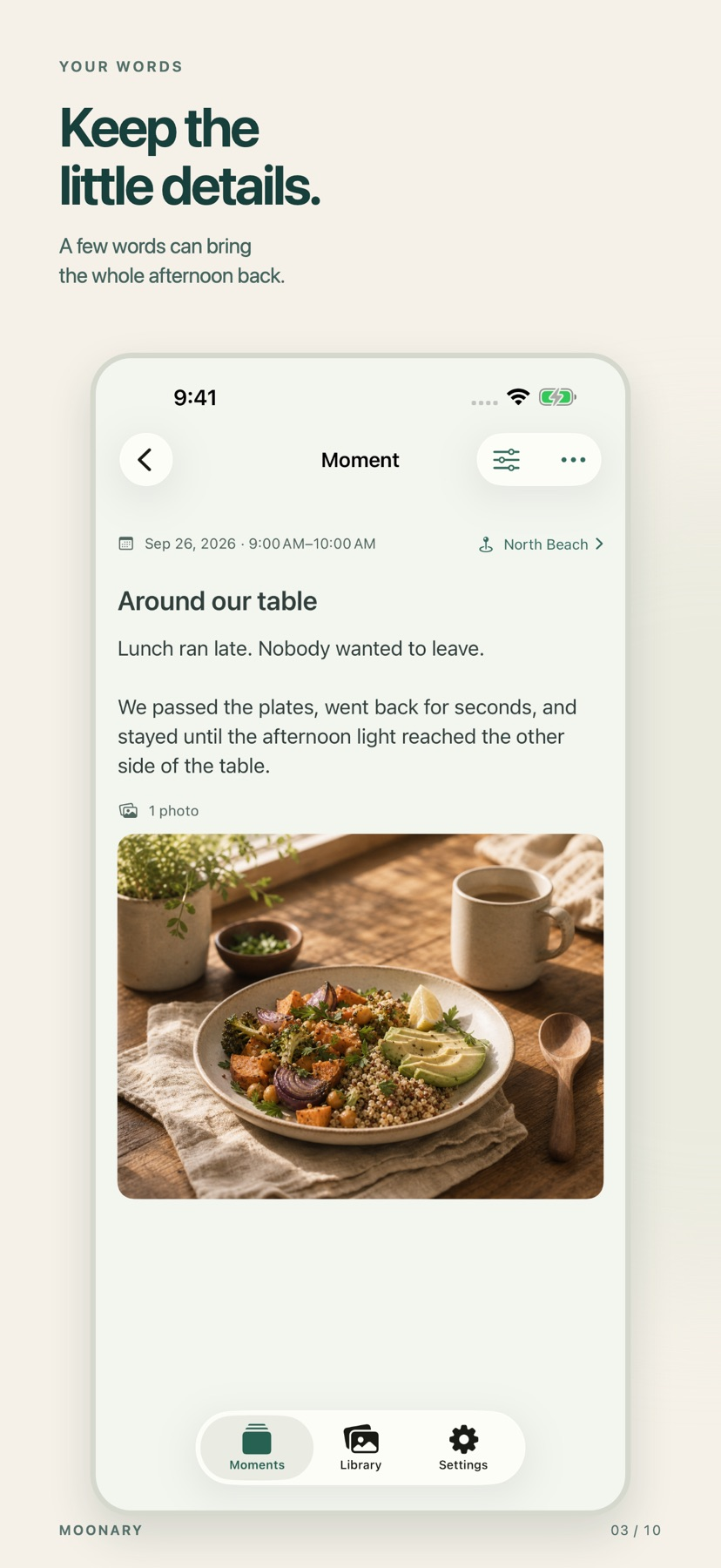
Start with a few related photographs and add a title and the detail you would otherwise forget. A voice recording or a saved itinerary can preserve context that the image alone cannot supply. The store also describes text-only Moments.
Keep the storage relationship clear
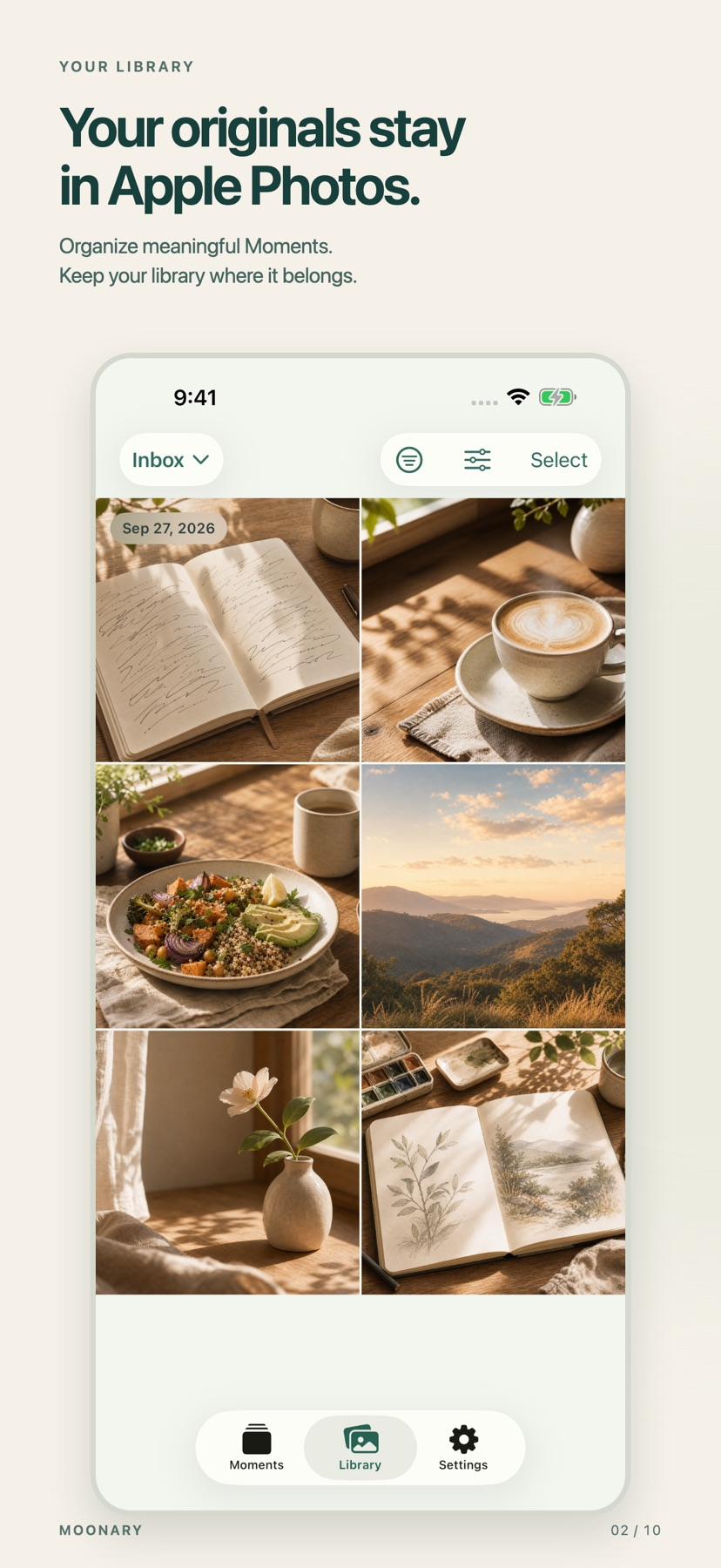
Moonary says it references the original photos and videos in Apple Photos. Saved writing and organization sync through private iCloud, while Photos manages the availability of the originals. Keep an independent backup appropriate to the original media.
Release and evidence
The checked iOS release is 1.1.0, requiring iOS 18.0 or later. Official product and store material was checked November 11, 2026.
The gallery is publisher-supplied product imagery. This overview is based on linked documentation and has no installed-device or outcome test.
Limitations & considerations
- Original-photo availability follows Apple Photos. Thumbnails, writing, recordings and imported file copies still use storage.
- Drafts remain on their originating device. Trial eligibility, deletion behavior and multi-device sync were not exercised.
Privacy & permissions
The developer describes private iCloud sync and references to Apple Photos originals. Recordings, covers and imported files create additional stored material.
Review Photos permissions and iCloud storage before adding private family media. The linked policies describe the developer's handling of this material.
Use it for
Sources & review notes Updated Nov 11, 2026
Reviewed by iApp4Me Editorial Team. Recommendations use the linked documentation and attributed accounts; device observations are identified separately.
- Moonary: Photo Companion · App Store
Official product, access and compatibility information checked November 11, 2026.
- Moonary: Photo Companion · official information
Official product, access and compatibility information checked November 11, 2026.
No comments yet. Be the first to share your experience.