
Promptia: Video Teleprompter
Read a script while preparing a timed video or speech.
Solo presenters fitting a script into a time slot
Choose Promptia when you want timing estimates, script organization and optional voice-following in one teleprompter. Start with the free scripts for rehearsal; choose Pro specifically for unlimited voice follow or integrated recording. Look elsewhere if automatic iCloud script sync is essential.
Keep in mind: There is no iCloud script sync in the reviewed listing.
Inside the app
Official product images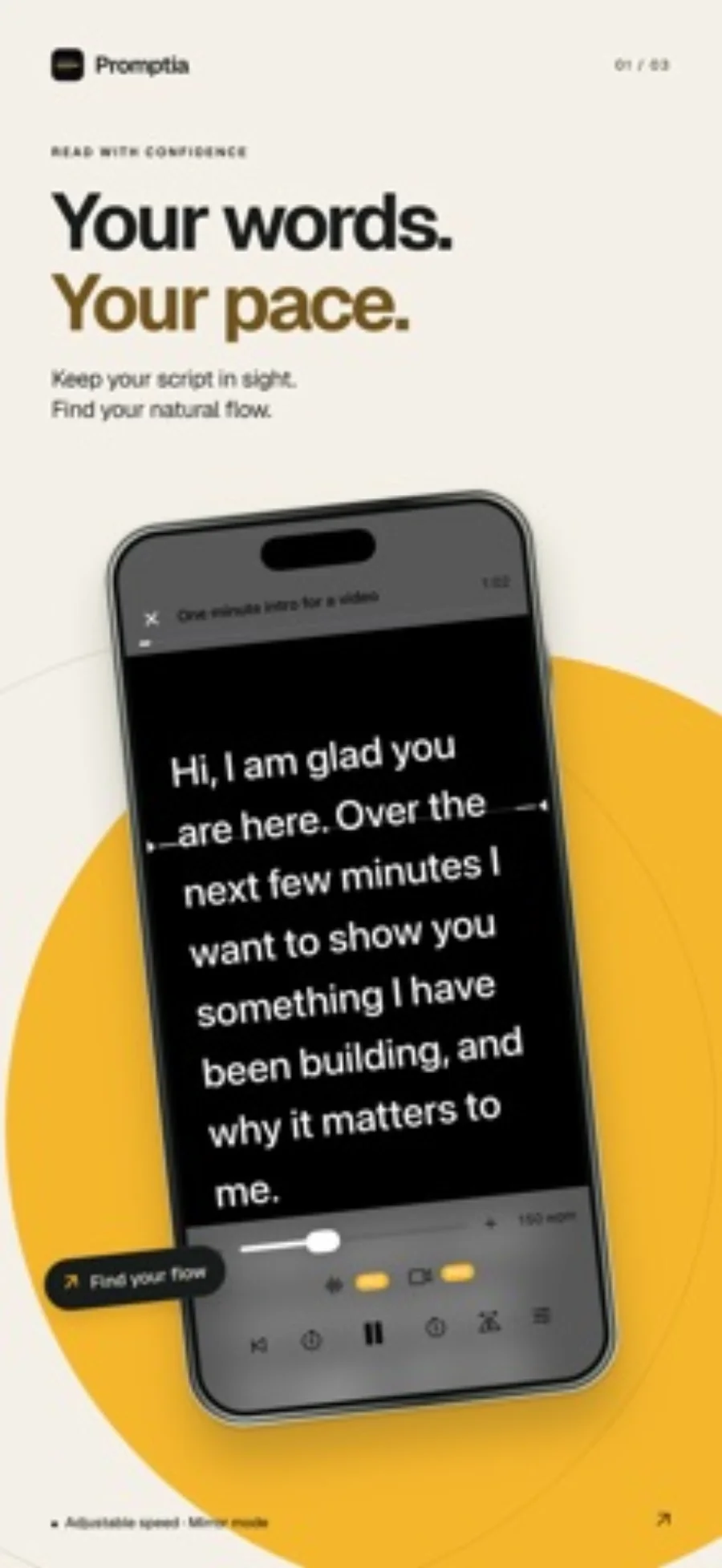
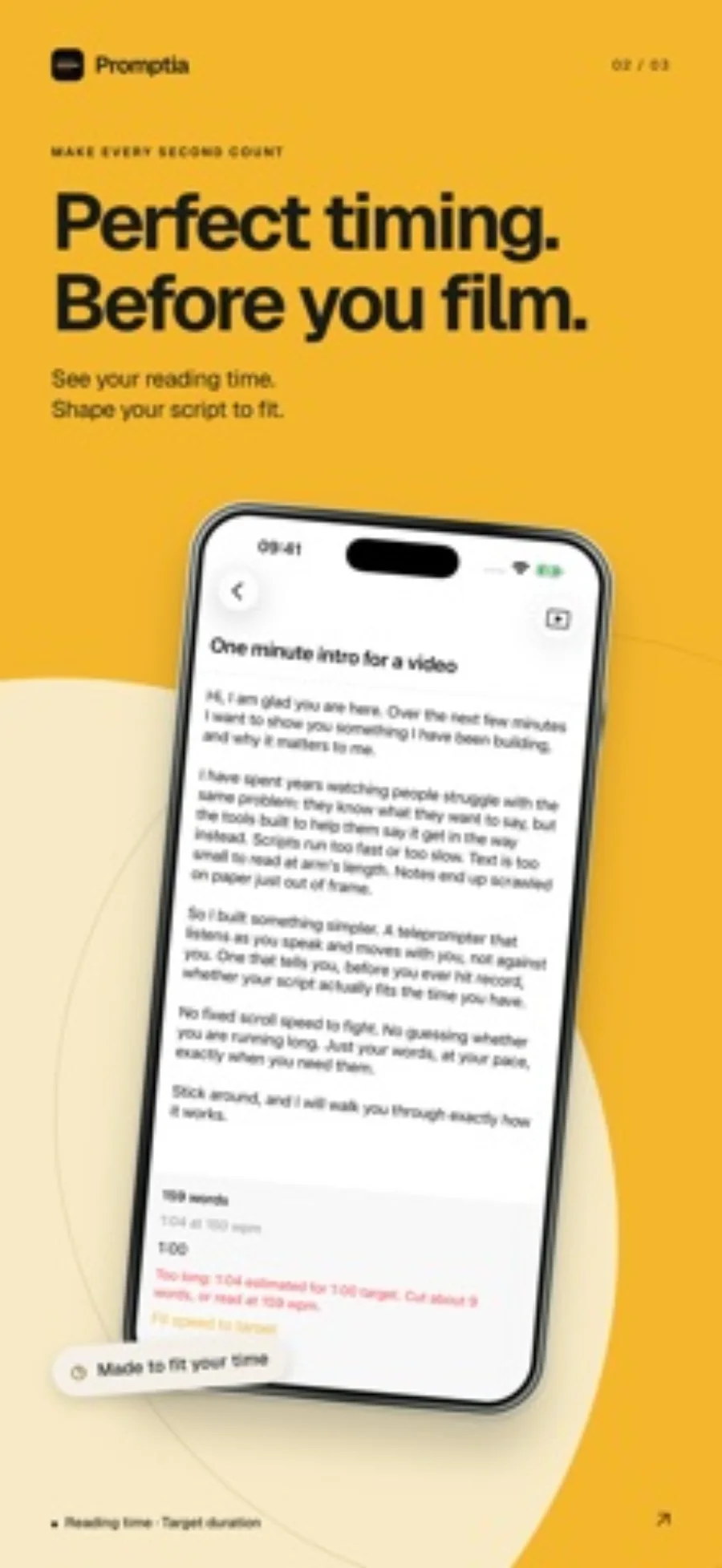
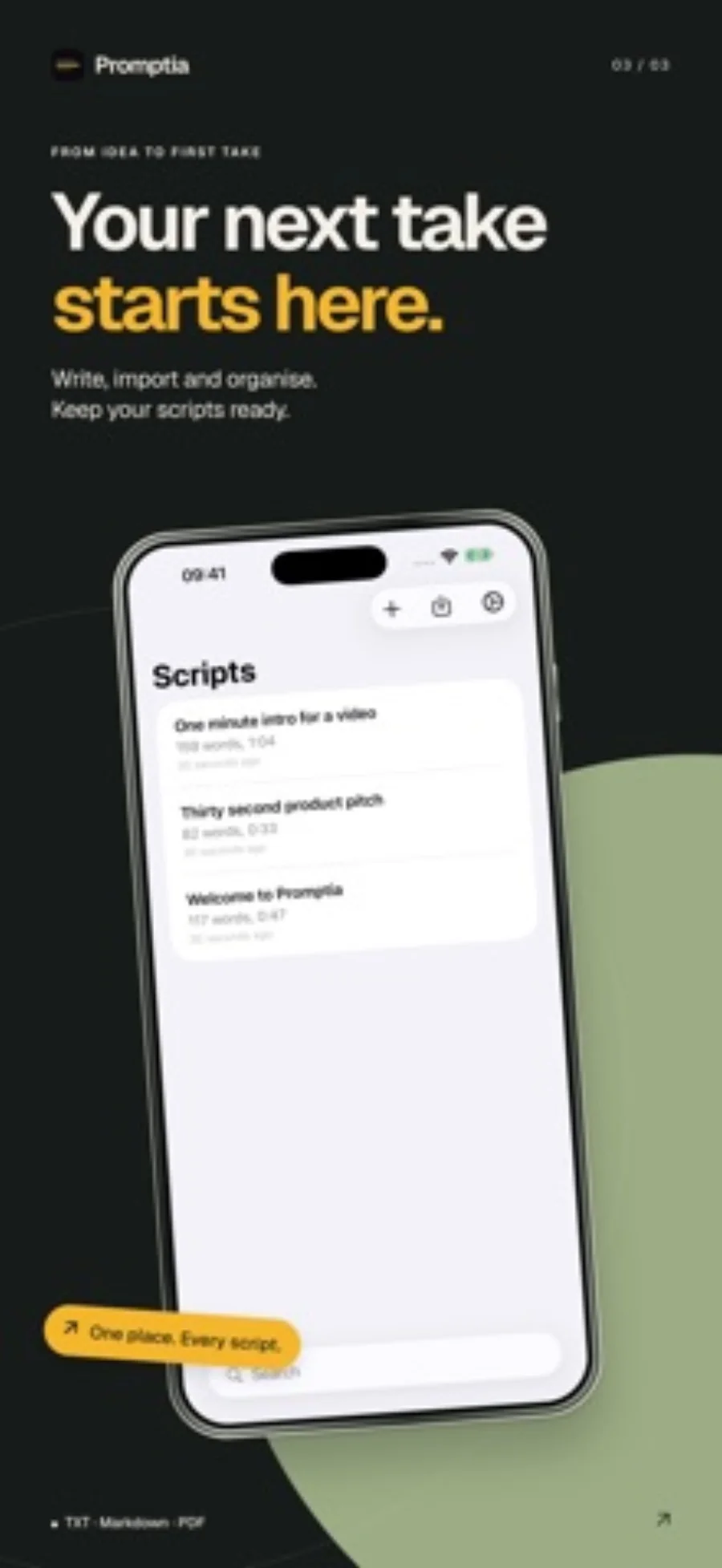
What you can do
- Target-duration estimates and script organization
- TXT, Markdown, DOCX and text-PDF import
- Optional on-device voice follow; Pro recording and floating Mac prompter
Good for
- Solo presenters fitting a script into a time slot
- Reading with optional voice follow and integrated Pro recording
Consider alternatives for
- Automatic cloud synchronization of a script library
- Assuming voice follow supports every device or spoken language
Fit the script before choosing the scroll speed
Start with your speaking slot, then use the reading-time estimate to shorten the script or change pace. A useful draft should still allow pauses and emphasis; making the text scroll faster is not always a workable way to fit an overlong speech.
Separate preparation from capture. The free tier can help rehearse a short script; recording yourself inside Promptia is a Pro feature.
When a simpler option is enough
For a speech read from a separate screen, Apple Pages presenter mode provides an auto-scrolling text route. Promptia is more relevant when script timing, voice follow or integrated recording are part of the job. Neither a presenter mode nor a teleprompter guarantees natural eye contact.
Editorial basis and disclosure
The developer submitted this app for consideration. We selected it for the task it serves, with no payment, paid ranking or promise of a positive recommendation. This profile uses the dated official sources; offered test access has not been used.
Limitations & considerations
- There is no iCloud script sync in the reviewed listing.
- A scanned image-only PDF is not the documented text-PDF import route.
- On-device speech recognition depends on the language and device.
Privacy & permissions
The developer says scripts are stored on-device. Voice follow needs microphone and speech-recognition permission and on-device recognition support. Recording also requires the relevant camera and media permissions; review those requests before granting access.
Use it for
Sources & review notes Updated Oct 28, 2026
Reviewed by iApp4Me Editorial Team. Recommendations use the linked documentation and attributed accounts; device observations are identified separately.
- Promptia: Video Teleprompter · US App Store
Apple US listing and developer-supplied description, checked October 28, 2026. Used for identity, compatibility, feature boundaries and provider statements; not independent performance testing.
No comments yet. Be the first to share your experience.