Read a Script While Recording Video on iPhone
Choose a teleprompter with integrated recording when you must read and film on one iPhone.

The short answer
Choose a teleprompter with integrated recording when you must read and film on one iPhone. If another device can show the script, Pages presenter mode may be enough. Promptia adds timing estimates and optional voice follow; its in-app recording is a Pro feature.
Compare your options
| Approach | Intended result | Tradeoff | Evidence boundary |
|---|---|---|---|
| Pages on a separate screen | Auto-scrolling script while another device records | Requires a separate viewing/capture arrangement | Apple presenter-mode documentation |
| Promptia rehearsal | Organize scripts and estimate a speaking slot | Three free scripts; limited voice follow | US listing |
| Promptia Pro capture | Read and record in one iPhone/iPad app | Paid access and relevant permissions | US listing |
Start with your capture arrangement
If the phone doing the recording must also show the script, integrated recording is a real requirement. A text document on a second screen is a simpler route when you already have the equipment. Keep the reading display near the camera so looking at the words does not require a large head turn.
Prepare words for speaking
Use short paragraphs and spoken language. Read once at your normal pace, including pauses, then shorten anything that does not fit the time slot. Promptia estimates duration and suggests approximate cuts; an estimate is not a reason to rush every sentence.
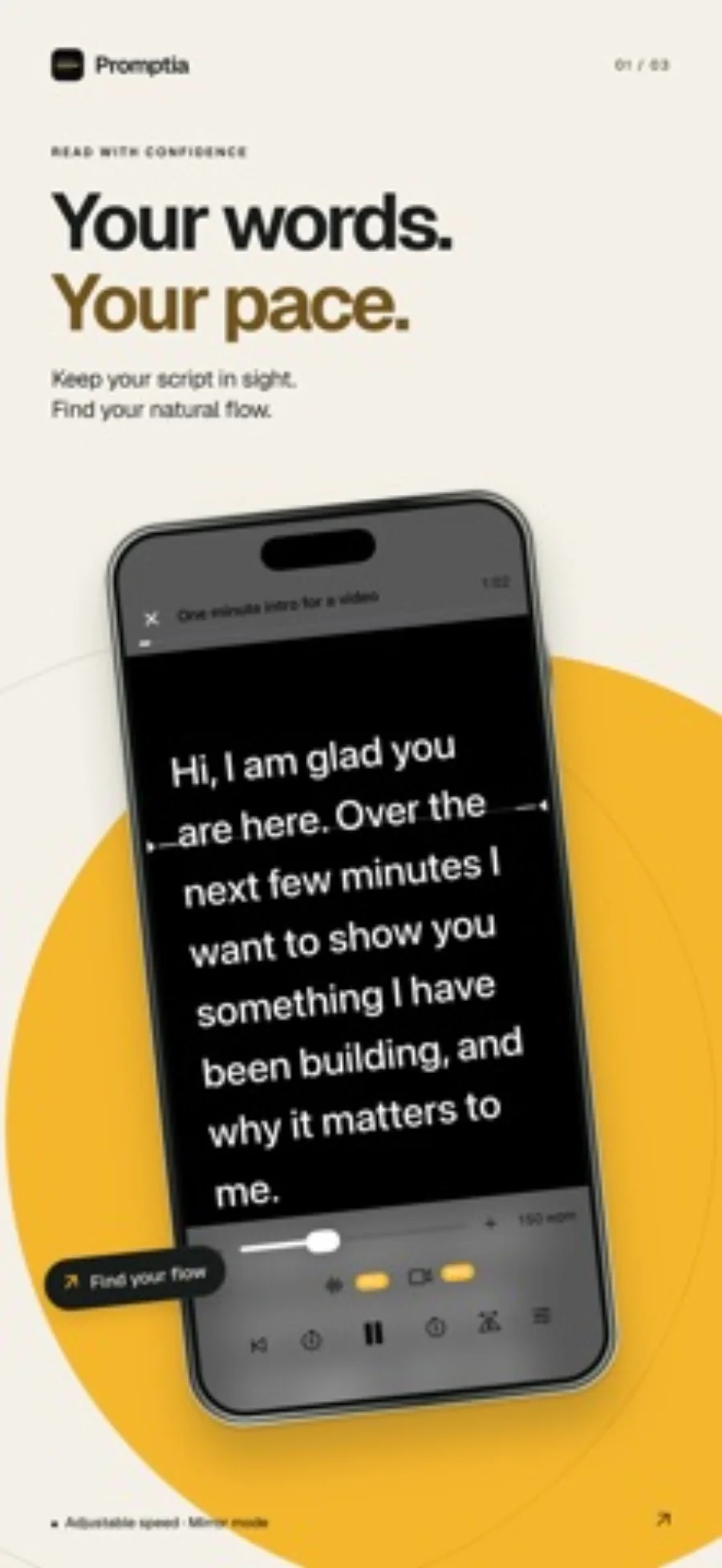
Choose scrolling or voice follow
Fixed-speed scrolling is predictable but requires rehearsal. Voice follow can adapt to speaking, subject to supported on-device recognition. Check your language and device before paying for unlimited use. Give the free voice-follow allowance a short, representative script rather than a full production.
Keep a portable script and check the result
Keep your original TXT, Markdown or DOCX outside the app. Promptia does not include iCloud script sync. After recording, watch the saved video in Photos and check sound, framing and whether your eyes follow the text distractingly.
Limitations & considerations
- A scanned image-only PDF needs OCR before it becomes the documented text-script import.
- A script estimate does not establish speaking quality or voice-recognition accuracy.
Use the linked official pages for current platform, access and purchase conditions.
Sources & scope
Reviewed October 28, 2026. Editorial choices based on the linked official documentation and dated US listings. No performance ranking or device benchmark is claimed.
- Promptia: Video Teleprompter · US App Store
Apple US listing and developer-supplied description, checked October 28, 2026. Used for identity, compatibility, feature boundaries and provider statements; not independent performance testing.
- Apple · Pages presenter mode
Documents body-text presenter mode and automatic scrolling. This is a separate-screen presentation route, not an integrated video-recording claim.