
SafeNTFS: NTFS Driver
SafeNTFS adds Finder write access for supported external NTFS drives on Apple silicon Macs running macOS 27 or later. The drive keeps its existing format for use with Windows.
Copy a sample file to an external NTFS drive on Mac
SafeNTFS adds Finder write access for supported external NTFS drives on Apple silicon Macs running macOS 27 or later. The drive keeps its existing format for use with Windows.
Keep in mind: BitLocker volumes, EFS-encrypted files and WOF-compressed files are unsupported. A readback check cannot guarantee recovery after a disconnection or power loss. Transfer behavior was not tested on hardware.
Inside the app
Official product images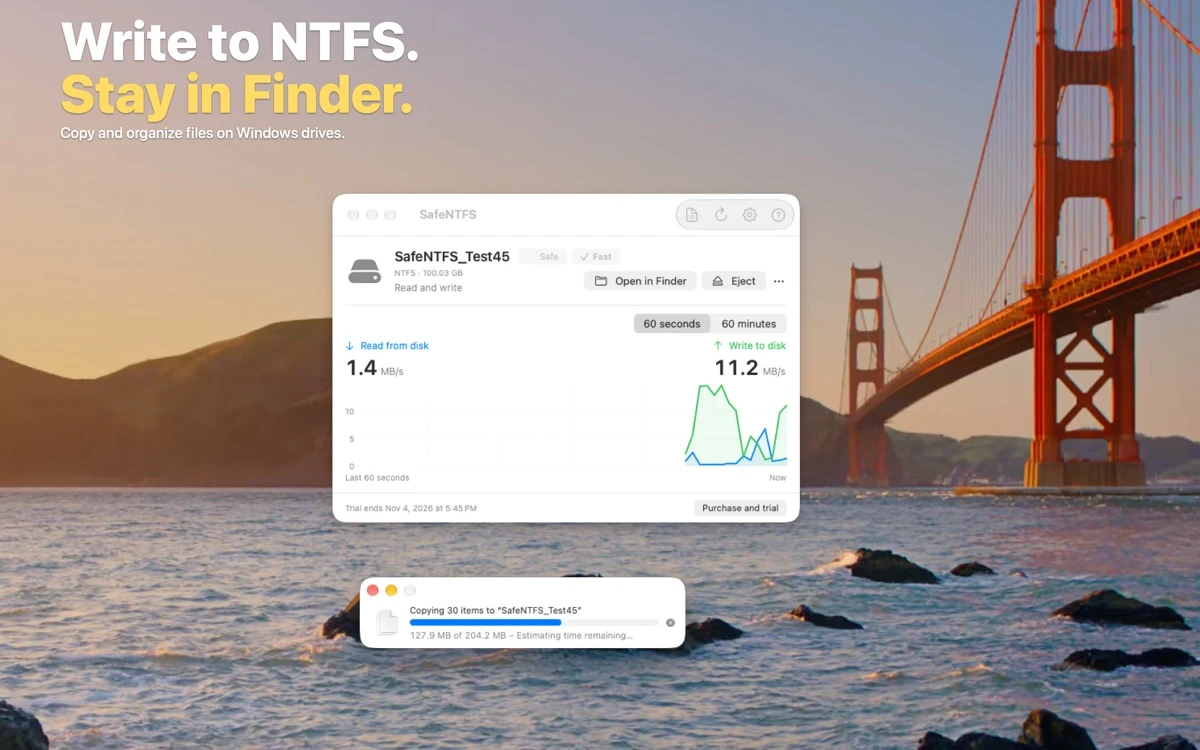

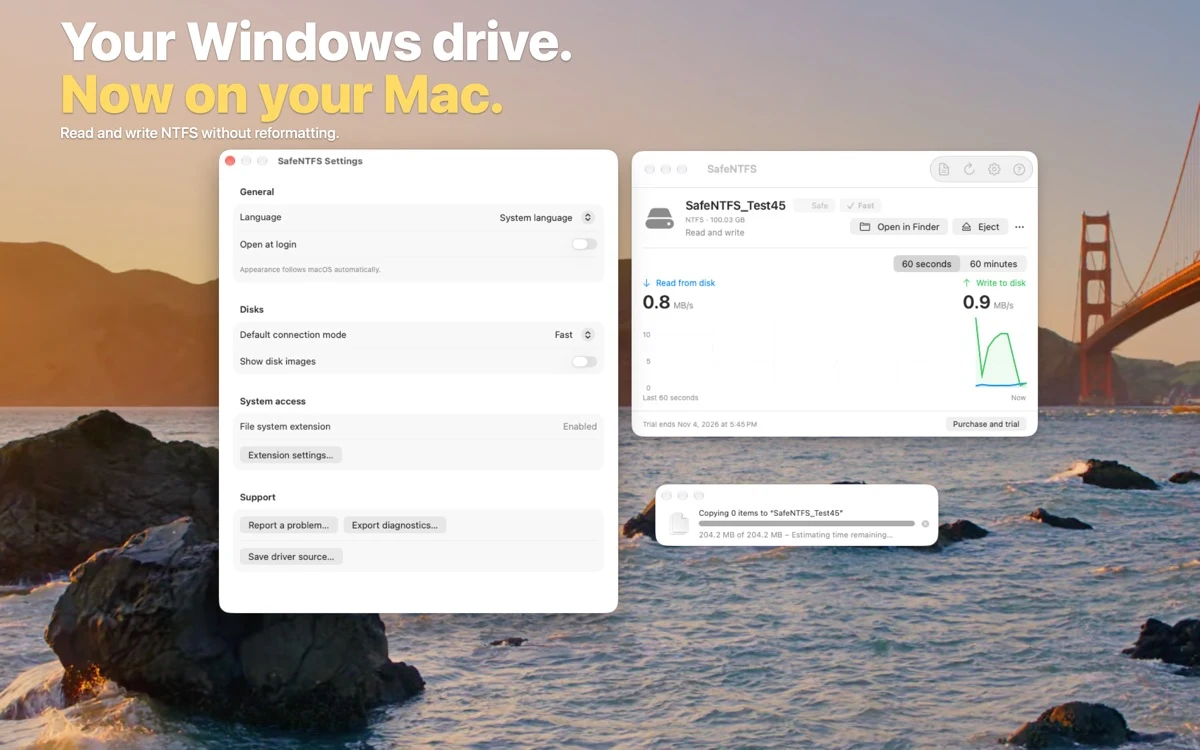

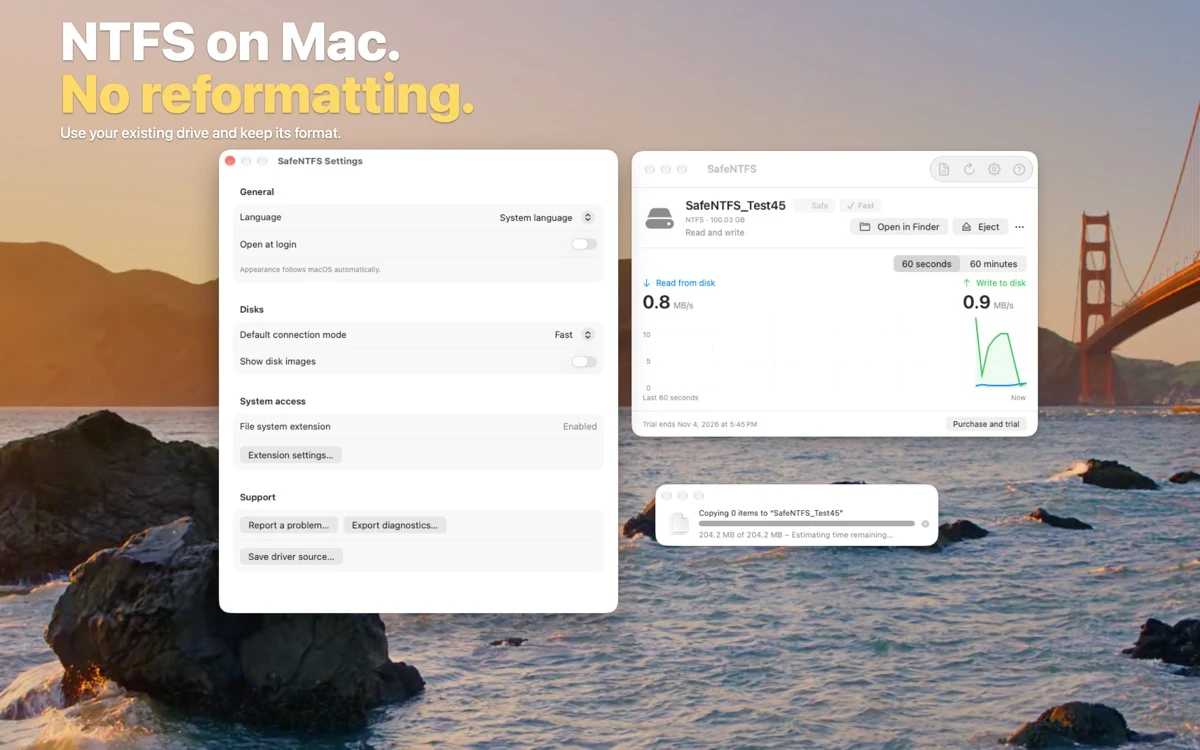

What you can do
- Copy, rename and organize files in Finder on supported drives
- Choose Fast mode or add a readback comparison with Safe mode
- Check disk activity and operation history, and eject the drive from SafeNTFS
Good for
- Copy a sample file to an external NTFS drive on Mac
Consider alternatives for
- BitLocker volumes, EFS-encrypted files and WOF-compressed files are unsupported. A readback check cannot guarantee recovery after a disconnection or power loss. Transfer behavior was not tested on hardware.
Start with a small example
On a compatible Mac, review the setup instructions and confirm that the external drive is supported. Start with a backed-up drive and a disposable sample file.
After enabling the macOS file system extension and granting access to the selected drive, copy the sample in Finder. If you choose Safe mode, the publisher says it compares the data read back with the original.
Release and access
US Mac App Store version 1.0. Apple silicon Mac, macOS 27.0 or later.
Limitations & considerations
- BitLocker volumes, EFS-encrypted files and WOF-compressed files are unsupported. A readback check cannot guarantee recovery after a disconnection or power loss. Transfer behavior was not tested on hardware.
Privacy & permissions
The documented setup grants the extension access to the drive you select. The app can export diagnostic information, which you can review before sharing it.
Use it for
Sources & review notes Updated Nov 22, 2026
Reviewed by iApp4Me Editorial Team. Recommendations use the linked documentation and attributed accounts; device observations are identified separately.
- App Store listing
Publisher information checked November 22, 2026.
- Official product information
Publisher information checked November 22, 2026.
No comments yet. Be the first to share your experience.