
StickyCue: Lock Screen Cues
Show a priority reminder as a Lock Screen Live Activity, with repeated prompts and a deliberate hold-to-complete action.
Keeping one important task visible during a short period
StickyCue may suit someone whose ordinary reminders disappear into notification clutter. The documented workflow keeps a selected cue visible and adds departure timing or repeated prompts. Treat visibility and renewal as something to check on the actual device, because Live Activities and notifications follow system permissions and time limits.
Keep in mind: Live Activity duration, renewal and notification permissions can affect visibility. Repeated prompts and completion behavior were not tested.
Inside the app
Official product images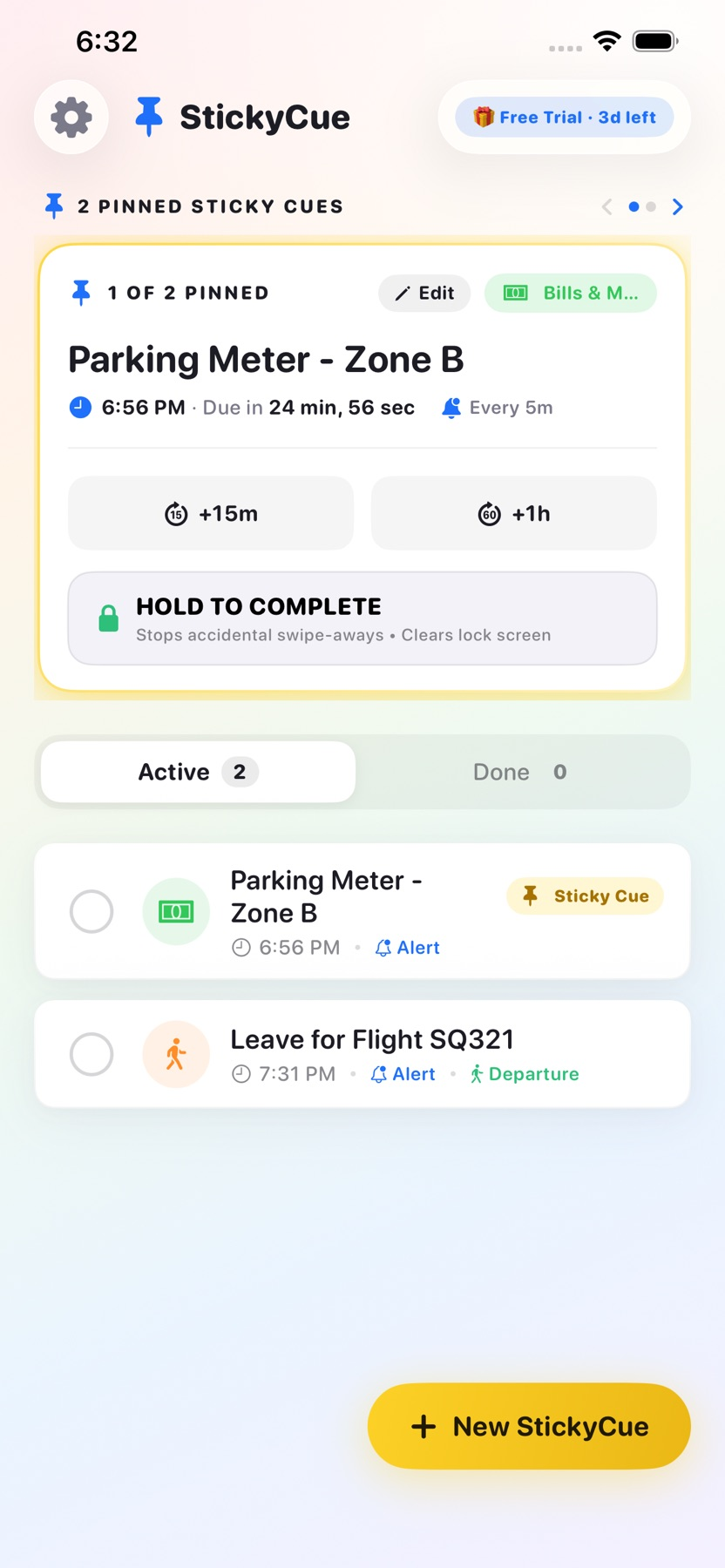

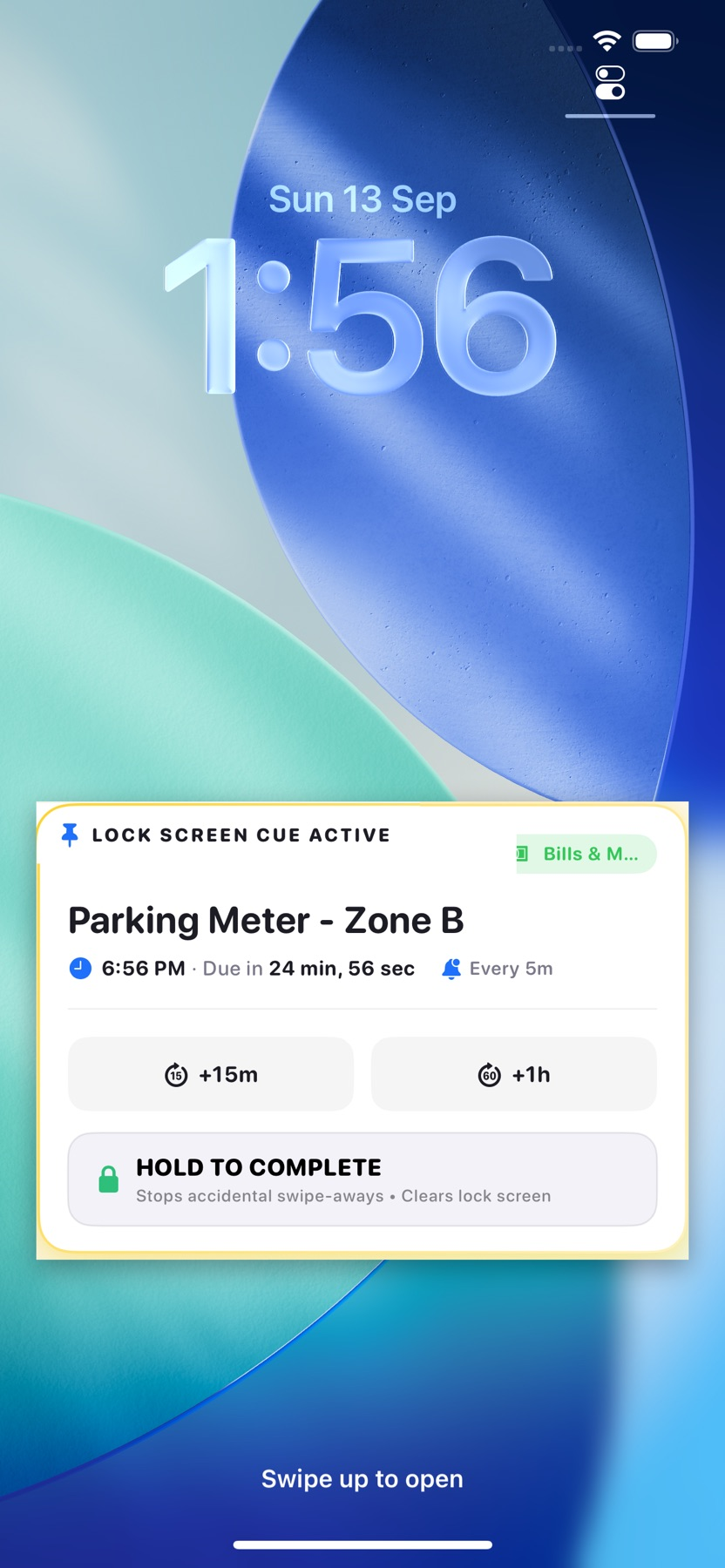

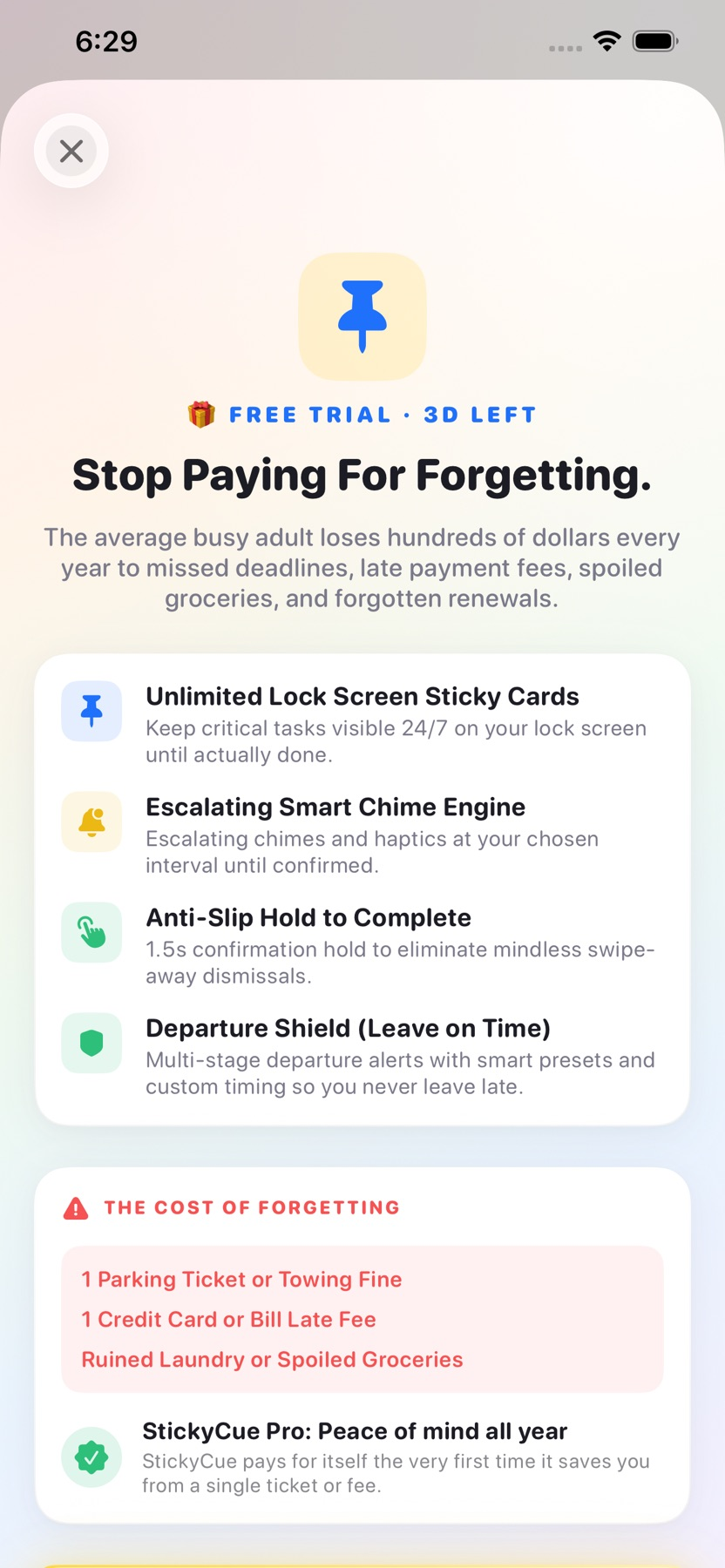

What you can do
- Display important cues through Lock Screen Live Activities
- Use a deliberate hold to mark a task complete
- Arrange departure countdowns and repeated sound/haptic prompts
- Check notification readiness and renew unfinished cues
Good for
- Keeping one important task visible during a short period
- Departure reminders that benefit from staged prompts
Consider alternatives for
- A guarantee of permanent visibility or emergency notification delivery
Make the cue easy to recognize
Give one task a short, specific description and select the documented Lock Screen cue. A departure task can use staged countdowns so the reminder appears before it is time to leave.
Check what the system actually shows
Look at the locked device and review notification readiness and renewal behavior. The listing describes an eight-hour Live Activity boundary and a renewal feature; neither establishes uninterrupted visibility in every device state.
Release and evidence
The checked iOS release is 1.0.2, requiring iOS 17.0 or later. Official product and store material was checked November 11, 2026.
The gallery is publisher-supplied product imagery. This overview is based on linked documentation and has no installed-device or outcome test.
Limitations & considerations
- Live Activity duration, renewal and notification permissions can affect visibility. Repeated prompts and completion behavior were not tested.
- The store's permanent-visibility positioning is not a verified system guarantee. Ongoing free scope still needs clarification.
Privacy & permissions
Reminder text may be visible to someone looking at a locked device. Choose appropriate wording for private tasks.
The developer provides a product-specific privacy page. Review notification and background behavior in the current app before relying on a particular data-handling assumption.
Privacy policyUse it for
Sources & review notes Updated Nov 11, 2026
Reviewed by iApp4Me Editorial Team. Recommendations use the linked documentation and attributed accounts; device observations are identified separately.
- StickyCue: Lock Screen Cues · App Store
Official product, access and compatibility information checked November 11, 2026.
- StickyCue: Lock Screen Cues · developer privacy policy
Official product, access and compatibility information checked November 11, 2026.
No comments yet. Be the first to share your experience.