Type Alarm
Set a wake time and complete a mixed-case typing challenge to finish the app's alarm flow, with a separate practice mode.
An iPhone user who wants an active typing step at wake-up
Type Alarm may suit someone who wants more involvement than a quick swipe at wake-up time. The documented loop asks the user to read and type a phrase, with re-arming behavior when the challenge is left unfinished. Practice the flow while awake and check the Pro requirement before making it part of a morning routine.
Keep in mind: Requires iPhone with iOS 26 or later. Alarm behavior in Silent/Focus, interruptions and re-arming were not tested.
Inside the app
Official product images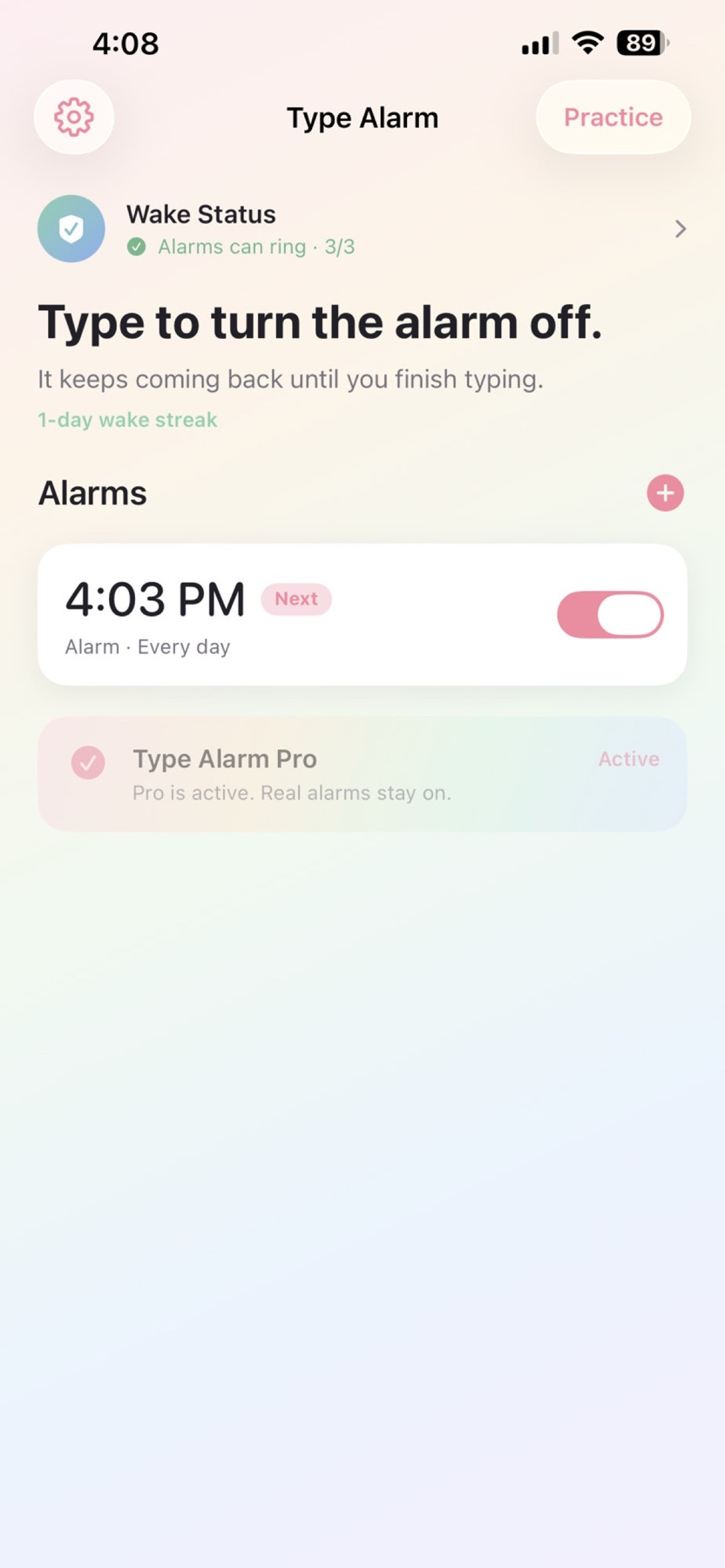



What you can do
- Schedule an AlarmKit-based wake-up alarm
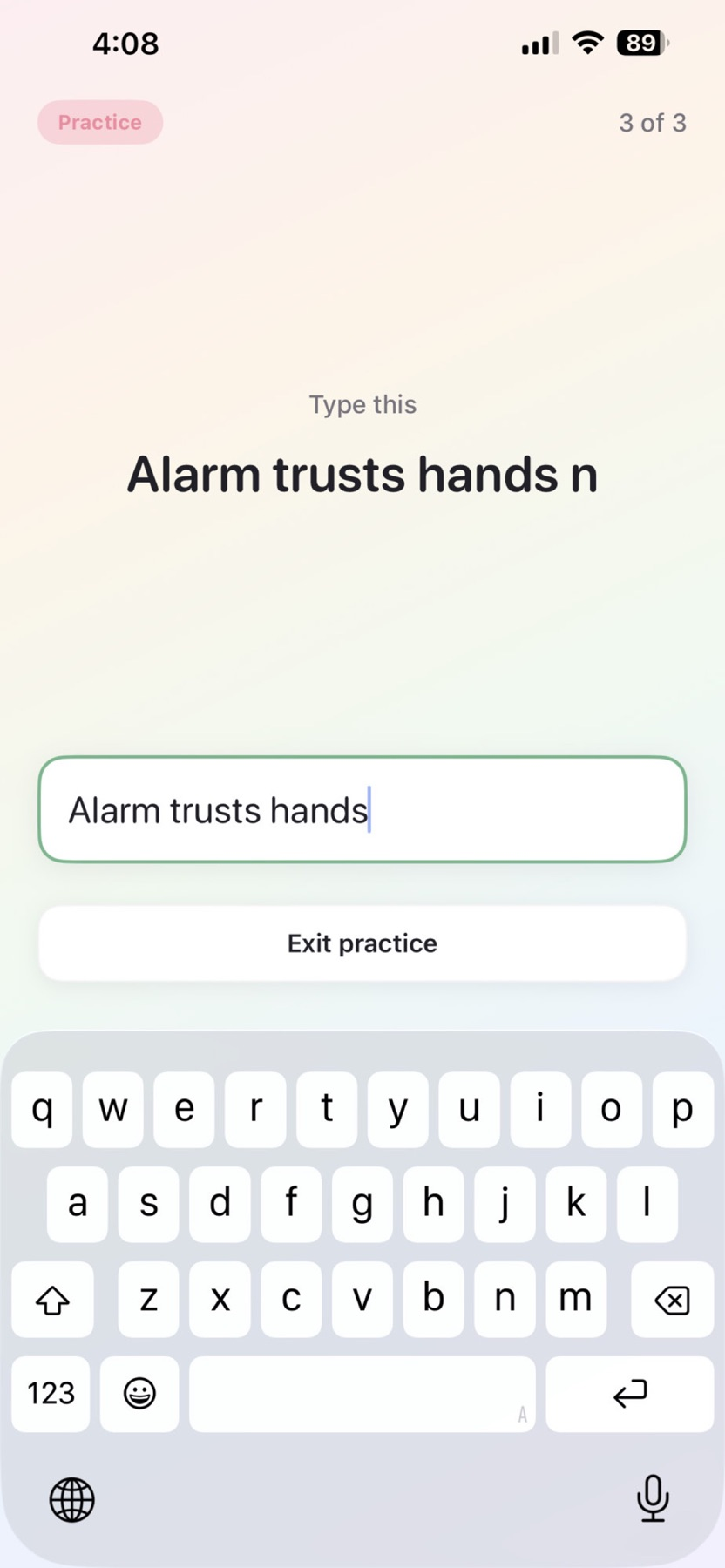
- Complete mixed-case phrase challenges
- Practise the typing flow without waiting for an alarm
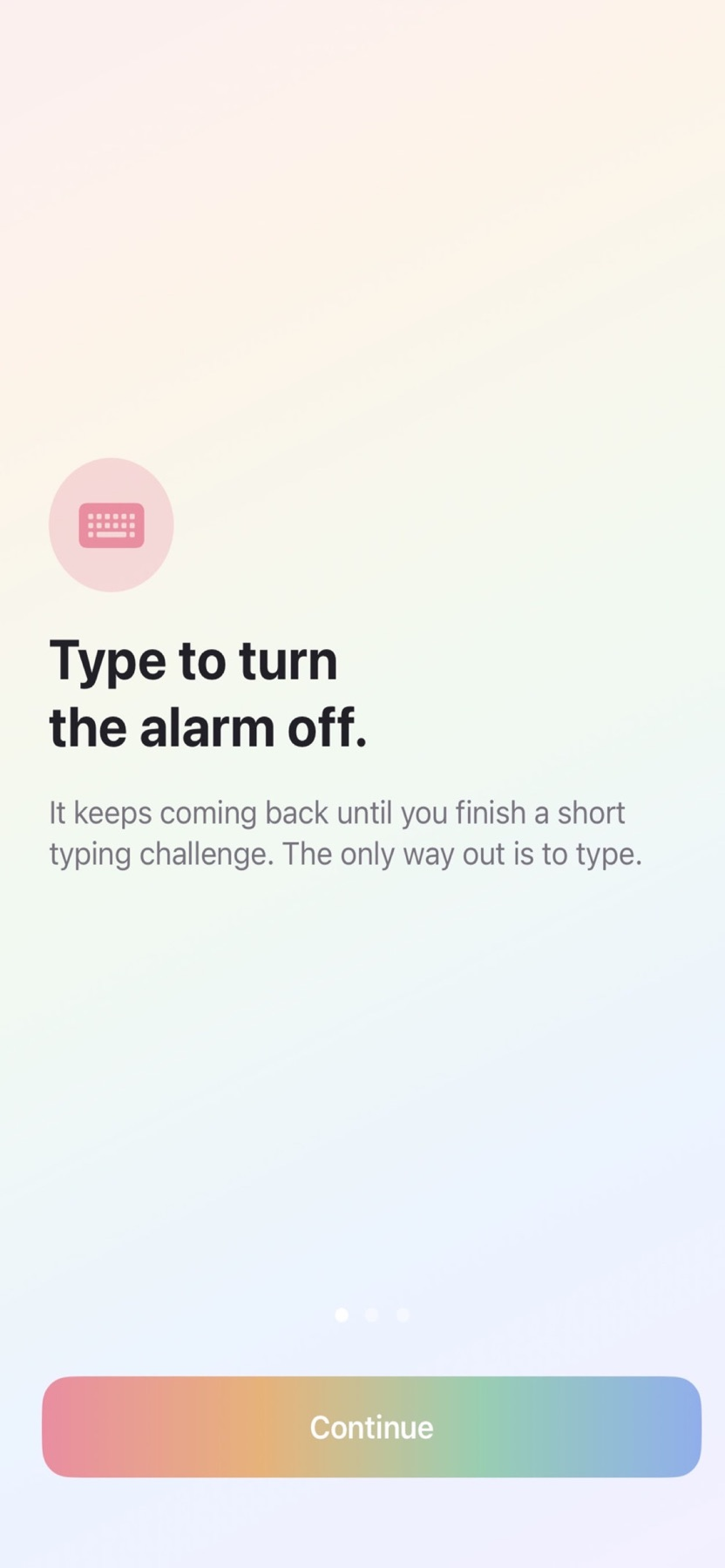
- Use the publisher-described re-arming behavior when a challenge is unfinished
Good for
- An iPhone user who wants an active typing step at wake-up
- Trying a challenge in practice mode before using a real alarm
Consider alternatives for
- Treatment for a sleep disorder or a guarantee of waking
Practice before setting a morning alarm
The separate practice mode lets a user try mixed-case typing while already awake. This is a practical way to decide whether the challenge is usable before relying on the alarm flow.
Keep the initial access period separate
The store describes three days of full access after installation. Real-alarm use then requires the monthly or yearly Pro subscription, while practice remains available. Check renewal terms before enabling ongoing access.
Release and evidence
The checked iOS release is 1.0.1, requiring iOS 26.0 or later. Official product and store material was checked November 11, 2026.
The gallery is publisher-supplied product imagery. This overview is based on linked documentation and has no installed-device or outcome test.
Limitations & considerations
- Requires iPhone with iOS 26 or later. Alarm behavior in Silent/Focus, interruptions and re-arming were not tested.
- A typing challenge does not establish that someone is fully awake. Keep an independent backup for an important morning.
Privacy & permissions
The developer links a product-specific privacy policy and describes a no-ad app.
The app's timing and challenge records were not audited. Review permissions and notification/alarm settings before using a wake schedule.
Use it for
Sources & review notes Updated Nov 11, 2026
Reviewed by iApp4Me Editorial Team. Recommendations use the linked documentation and attributed accounts; device observations are identified separately.
- Type Alarm · App Store
Official product, access and compatibility information checked November 11, 2026.
- Type Alarm · official information
Official product, access and compatibility information checked November 11, 2026.
No comments yet. Be the first to share your experience.