Viola Tuner & Intonation
Follow viola pitch and review a focused practice passage.
Viola tuning and slow-passage practice
Choose Viola Tuner & Intonation to connect live pitch feedback with viola fingerboard exploration and practice review. The free tools cover basic feedback; Pro is more relevant for guided exercises and complete take history. Treat the display as a practice aid alongside listening, not a replacement for a teacher.
Before you choose: Guided scales, full fingerboard access and complete take history require Pro.
Visit the official product page →The essentials
- Platforms
- iPhone · iPad
- Purchase model
- Free pitch feedback and basic practice tools; Pro adds guided exercises and complete history. Monthly, yearly or lifetime.
- Developer / project
- Shanghai Wangyue Huishi Technology Co., Ltd.
- US App Store snapshot
- v1.4.0 · minimum OS 18.0 · Free to download. In-app purchases may be additional.
Checked 2026-10-28 · Verify current listing
Price & purchase options
- Free: live pitch feedback, first-position exploration, basic ear training and metronome.
- Pro: guided practice, full fingerboard, key highlighting, complete take history and advanced intonation controls.
- Monthly, yearly or lifetime Pro; subscription offers renew automatically unless canceled.
US developer listing checked October 28, 2026; actual regional checkout, eligibility and renewal terms govern. Free download is not a promise of all features free.
US · checked 2026-10-28 · Verify the current offer ↗. Taxes, promotions and checkout eligibility may change the amount.
Inside the app
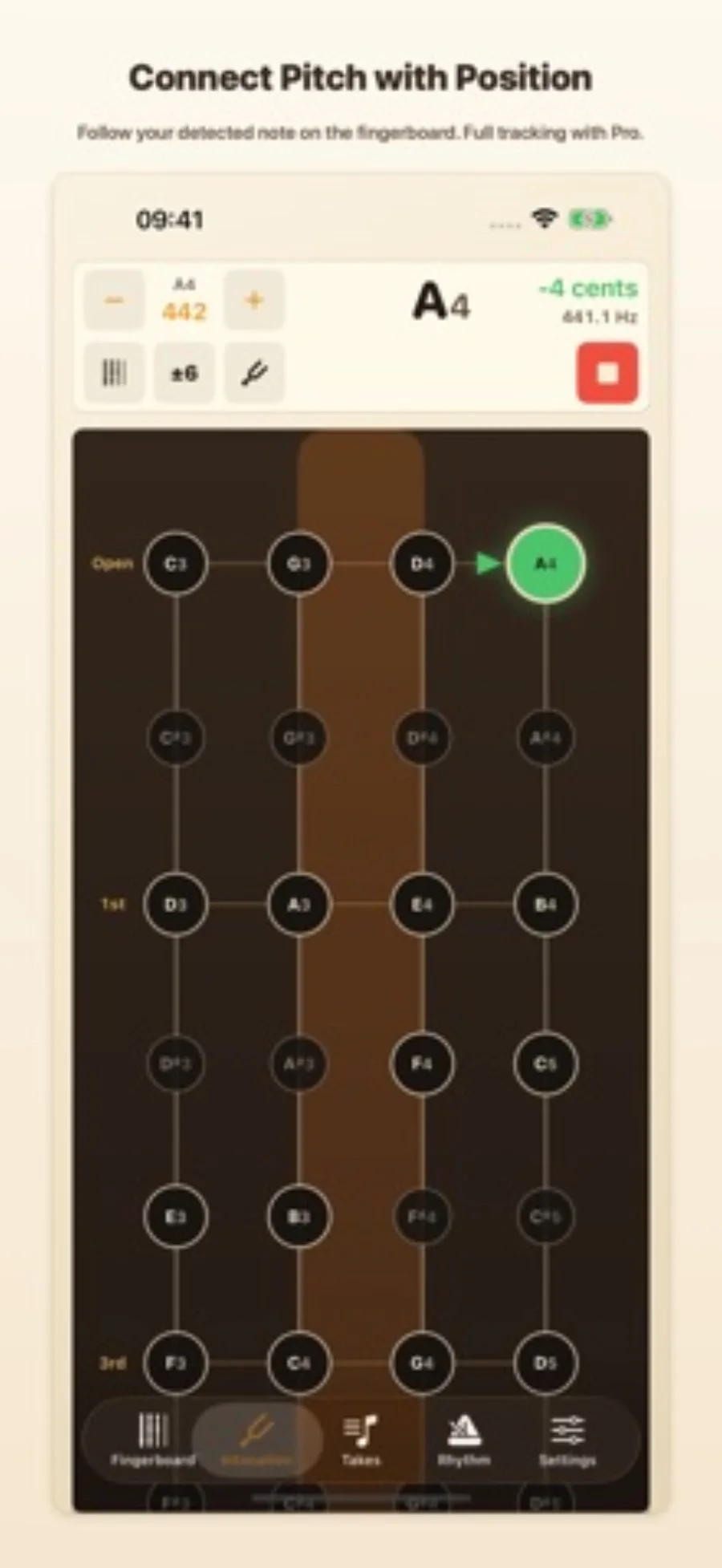
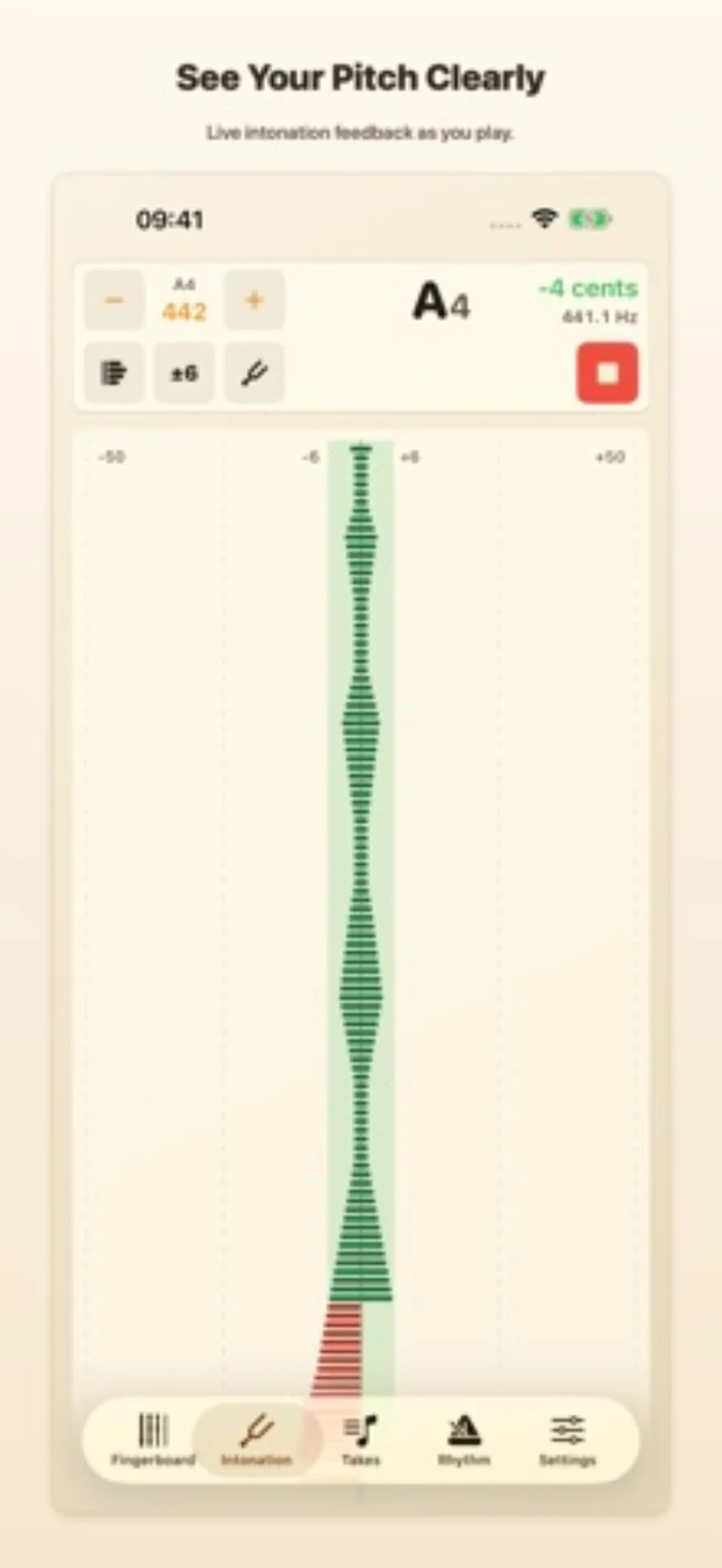
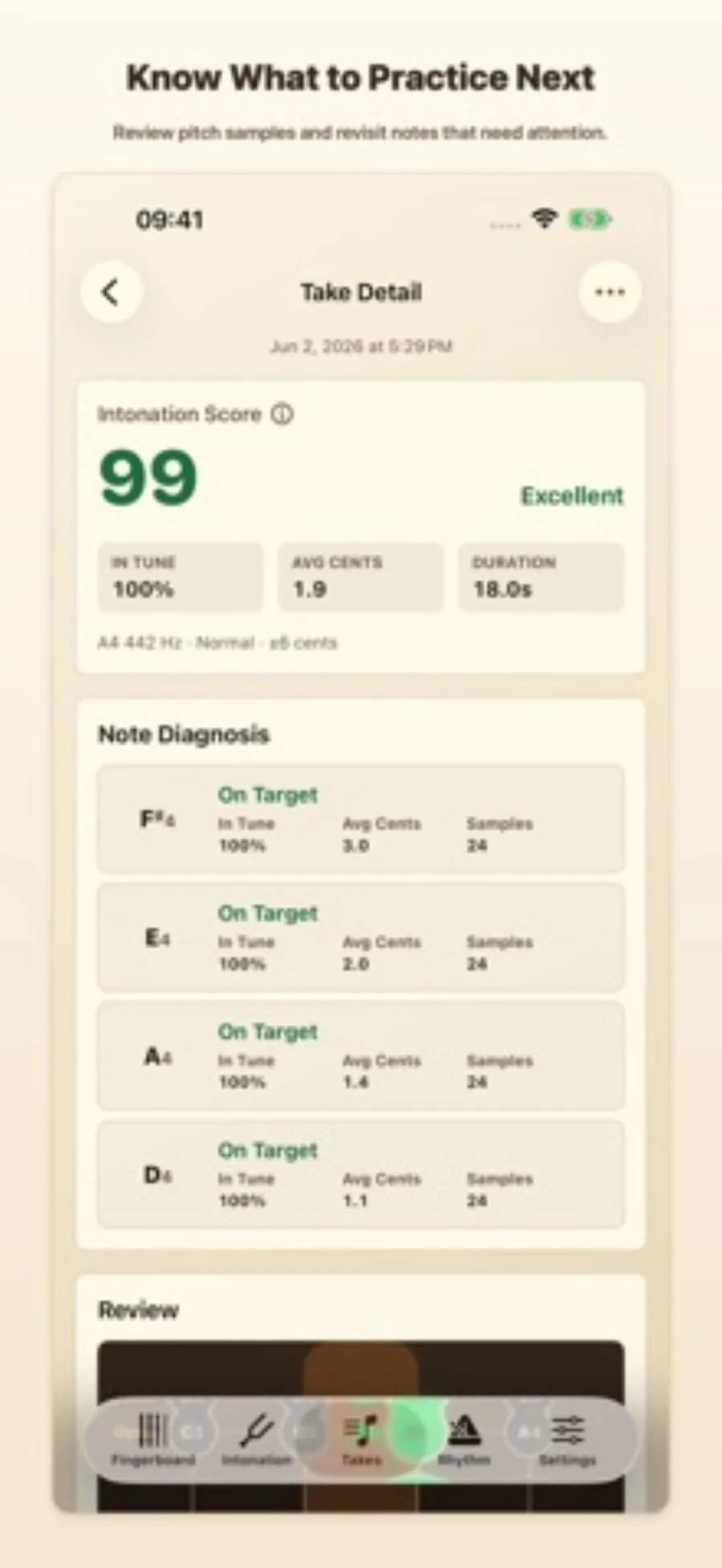
Developer-published product images. Captions identify the platform and source; these are not our test captures.
Viola Tuner & Intonation
Who it suits
- Viola tuning and slow-passage practice
- Players who want note-by-note pitch review
When to choose something else
- A replacement for a teacher or contextual listening
- Assuming an on-screen centered pitch proves a performance is musically correct
Features & tradeoffs
Features below come from the linked provider documentation. The recommendations above are our editorial interpretation.
- Live pitch feedback and adjustable A4 reference
- Viola fingerboard exploration and reference sounds
- Pro guided scales, arpeggios and complete take history
Use the display to investigate a passage
The useful loop is to choose a short viola passage, play slowly, inspect the notes that drift and repeat it. This makes more sense than chasing a constantly moving display throughout an entire performance. Pitch feedback helps identify a question; listening and the musical setting determine what to do next.
This edition is designed around viola fingerboard positions and sounds. Shared features with the other editions do not prove equal microphone response across instruments.
Choose the free or guided route
If you need a reference and occasional live pitch feedback, start with the included tools. Pro becomes relevant when you want guided scales or arpeggios and a more complete record of attempts. Keep the same reference setting across your exercise and any other tuner you use.
Editorial basis and disclosure
The developer submitted this app for consideration. We selected it for the task it serves, with no payment, paid ranking or promise of a positive recommendation. This profile uses the dated official sources; offered test access has not been used.
Limitations & considerations
- Guided scales, full fingerboard access and complete take history require Pro.
- Saved takes contain pitch samples, not a recording of the performance.
- A pitch indicator does not judge phrasing, tone or the full musical context.
Documented features, attributed opinions and explicitly labeled hands-on observations are different kinds of evidence. We do not infer unmeasured performance or privacy guarantees.
Privacy & permissions
The listing says practice takes retain pitch data and do not save microphone audio. Microphone permission is still necessary to detect notes. This claim concerns take storage; it does not establish the handling of every other app feature.
Sources
Product facts checked October 28, 2026. Independent and user perspectives, where available, are attributed above. Missing external coverage is not treated as a negative verdict.
- Viola Tuner & Intonation · US App Store
Apple US listing and developer-supplied description, checked October 28, 2026. Used for identity, compatibility, feature boundaries and provider statements; not independent performance testing.
No comments yet. Be the first to share your experience.