Learn Vocabulary Through an Interactive Story
Connect a word with a story action, then revisit it without the scene’s cue.
The short answer
Sensonym offers a story-led way to encounter words through phone interactions. Choose a readable story, inspect the word and pronunciation, then use the chapter review. Judge whether that routine fits your environment and learning goals before subscribing; no learning outcome is guaranteed.
Choose a manageable scene
Pick the learning and story languages deliberately. The current release lets readers switch the passage back to the app language without losing their place. If the passage is too difficult, changing the reading setup may matter more than completing another interaction.
Connect action, meaning and sound
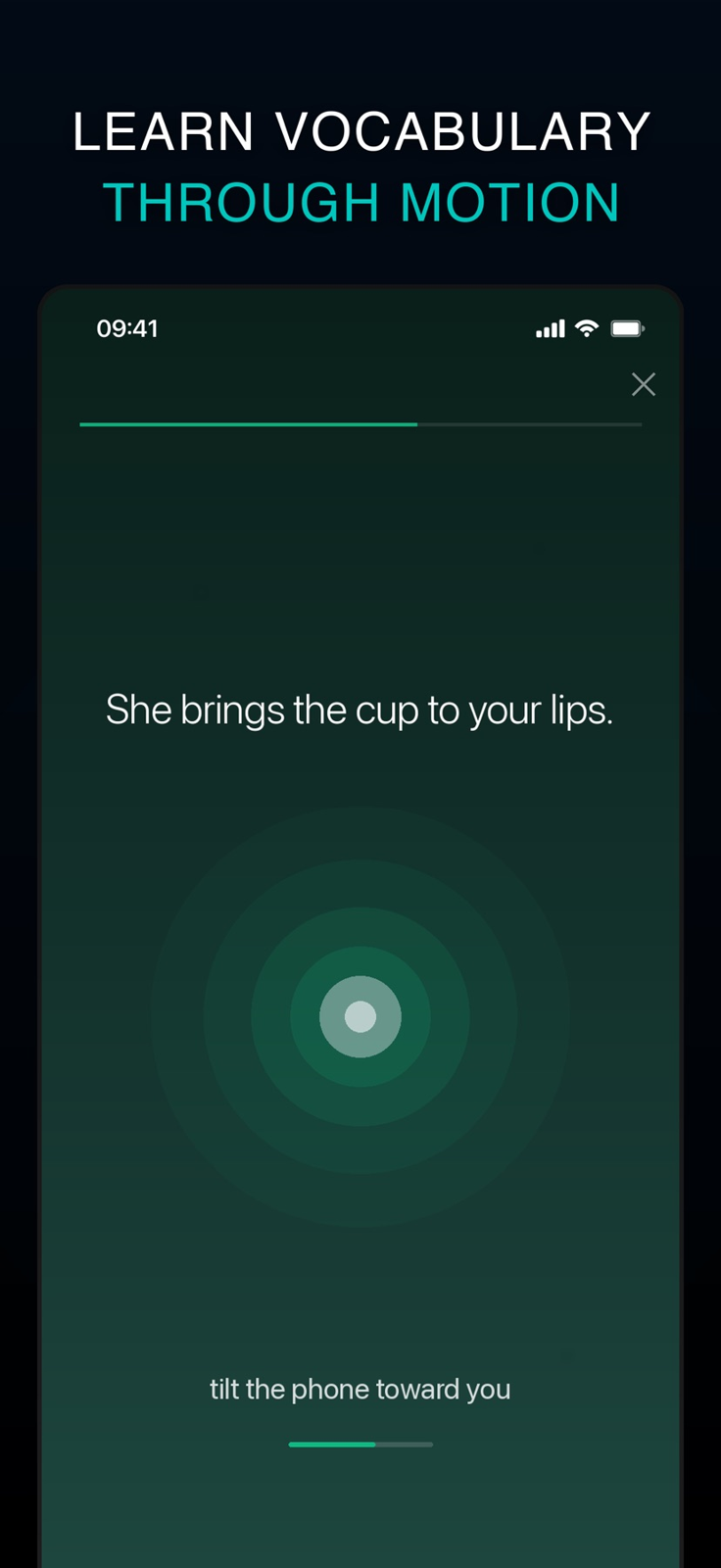
Follow the scene’s described interaction and inspect the revealed meaning and pronunciation. Some actions involve motion, sound or the camera; the practicality of using them depends on your setting. Sensor recognition and fallback actions were not tested in this guide.
Review without assuming retention
Use the short chapter-end review to revisit words. External reviewers describe engaging moments as well as awkward interactions and reading-level friction; their accounts are dated and are not proof that the current app will outperform other methods for you.
Check the purchase and privacy boundaries
US Pro is listed at $9.99 monthly or $49.99 yearly. The developer’s submission offers a free opening chapter of The Dawn Loaf, while the complete current free-content map is unknown. Local sensor processing is distinct from the policy’s analytics, session replay and subscription services.
Limitations & considerations
- The full current free-chapter/story catalogue, trial rules and cross-platform subscription entitlements are unknown; check the local purchase screen.
- Sensor support, recognition, optional tap alternatives and accessibility vary by interaction and device; none was tested here.
Use the linked official pages for current platform, access and purchase conditions.
Sources & scope
Reviewed November 5, 2026. Current official/store sources and clearly attributed older reviewer accounts checked November 5, 2026. This is source-based guidance, not an installed sensor test or learning-outcome experiment.
- Sensonym · official story and interaction overview
Current story catalogue, language choices and interaction examples.
- Sensonym · US App Store
Version 1.8.3, iPhone requirement, language metadata, subscription prices and developer-published interface images.
- Sensonym · Google Play
Official Android availability, chapter reviews, downloadable stories and data-safety declarations.
- Sensonym · app privacy policy
Local sensor input distinguished from RevenueCat, PostHog usage events and session replay; not the separate website privacy policy.
- Sensonym · app terms
Free/Premium structure, renewals and older euro prices/local-data wording; current US price references come from Apple.
- Actual Fluency · Kris Broholm’s Sensonym review
September 22, 2026: reported Spanish/German use, interaction appeal and practical limitations. Older than the current release; not our own device test.
- Language Learners Hub · Sensonym review
September 3, 2026: intermediate-Spanish account and a self-described small recall exercise, not population-level efficacy evidence.
- Your Daily German · developer introduction
Updated April 10, 2026: Emanuel introduces a guest explanation by Paras. Early catalogue and regional availability are not used as current facts.