Organize Pregnancy and Baby Records for a Visit
Keep a small useful history and a question list together as family needs change.
The short answer
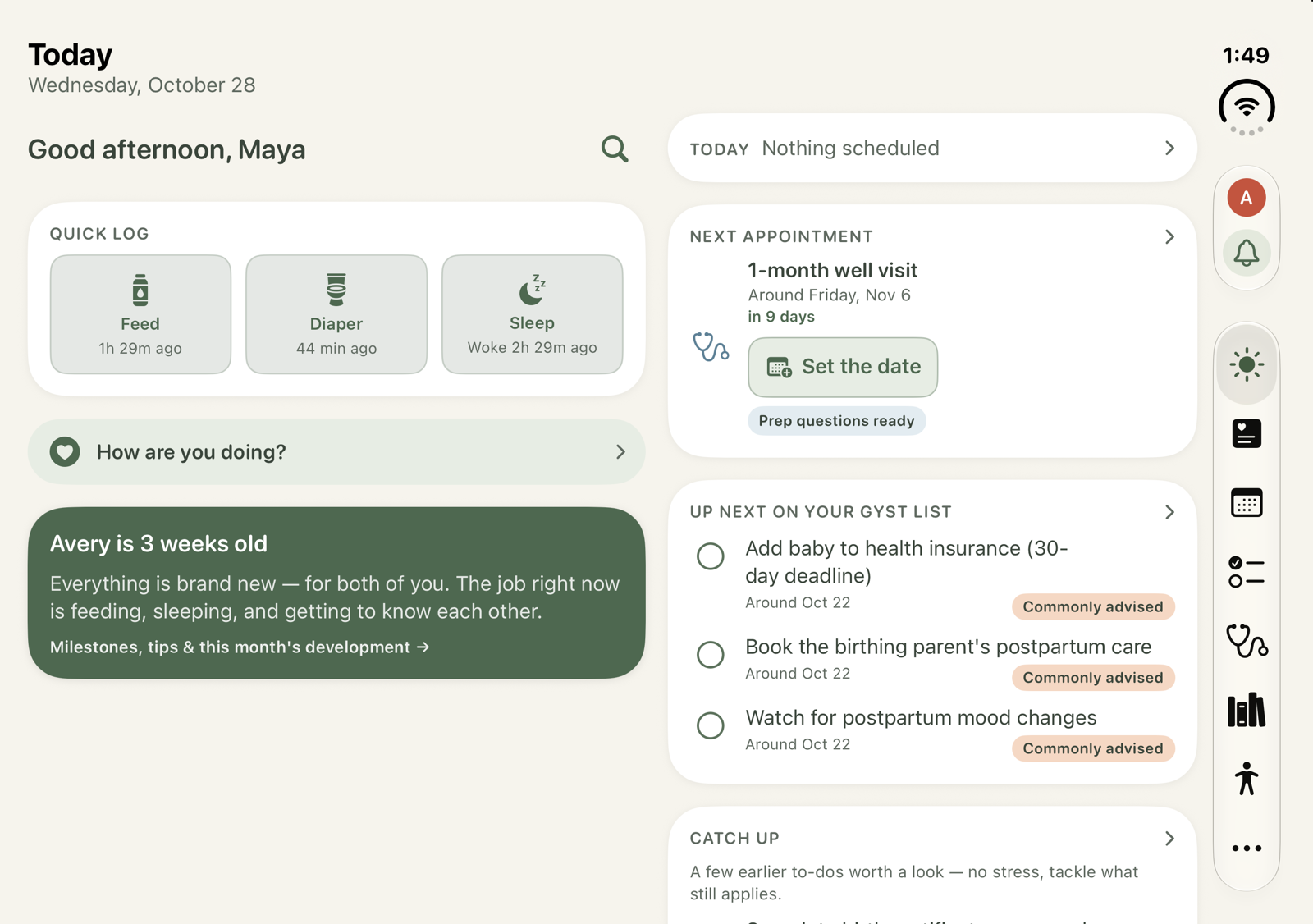
Use GYST Baby’s free plan and form-based Log to keep the details you want to revisit. Before a visit, inspect the relevant dates and prepare questions. Viewing and CSV export are separate from the optional shared/printed-report purchase.
Choose a manageable record
Start with the stage and entries relevant to your family. Keep the record descriptive; use your care team for health decisions.
Review before sharing
Read the on-screen history and check dates and contents. Report sharing/printing is an Unlock extra; CSV export remains free according to the provider.
Limitations & considerations
- Unlock previews can appear in official screenshots; one-tap logs, saved symptom check-ins, the full name finder and report sharing/printing are paid extras.
- Educational content follows commonly published U.S. guidance; confirm care and appointment timing with your own providers.
Use the linked official pages for current platform, access and purchase conditions.
Sources & scope
Reviewed November 3, 2026. Source-based workflow overview. Official product, store and policy information reviewed November 3, 2026; limits and version differences are detailed in the app guide.
- GYST Baby · official product and access scope
Free plan, form logs, reports and the four optional Unlock extras.
- GYST Baby · US App Store
Identity, current release and documented functionality; checked November 3, 2026.
- GYST Baby · press kit
Publisher platforms, authentic captures with fictional sample data, and required Unlock-preview disclosure.
- GYST Baby · privacy
Device/iCloud records distinguished from optional public lists and family invitations.