Share a Family Location Map by Agreement
Check participation, permissions and the viewing route before depending on a map.
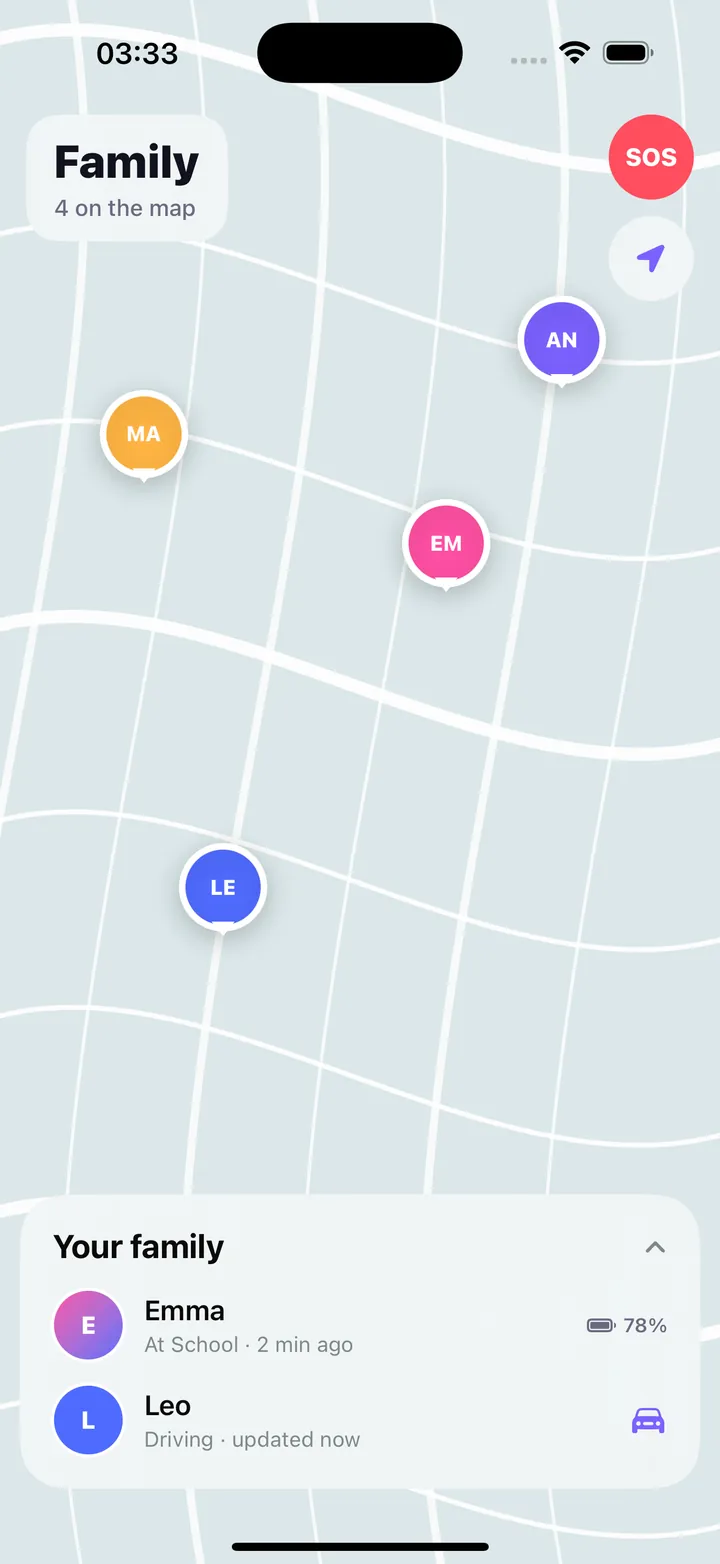
The short answer
AI Family Locator provides an iPhone sharing circle after participants accept and permit location use. Begin with willing participants, inspect update times, and compare app Premium with the separately paid web map.
Agree on sharing and stopping
Each person reviews the invitation on their own device. Confirm the supported app and how permission can be changed or the circle left. A phone number alone does not reveal a location.
Read the update, not just the pin
Check when a position was last updated and whether connectivity or permissions changed. Alerts and SOS notifications to family are not guaranteed emergency response.
Limitations & considerations
- The sharing phone needs a supported app, accepted invitation, location permission and connectivity; an old map update is not proof of a current position.
- The current product page says the Android sharing app is not publicly released. Browser viewing on Android does not make it an Android sharing app.
Use the linked official pages for current platform, access and purchase conditions.
Sources & scope
Reviewed November 3, 2026. Source-based workflow overview. Official product, store and policy information reviewed November 3, 2026; limits and version differences are detailed in the app guide.
- AI Family Locator · product facts
App identity, free/Premium scope, accepted invitations, Android status, web passes and reliability limits.
- Family Locator: SOS & Check In · US App Store
App ID 6816534113, current seller and version; checked November 3, 2026.
- AI Family Locator · press resources
Official interface images; they do not establish measured position accuracy or 3D rendering performance.
- AI Family Locator · app privacy
Location and account processing; includes older naming and platform scope, distinguished from current release availability.