Share a Family or Team Calendar on iPhone
Use a shared calendar for events that several people need to see.
The short answer
Use a shared calendar for events that several people need to see. An iCloud calendar is a useful starting point for an all-Apple group; GroupCal adds a group-focused route with invitation links, membership and permission controls. Use a shared task list instead for chores without a scheduled event.
Compare your options
| Approach | Intended result | Tradeoff | Evidence boundary |
|---|---|---|---|
| Shared iCloud calendar | Share an Apple calendar with invited people | Account setup and sharing permissions matter | Apple sharing guide |
| GroupCal | Coordinate separate group schedules and invitations | Confirm plan limits and each participant’s setup | US listing |
| Shared task list | Allocate actions such as buying supplies | A list is not a shared event timetable | Different job; not a GroupCal feature claim |
Separate events from chores
A pickup at 3 pm belongs on a shared calendar. Buying supplies before Friday may belong on a shared task list. Making that distinction keeps a common calendar readable and avoids turning every small action into an event.
Start with a private group
Create one calendar for a clear purpose and invite only the people who need it. Apple’s guide distinguishes invited sharing from public calendars. GroupCal also documents public searchable calendars; that is a publication choice and is usually unnecessary for family details.
Decide who can change the schedule
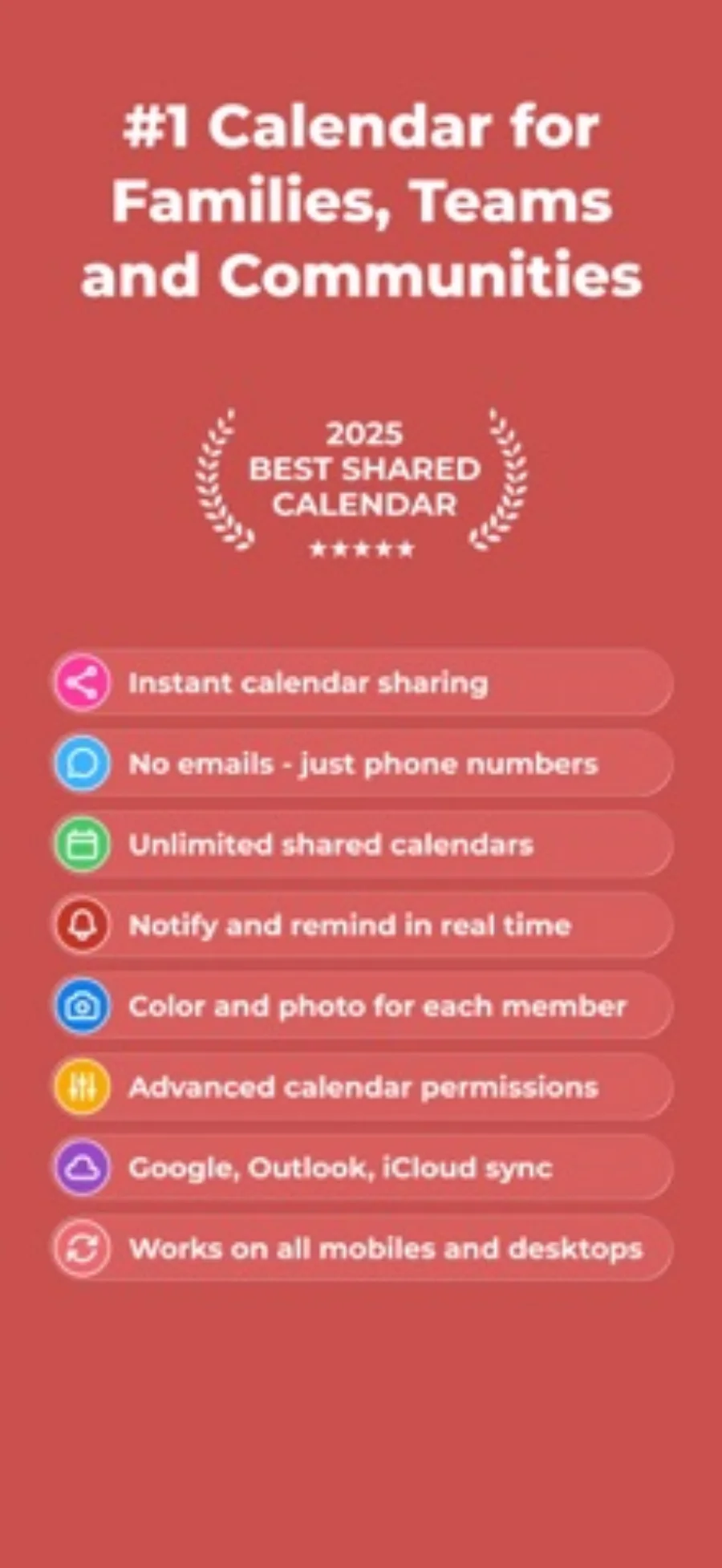
Choose editing and invitation permissions before the calendar becomes important. In GroupCal, the listing describes admin and membership controls. Confirm that a second participant can see one new event and one changed event, rather than relying only on what appears on your own phone.
Keep notifications and exit needs visible
Agree which updates deserve a notification and how cancellations will be communicated. Confirm the plan’s practical group limits and review export or exit options before moving a large schedule. A shared event is not evidence that every participant has the same reminder settings.
Limitations & considerations
- Free download does not establish free access to every advanced permission or collaboration feature.
Use the linked official pages for current platform, access and purchase conditions.
Sources & scope
Reviewed October 28, 2026. Editorial choices based on the linked official documentation and dated US listings. No performance ranking or device benchmark is claimed.
- GroupCal - Shared Calendar · US App Store
Apple US listing and developer-supplied description, checked October 28, 2026. Used for identity, compatibility, feature boundaries and provider statements; not independent performance testing.
- Apple · share iCloud calendars
Documents invitations, editing access and private versus public sharing.