Translate an iPhone Screen With Back Tap
Capture a screen with Back Tap or a supported Action Button and read a translated image while keeping its layout in view.
The short answer
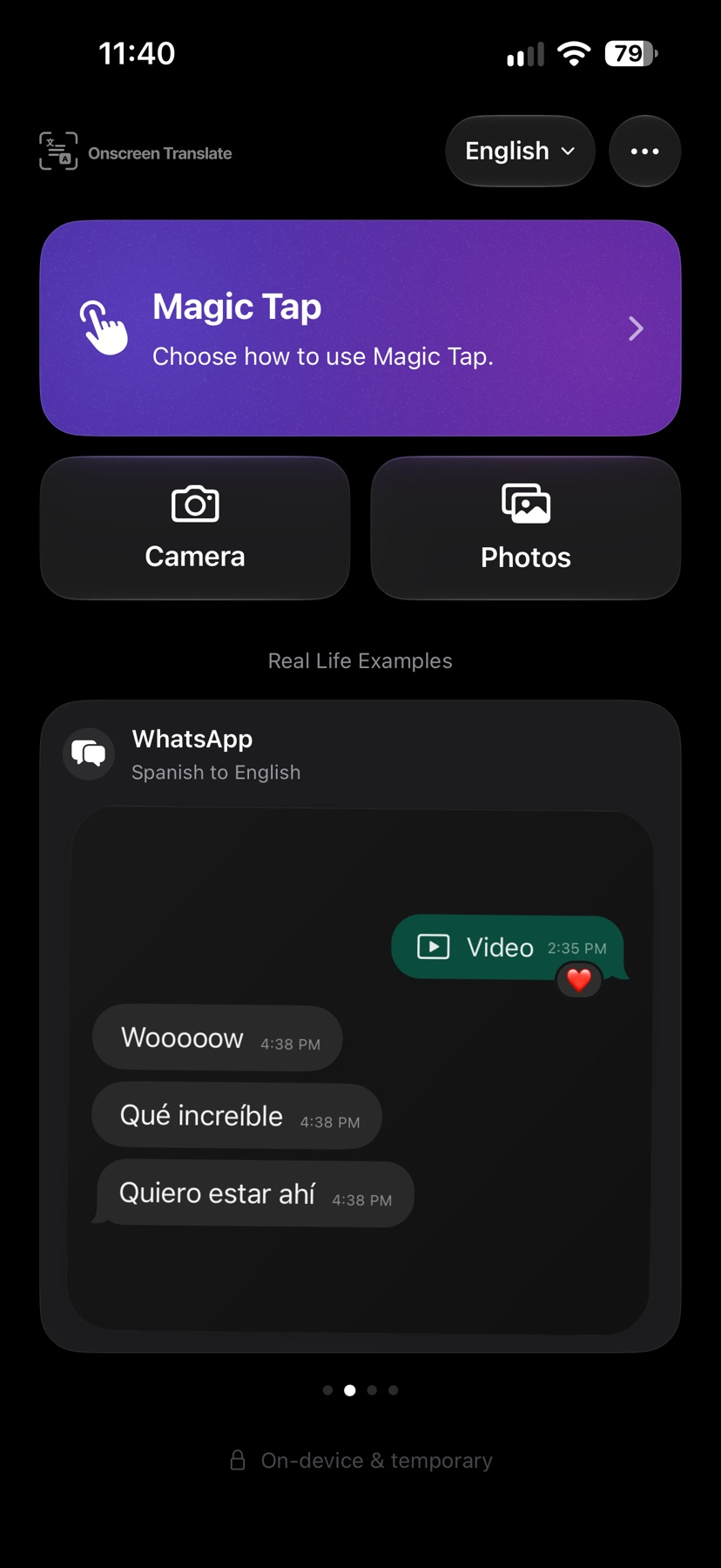
Onscreen Translate may help when visible text cannot be selected, such as labels inside an app or picture. It translates one captured screen at a time and offers shortcut setup, photo and camera tools. It does not continuously translate while scrolling; background previews require iOS 26, and some translation paths send recognized text online.
Try a small documented workflow
Choose a target language and follow the Magic Tap setup. In iPhone Settings, assign the installed shortcut to double or triple Back Tap, or a supported Action Button.
Open a screen with readable sample text and use the chosen trigger. Compare the translated image with the original before acting on a price, address or other important detail. This setup was not run on a phone for our guide.
Expect an app opening on earlier supported iOS versions and background preview only on iOS 26 or later. Check language downloads, possible online processing and the purchase screen before relying on repeated use.
Check access and purchase scope
The app is free to download. The amount of free access is shown in the app and was not independently established. Continued use requires a subscription.
US Monthly costs $3.99 and Annual costs $24.99. Both include the documented translation features, with online request limits still applying.
Eligible new subscribers may receive a seven-day trial when Apple offers one. Trial eligibility, free allowances and exact online limits were not tested. Plans renew unless canceled through Apple; deleting the app does not cancel them.
Limitations & considerations
- Back Tap setup, Action Button operation, camera support, latency and translation quality were not tested.
- Requires iOS 18.4 or later. Background screenshot previews require iOS 26; earlier supported versions open the app. The Action Button is model-dependent.
- Small, moving or unclear text can be recognized incorrectly. A translated image does not change the original app controls.
Use the linked official pages for current platform, access and purchase conditions.
Sources & scope
Reviewed November 17, 2026. Source-based guide, November 17, 2026. No installed-device, purchase or outcome test.
- Onscreen Translate · App Store
Official reference checked November 17, 2026. Publisher statements; no installed-device test.
- Onscreen Translate · official product information
Official reference checked November 17, 2026. Publisher statements; no installed-device test.
- Onscreen Translate · privacy policy
Official reference checked November 17, 2026. Publisher statements; no installed-device test.