24me: Calendar・Planner & To Do
Bring calendar appointments, actionable tasks and notes into one daily planning view.
People whose appointments and tasks are scattered
Choose 24me when calendar events, tasks and notes need to live in one personal planning workflow. Start with Apple Calendar and scheduled Reminders if you only need dated actions beside events. Email-to-task and location reminders are reasons to consider Premium, not assumed free features.
Keep in mind: Calendar, location and email access are separate permission decisions.
Inside the app
Official product images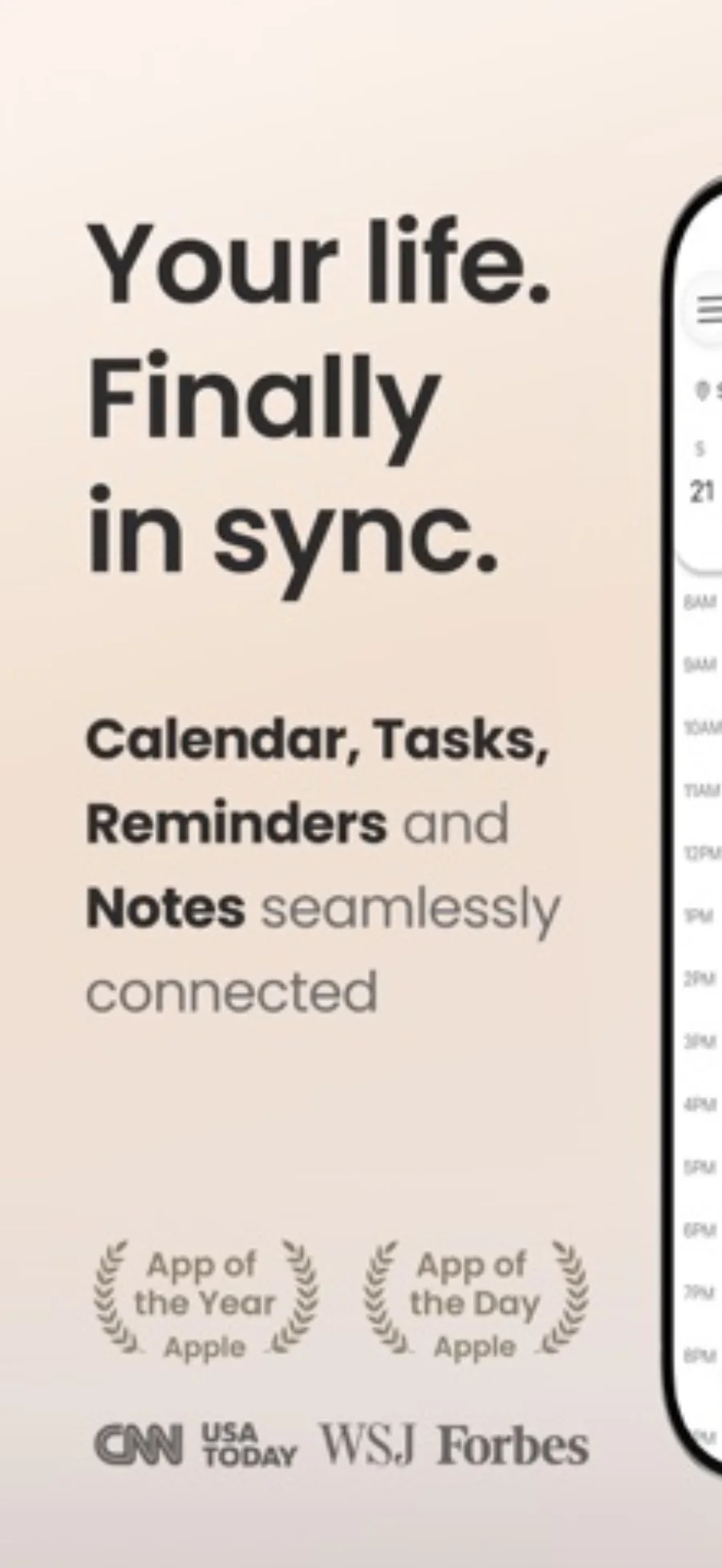
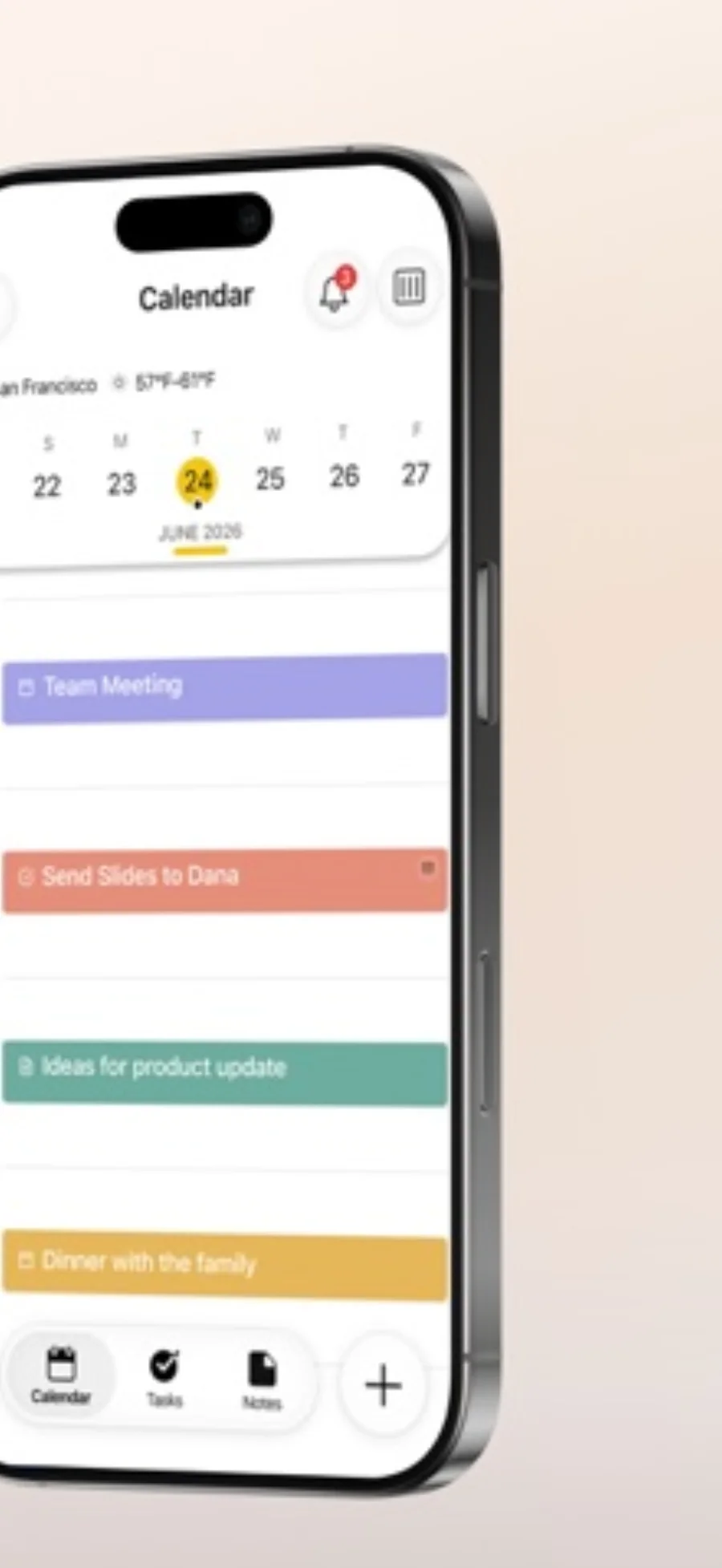
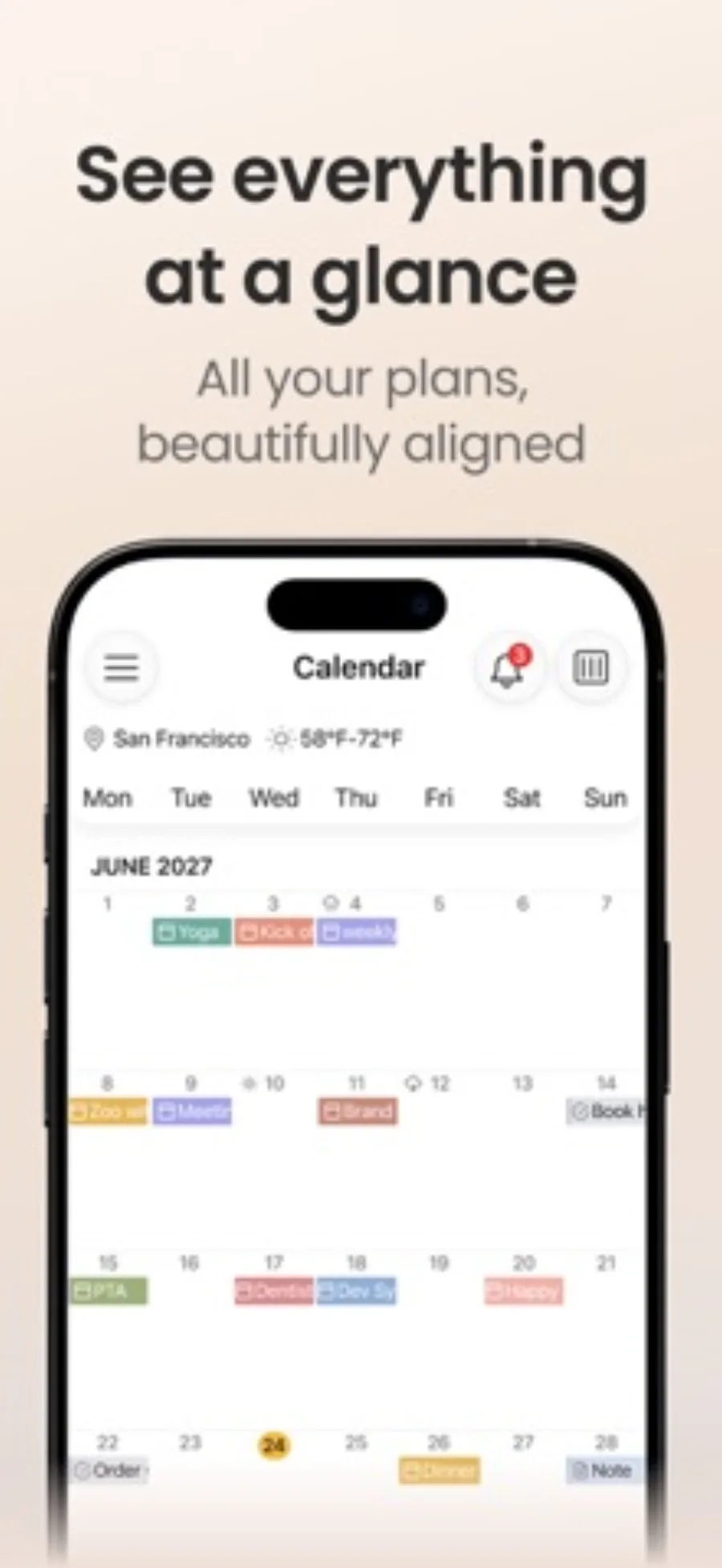
What you can do
- Calendar integration and personal task lists
- Notes and shared items alongside planning
- Premium email-to-task and location-based reminders
App Store review themes
Recurring praise and complaints, grouped by topic.
40 reviews · US App Store · Written feedback; review platforms are not identified
What reviewers like
Helpful support and resolved problems
5 reviewsReviewers describe responsive assistance, including help resolving feature, alert and account issues.
See 2 review examples
After earlier conflicting advice, the reviewer says responsive support helped restore working alerts.
Original excerpt“with responsive tech support, 24me works again, with alerts.”Apple source · Review 14633056205
The reviewer recalls receiving a helpful direct response about functionality.
Original excerpt“the owner of the company emailed me back!”Apple source · Review 14128626775
Helps keep activities organized
4 reviewsReviewers use the app to organize household tasks, schoolwork and everyday activities.
See 2 review examples
The reviewer says the app helps them stay organized.
Original excerpt“Keeps me organized”Apple source · Review 14471535386
The reviewer finds it helpful for managing household tasks and calendar entries.
Original excerpt“Nice helpful tool”Apple source · Review 14228892154
Easy everyday planning
4 reviewsReviewers describe straightforward navigation, setup and everyday planning.
See 2 review examples
After initially learning some subtleties, the reviewer finds everyday use easy and adaptable.
Original excerpt“Very easy. Very adaptable.”Apple source · Review 14626808555
The reviewer says they could configure the app without using the provided help.
Original excerpt“I have not needed the help that is provided to setup the app as I like.”Apple source · Review 14546148185
What reviewers dislike
Some controls feel unintuitive
4 reviewsReviewers describe difficult navigation, clutter or awkward item and date controls.
See 2 review examples
The reviewer finds navigation difficult and unintuitive.
Original excerpt“It’s hard to navigate effectively. Not very intuitive.”Apple source · Review 14633056205
The reviewer finds the interface too busy.
Original excerpt“it’s too busy”Apple source · Review 14604180678
Gaps in watch, rotation and web use
3 reviewsReviewers report an Apple Watch issue or request screen rotation and web access.
See 2 review examples
The reviewer reports that their Apple Watch had shown no events for over a year despite scheduled items.
Original excerpt“over a year of the app not working with my Apple Watch. It always says no events for today”Apple source · Review 13832043474
The reviewer requests screen rotation for use with a keyboard.
Original excerpt“a page rotation feature would be great when using a keyboard.”Apple source · Review 13693046406
More reliable and flexible repeat events
3 reviewsReviewers request richer recurrence rules or report problems updating future instances.
See 2 review examples
The reviewer wants more event recurrence timing options.
Original excerpt“more options for timing the occurrences of events.”Apple source · Review 14325824397
The reviewer says changing future instances of recurring events stopped working.
Original excerpt“Clicking future used to update all the ones in the future, but now it isn’t.”Apple source · Review 13832043474
Good for
- People whose appointments and tasks are scattered
- Personal planning that benefits from notes alongside time commitments
Consider alternatives for
- A project-management system with assumed enterprise controls
- Treating free download as access to every smart reminder feature
Keep appointments different from actions
An appointment reserves time with a fixed commitment; a task is work that still needs doing. 24me brings them into one planning environment, but the distinction remains useful: choose a realistic set of actions around the time already occupied.
Apple Calendar can already show scheduled Reminders on supported iOS versions. Try that existing combination first if your only requirement is seeing dated tasks beside events. 24me becomes more relevant when its notes, capture and additional reminder tools solve a recurring friction.
Pay for a specific missing capability
Email-to-task and location-based reminders are explicit Premium features in the reviewed listing. Decide whether one of those solves a real problem before subscribing. The publisher’s expanded-screen examples are illustrations of layout, not a measured advantage over the built-in apps.
Editorial basis and disclosure
The developer submitted this app for consideration. We selected it for the task it serves, with no payment, paid ranking or promise of a positive recommendation. This profile uses the dated official sources; offered test access has not been used.
Limitations & considerations
- Calendar, location and email access are separate permission decisions.
- A larger layout alone does not establish faster planning.
- Check time zones, notification permissions and account calendar behavior for the schedule you use.
Privacy & permissions
Connecting calendars and using location reminders expands the data the planner can access. Grant calendar and location access for the workflows you need, and review the developer policy before linking accounts. No independent network audit is claimed.
Use it for
Sources & review notes Updated Oct 28, 2026
Reviewed by iApp4Me Editorial Team. Recommendations use the linked documentation and attributed accounts; device observations are identified separately.
- 24me: Calendar・Planner & To Do · US App Store
Apple US listing and developer-supplied description, checked October 28, 2026. Used for identity, compatibility, feature boundaries and provider statements; not independent performance testing.
No comments yet. Be the first to share your experience.