Plan Your Day with Calendar Events, Tasks and Notes
Begin with fixed appointments, then choose a manageable set of tasks around them.
The short answer
Begin with fixed appointments, then choose a manageable set of tasks around them. Apple Calendar with scheduled Reminders can cover the basic combined view. Consider 24me when capturing notes, handling tasks and using additional reminder features in one place removes recurring friction.
Compare your options
| Approach | Intended result | Tradeoff | Evidence boundary |
|---|---|---|---|
| Calendar and scheduled Reminders | See dated actions alongside appointments | Requires supported system versions and enabled calendars | Apple documentation |
| 24me personal planner | Combine calendars, tasks and notes | Some capture and smart-alert features require Premium | US listing |
| A short written daily list | Choose a few priorities without another account | No automatic reminders or synchronization implied | App-independent planning method |
Reserve time for fixed commitments
Put meetings and time-specific commitments on the calendar first. Then identify tasks that can realistically fit around them. Giving every item a timestamp does not create more time; use a short list for work whose exact start time can remain flexible.
Check what your existing apps already cover
Apple documents scheduled Reminders appearing in Calendar on supported iOS versions. If seeing those items together is the only missing piece, try that before importing your schedule into a new planner. Notes can remain separate if that arrangement is easy to maintain.
Use 24me for a concrete integration benefit
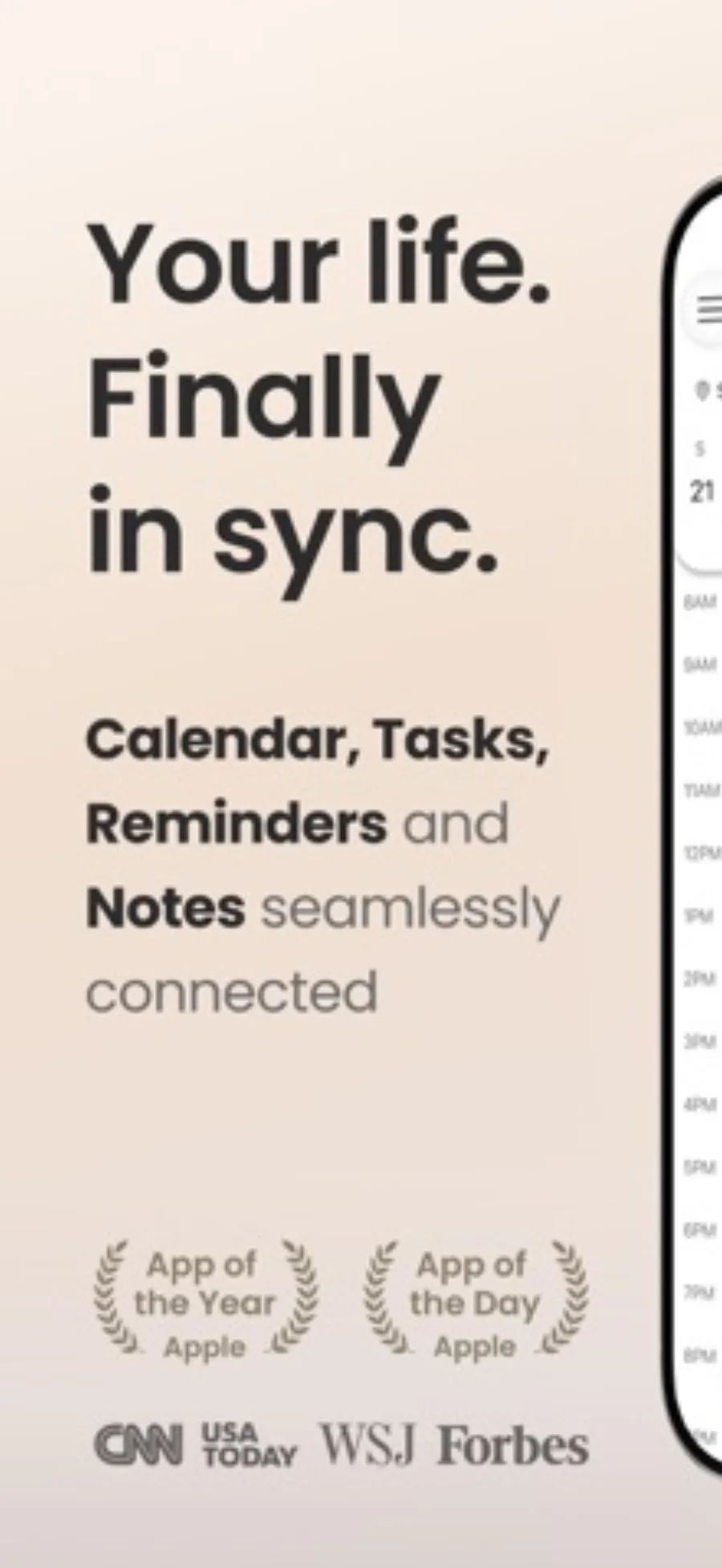
24me is relevant when calendar events, actionable tasks and reference notes repeatedly need to be viewed together. Its listing also describes shared items. Email-to-task and location reminders are Premium capabilities, so select a plan based on the workflow you actually need.
Finish with one review
At the end of the day, mark completed actions and move unfinished work deliberately. Check notification permissions and time zones when reminders seem wrong. If another person needs to coordinate an event, use a shared calendar workflow rather than assuming your personal planning view is visible to them.
Limitations & considerations
- Provider integration support does not prove every account configuration will behave identically.
Use the linked official pages for current platform, access and purchase conditions.
Sources & scope
Reviewed October 28, 2026. Editorial choices based on the linked official documentation and dated US listings. No performance ranking or device benchmark is claimed.
- 24me: Calendar・Planner & To Do · US App Store
Apple US listing and developer-supplied description, checked October 28, 2026. Used for identity, compatibility, feature boundaries and provider statements; not independent performance testing.
- Apple · use Reminders
Documents scheduled reminders appearing in Calendar on supported iOS versions.