Made for the way you work.Best apps for the job
Useful answers, clear tradeoffs, and sources you can check.
Best apps
Oct 24, 2026
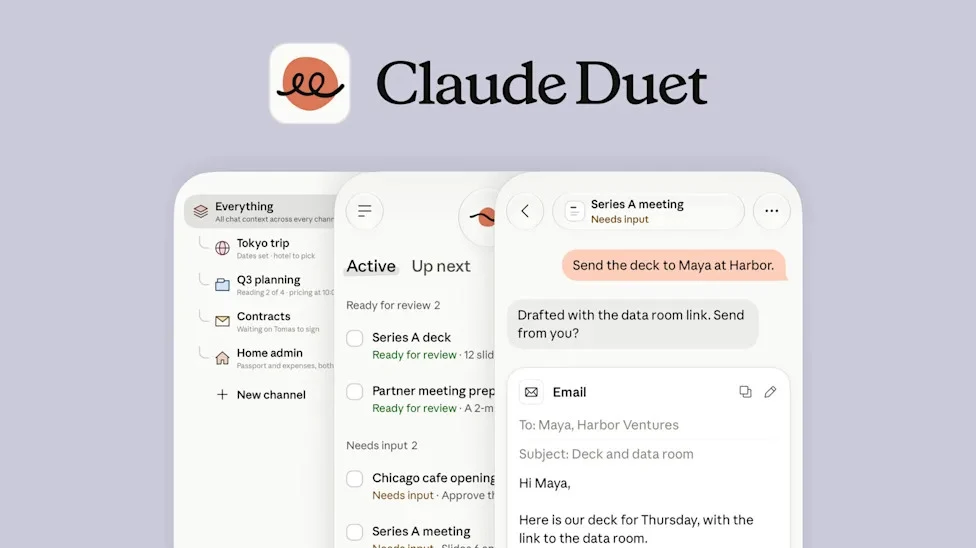
Meta’s Muse launch describes a free entry route with paid upgrades, while Claude Duet’s checked preview is included in paid Pro and Max plans. Local model tools can avoid a hosted subscription for some jobs, but they are not automatically complete personal agents. Choose the free route that can finish your actual task.
Best apps
Oct 24, 2026
Start with Claude Duet if you qualify for its preview and want work organized around your existing Claude context. Consider Meta Muse for a personal-agent workflow built around ongoing goals. Choose by the services the agent can actually use and the decisions you want to keep approving.
Best apps
Oct 24, 2026
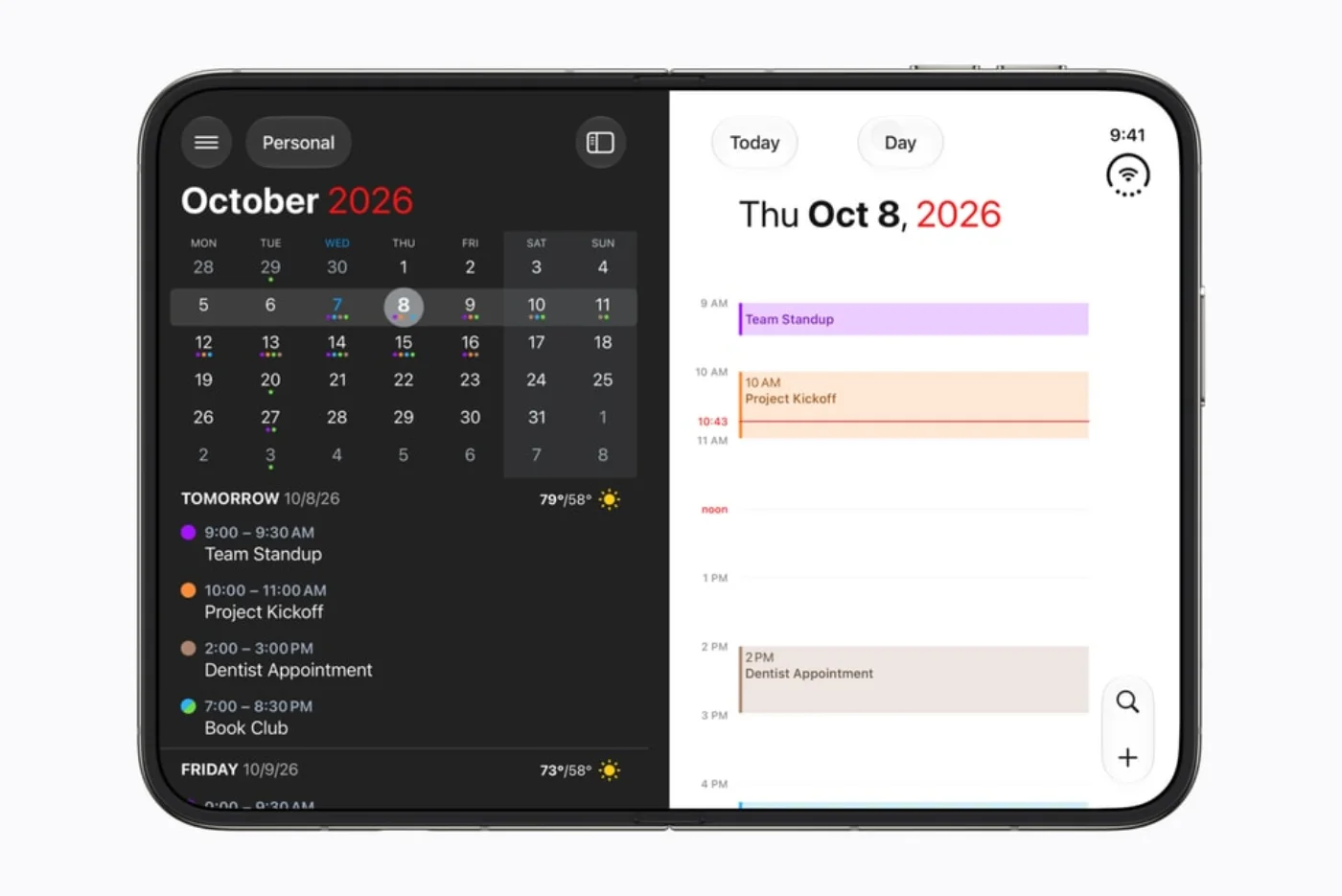
Start with the apps you already rely on, distinguish released support from future announcements, then choose a few workflows that benefit from the extra room. A folding screen is useful when it removes steps—not merely when it makes the same interface larger.
Best apps
Oct 24, 2026
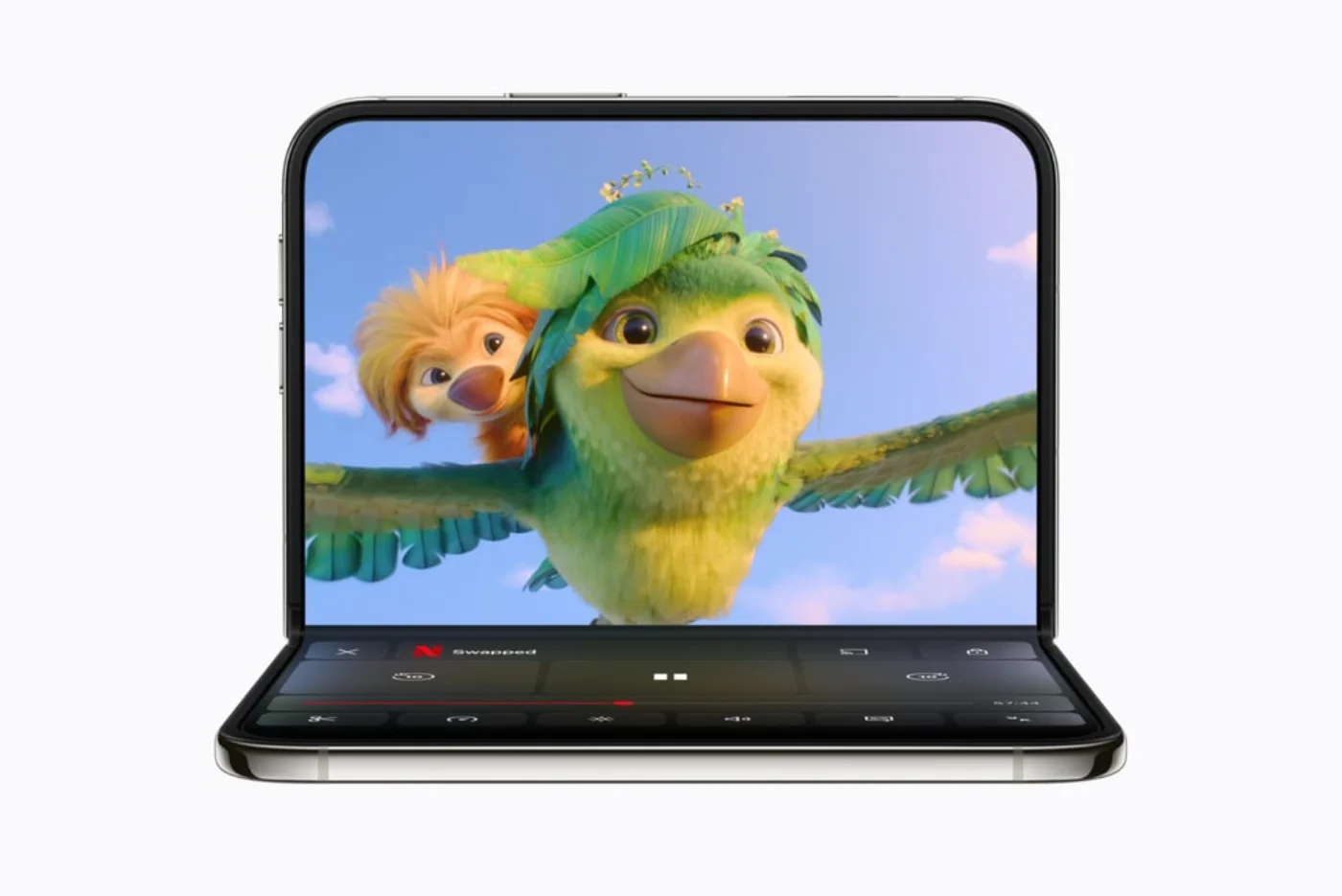
Keep your existing tools when they already do the job. Add an app only when its documented Duo workflow solves a need you actually have. Start with one planning tool and one frequently used work or entertainment app; add specialist tools later.
 Reeder
 Step-by-step guide
Best apps
Oct 24, 2026
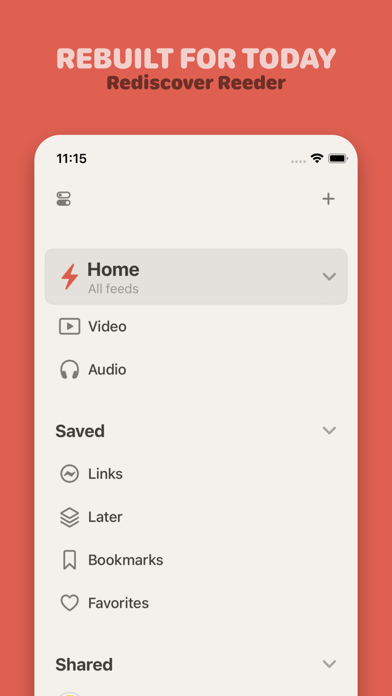
NetNewsWire is the first free RSS candidate to consider for a conventional iPhone reading queue. Its official site describes a free open-source app. This guide does not certify an ad-free experience for every feed: publishers can include sponsorship and advertising in the content they send.
 GoodLinks
 Step-by-step guide
Best apps
Oct 24, 2026
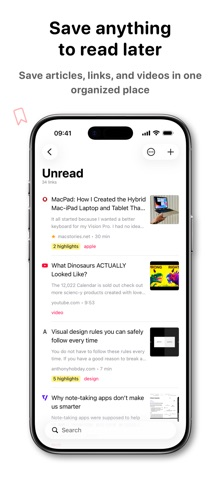
Start with Safari Reading List for a simple saved-page queue without an additional app subscription. Consider GoodLinks for a more organized article library: its official policy gives permanent access to unlocked features, while optional Premium covers later feature upgrades. It is not a promise of every future feature for one payment.
 Buzz
 Step-by-step guide
Best apps
Oct 24, 2026
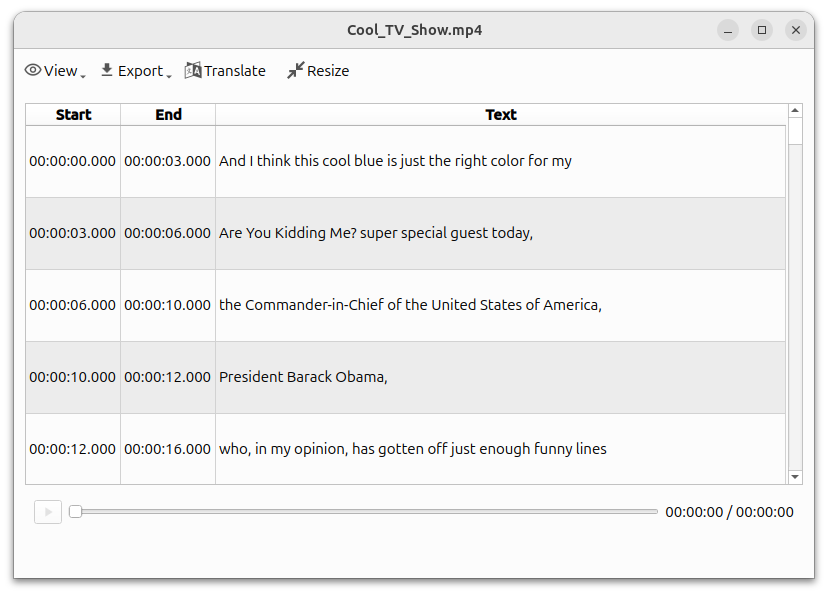
Buzz is a free open-source candidate for local transcription on Mac. Download the required model before disconnecting and select a local backend, not a hosted API. Check hardware support: the current installation guide requires Apple silicon and identifies 1.4.5 as the last Intel-compatible release.
 Step-by-step guide
Best apps
Oct 24, 2026
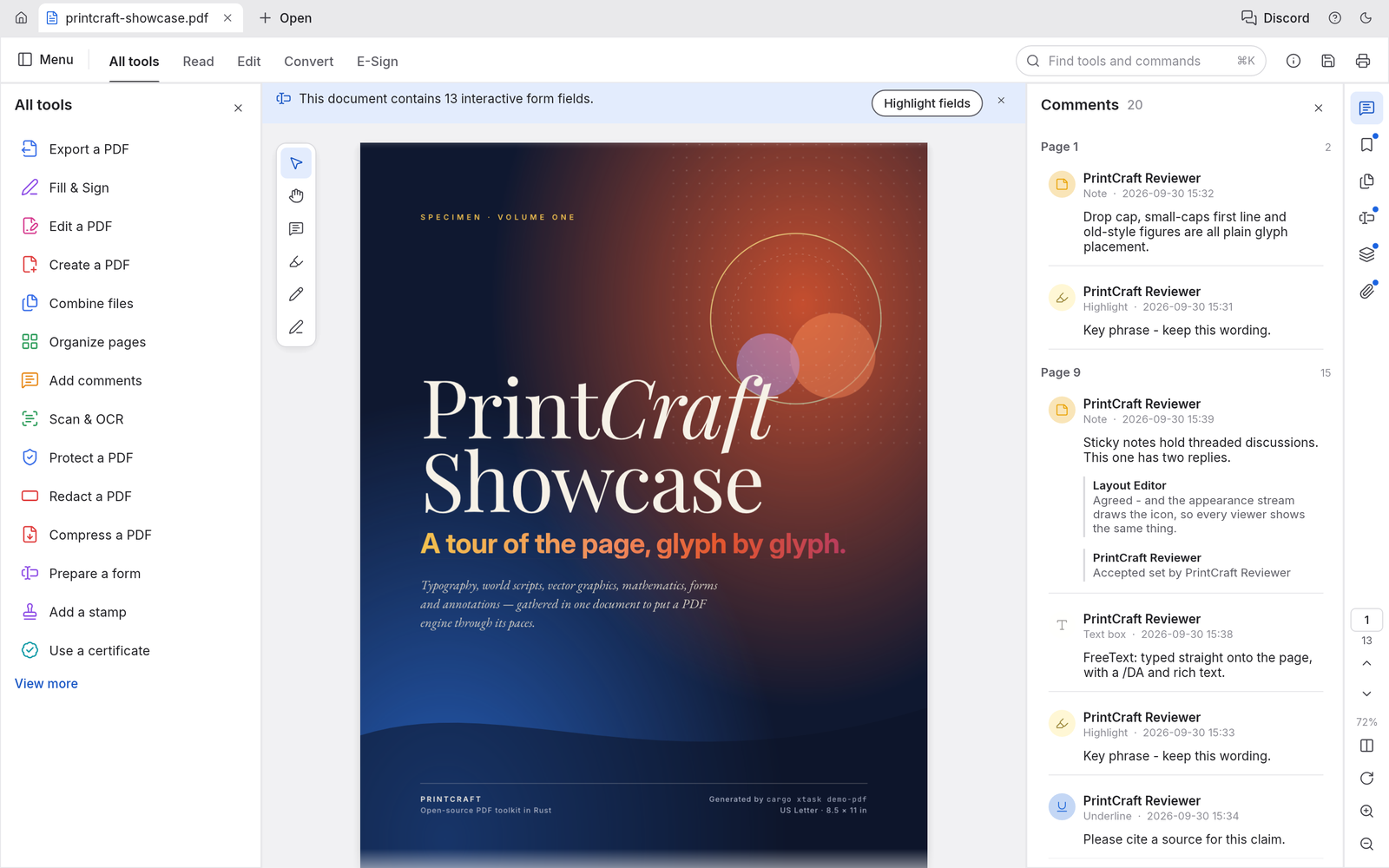
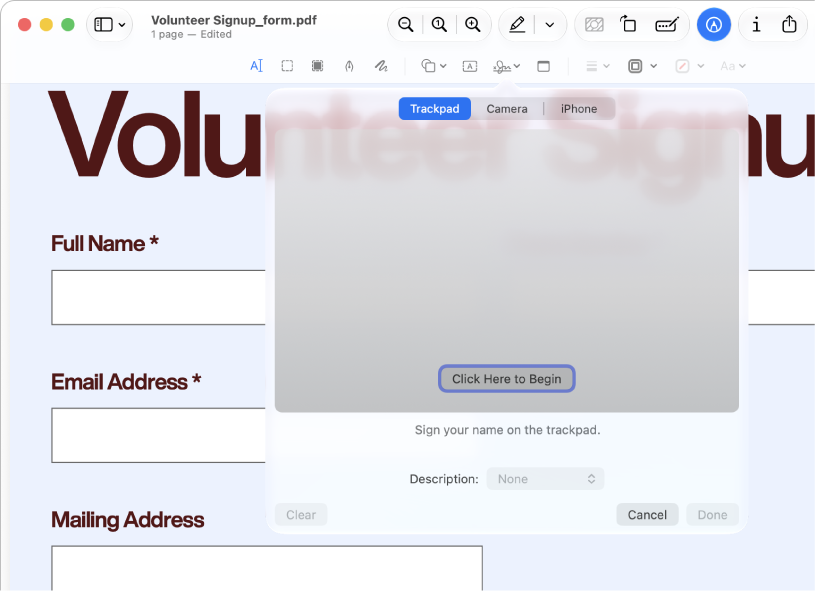
Use Preview for annotations, forms and ordinary page assembly. Consider PDFgear for Mac when you need to change existing PDF text: its current Mac documentation describes that feature as free. PdfCraft is another page-workbench candidate. These recommendations follow documented scope, not a same-file editing benchmark.
 Scanner Pro
 Step-by-step guide
Best apps
Oct 24, 2026
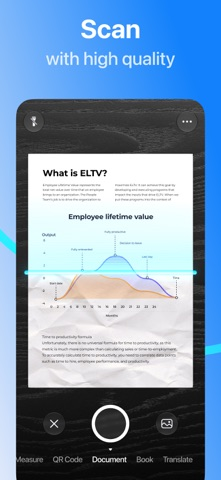
For basic document scanning without adding another scanner app or subscription, start with Files or Notes on iPhone. Preview also provides document scanning on supported iOS versions. These are the first routes to consider; this is not an independently audited ranking of third-party ad-free scanners.
 Preview
 Step-by-step guide
Best apps
Oct 24, 2026
Start with Preview for ordinary annotations and page work. Consider PDFgear for documented free original-text editing, PDF Expert for an Apple-focused paid editing workflow, and paid Acrobat for requirements already tied to Adobe. Use a converter only when reusable content, rather than an edited PDF, is the deliverable.