
Graphics & Design
Amadine - Vector Design & Art
Layers, multiple fills and strokes, and path tools support designs beyond simple tracing.
Apps observed in Apple’s US App Store charts for Graphics & Design.
Showing 21–40 of 401
Layers, multiple fills and strokes, and path tools support designs beyond simple tracing.

Separate appearance and outfit choices support original character combinations.
Position and opacity controls help align a chosen image.
Videos and overlays offer two ways to revisit an outline.
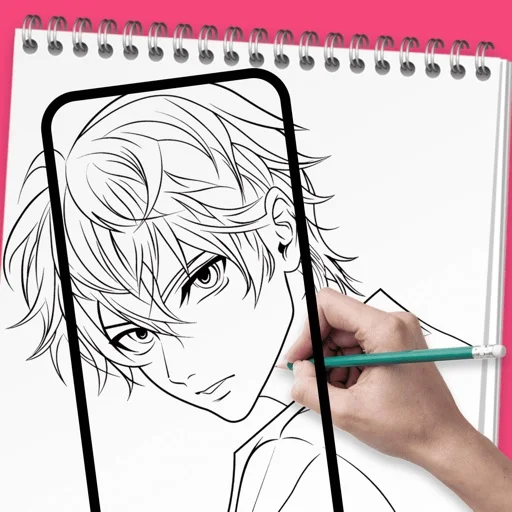
Personal imports and AI-generated templates broaden references.
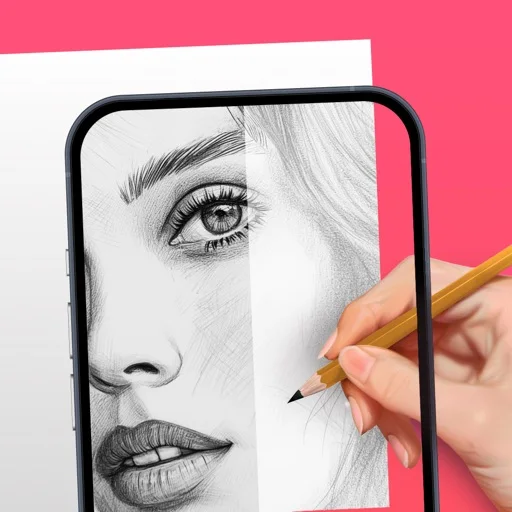
Templates and the flashlight support following a reference.
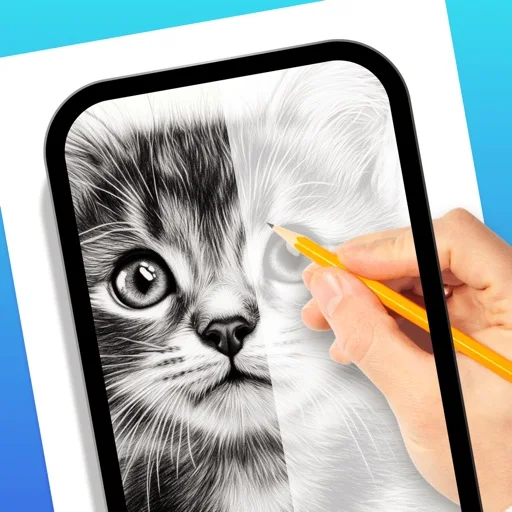
Transparency controls and anchoring help position a reference.
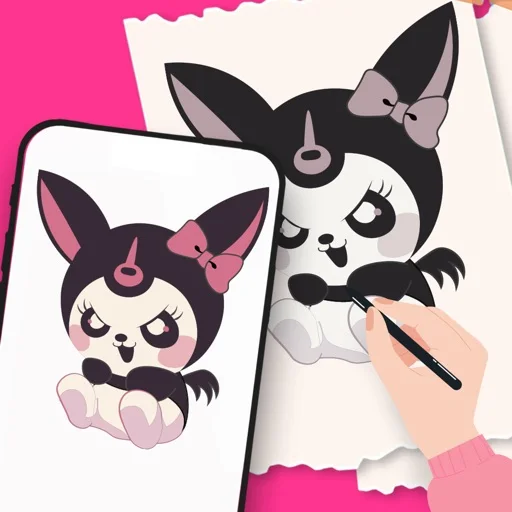
Template or personal-image references offer different subjects.

Node-based layers and direct viewport feedback connect material setup with painting on an imported model.
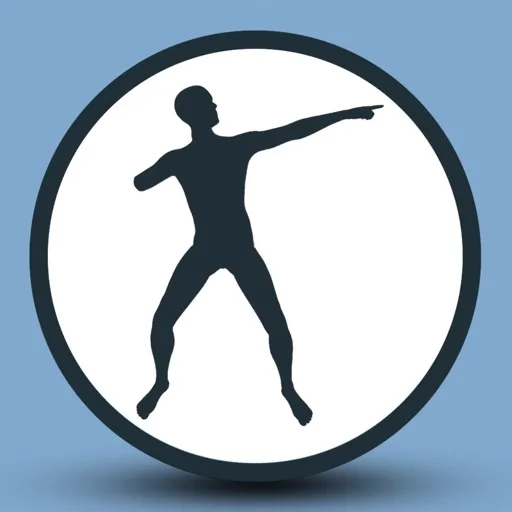
Dragging control points and viewing two camera angles can make pose adjustment more direct than rotating every joint separately.
Wet-paint and texture effects support a tactile visual style.
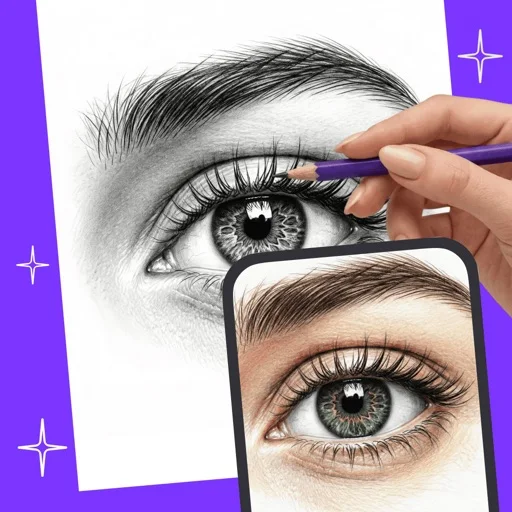
Move, resize and rotate controls help fit a composition.
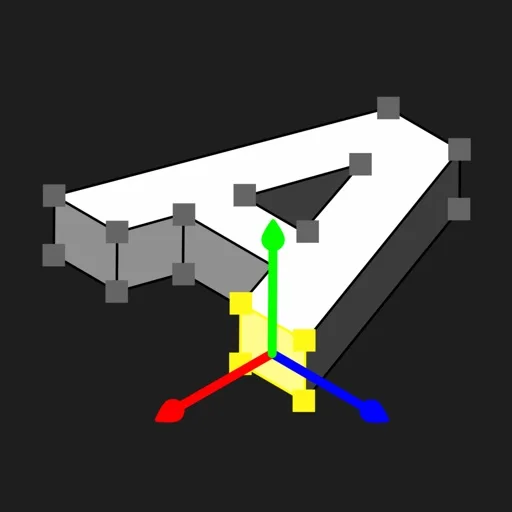
Mesh selection and texture painting connect construction with export.
Categorized brushes cover styles from sketching to texture work.
Step-by-step references give both participants a common task.
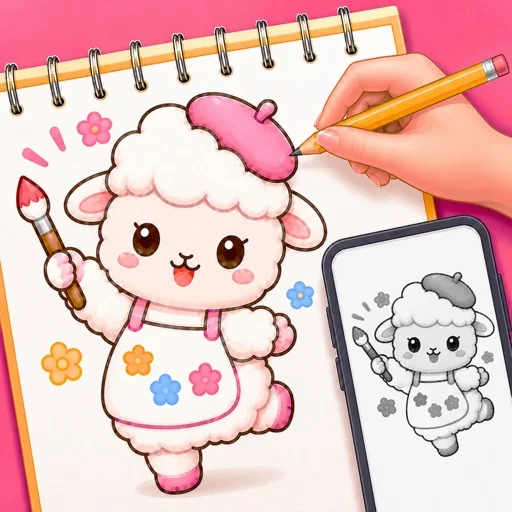
Adjustable opacity and tutorials help follow a reference.

Paint wetness, surface texture and blending create a different workflow from a flat pen tool.
A brush editor, masks and adjustment layers support both illustration and retouching.

可调透明度、缩放旋转和锁定,参考层与相机层可分别控制。
Pinch transformation, detailed zoom and 50 undo levels support revising a sketch without many panels.