
Graphics & Design
Camera Lucida™: AR Drawing
Filters, split/fade controls and saved sessions support different drawing approaches.
Apps observed in Apple’s US App Store charts for Graphics & Design.
Showing 61–80 of 401
Filters, split/fade controls and saved sessions support different drawing approaches.
拖放布局、预览和打印边距辅助减少反复试纸。
Templates and remixing reduce the initial setup for a prototype.

Live previews and background choices make it easy to compare a look before exporting.
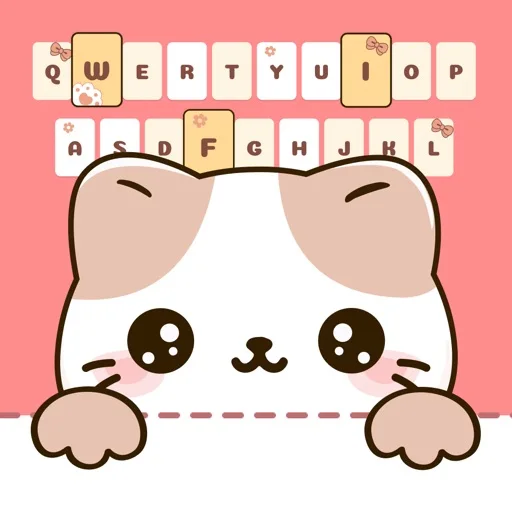
Letter combinations give a personalized visual prompt.
有环形文字、模板、图层和图片导出。
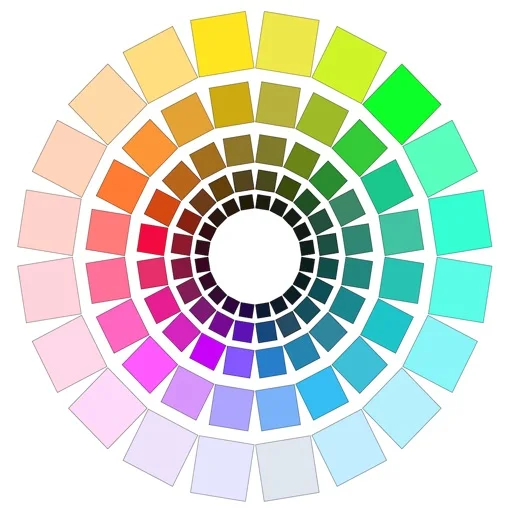
Value reduction, grayscale and color distributions can make a reference's structure easier to inspect.

A shared scene can separate CPU and GPU results on supported systems.
Comic layout and reference tools support a production workflow.

500幅图按21类组织,图像格式便于多个办公应用使用。
Different data and image layers allow a personal layout.
Offline search and multiple representations connect visual lookup with implementation work.
不强制套模板,可复用个人贴纸、排多图并输出图片或多页 PDF。

Layers, stickers and text can create a more individual layout.
Color Identifier is useful when you need a readable color name or a portable reference for a design or decorating decision. Its camera labels and saved-reference comparison serve different needs from a simple image eyedropper. Treat camera-derived matches and RAL suggestions as approximations, and check the current paywall: published prices and free-access boundaries are not fully consistent.

Eyedropper and element tools connect visual inspection to reusable palettes.
Multiple colour-wheel models and tonal tools support both digital design and painting studies.
Tints/tones/shades, numeric readouts and contrast checks link theory with selections.
Manual color-code entry and ratio previews help compare a palette before exporting it into another project.
Coordinated designs can combine useful information with decoration.