
Weather
MOON - Current Moon Phase
Date selection and hemisphere settings support a preferred view.
Apps observed in Apple’s US App Store charts for Weather.
Showing 141–160 of 375
Date selection and hemisphere settings support a preferred view.
Offline date lookup avoids needing a live feed for each phase.
Location-based times and alternate date systems bring several almanac views together.
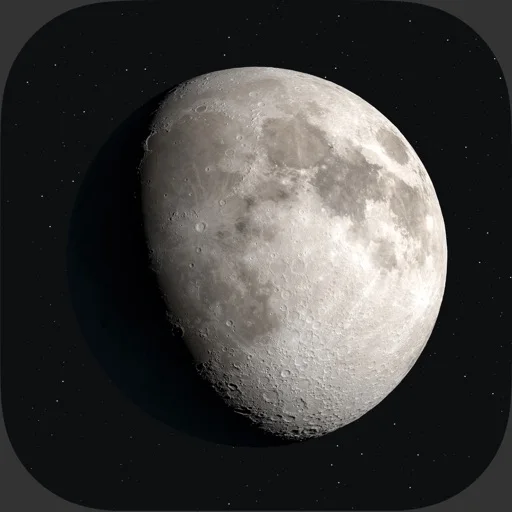
The ephemeris, selectable phase timeline, and widgets expose different views of the same date.
大小组件及菜单栏图标能直接呈现光照比例和时间。
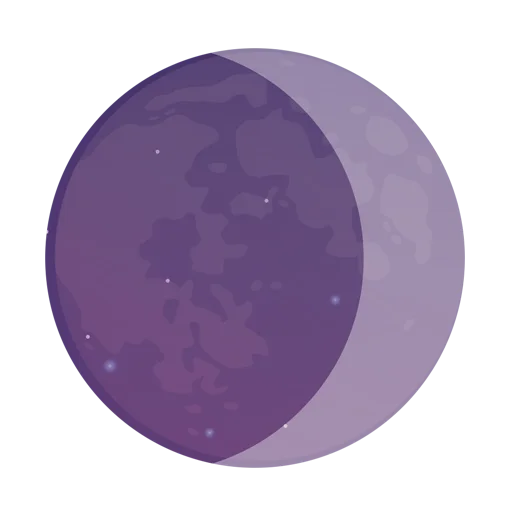
Past and future dates and local solar information are useful for everyday observation planning.
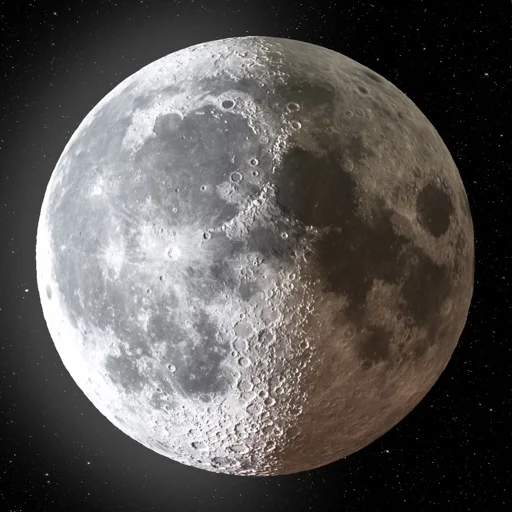
Date and place selection help compare upcoming observation windows.
A swipeable timeline and widgets support quick lunar checks.
Moon compass, local timings and widgets provide several ways to check the sky.
可跟随地区天气或手动选场景,并调整动画气氛。

Per-display themes and location choices combine decoration with quick reference.
Multiple windows and up to eight places let you compare locations without repeatedly searching.
Maps and webcams add context to activity indices.

Maps and activity data give more context than a single notification.

Lists/maps organize location, depth and distance.

Apple Watch support extends access to notifications.

Saved-storm notifications reduce repeated manual checks.

Strike maps and recent hotspots add geographic context.

Strike maps and radar offer complementary views of a storm.

Date and location selection make future conditions easier to compare.