
TinyStudio
A Mac subtitle-generation candidate for creators who want to turn recorded speech into captions rather than edit a whole movie.
A focused Mac subtitle workflow
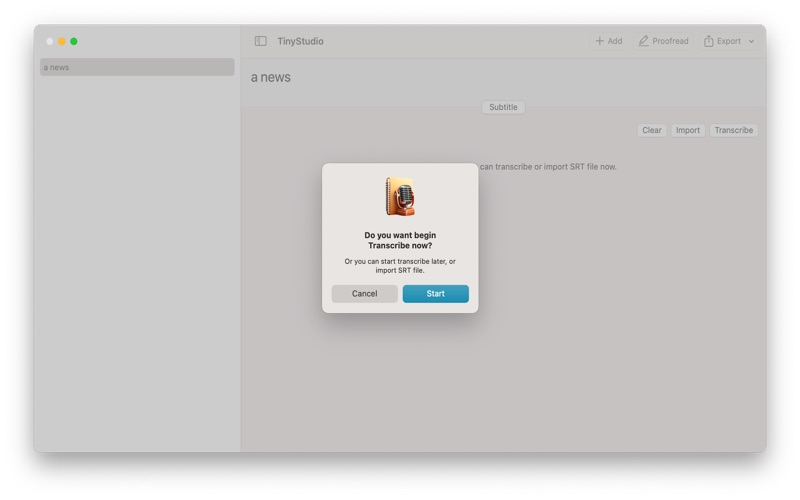
Shortlist it when the deliverable is a subtitle file rather than a multitrack video project. Read the model-setup instructions before getting started.
Keep in mind: The Mac App Store listing is free. The 2023 model-preparation guide can differ from current controls; no accuracy or speed benchmark is implied.
Inside the app
Official product images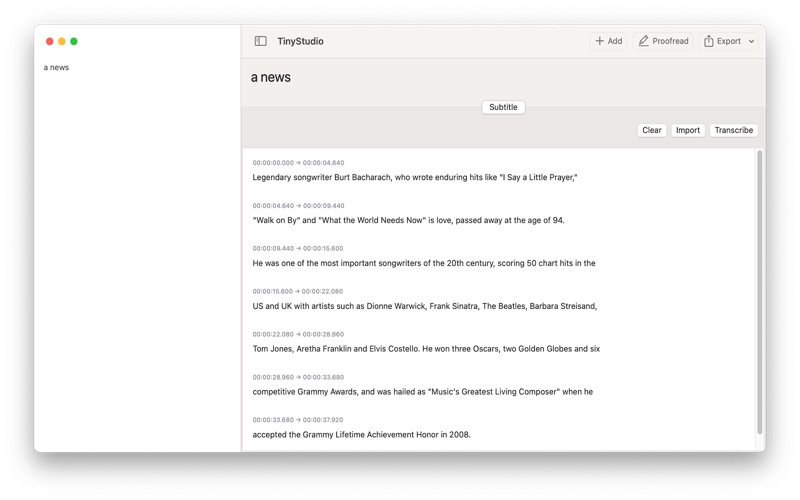
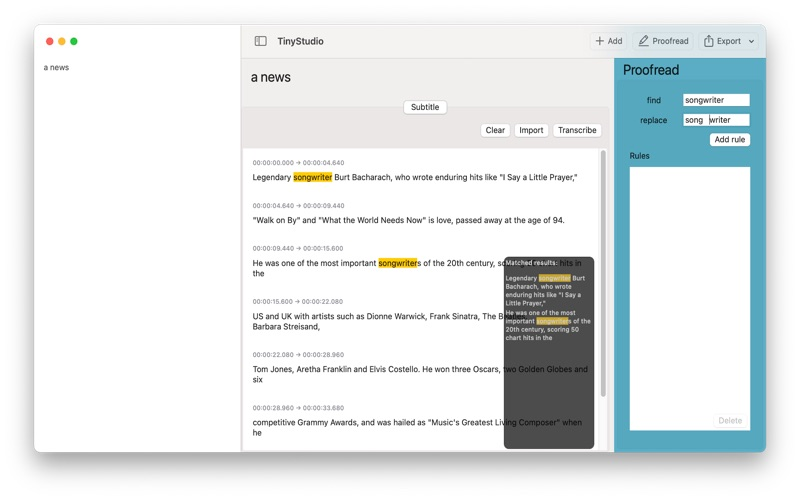
What you can do
- Subtitle generation described by the developer
- Model download documented separately
Good for
- Creators researching a dedicated Mac caption workflow
Consider alternatives for
- A replacement for a multitrack video editor
- Users needing a verified iPhone or iPad workflow
Limitations & considerations
- The model-preparation article dates from 2023; its controls may differ from the current release.
- A local subtitle workflow needs model preparation. No comparative accuracy or speed result is established here.
Use it for
Guides & comparisons
Sources & review notes Updated Oct 18, 2026
Reviewed by iApp4Me Editorial Team. Recommendations use the linked documentation and attributed accounts; device observations are identified separately.
- TinyStudio official site
Developer description of a Whisper-based Mac subtitle app; performance testimonials are not independent evidence.
- TinyStudio model download instructions
Developer instructions for model preparation, dated June 2023; current UI needs device verification.
What reviewers and users say
Our summaries of linked accounts—not our own experience or a vote-based ranking. Older versions and different platforms are labeled. Sources reviewed October 18, 2026.
TinyStudio · External coverage: Exact-name and developer-name searches reviewed October 18, 2026 mainly surfaced developer material and listing mirrors. No suitable independent evaluation is included yet. Official documentation and the Mac App Store listing support product facts, not a claim of independent endorsement.
How to read disagreement
Different opinions can reflect different jobs, versions, devices or paid plans. We do not call a few comments “the consensus.” A consequential factual conflict that remains after checking those differences is a candidate for a focused hands-on test. A preference for one interface over another usually is not.
No comments yet. Be the first to share your experience.